This is a free social media proposal template for agencies and freelancers, with a filled-in example you can read before you write your own. It has thirteen sections: a summary, the situation and goals, scope, monthly deliverables, package options, a timeline, the approval process, reporting, what you need from the client, investment and terms at a glance, next steps, an about section and a checklist for before you send. There is no email gate and no signup, and there is no legal contract in it.
A proposal has one job: make the yes easy. The client should be able to see their goal, what you will do each month, who checks what before anything goes live, how they will know it works and what happens next. This template is built around those five answers, so the document stays short and the decision stays simple.
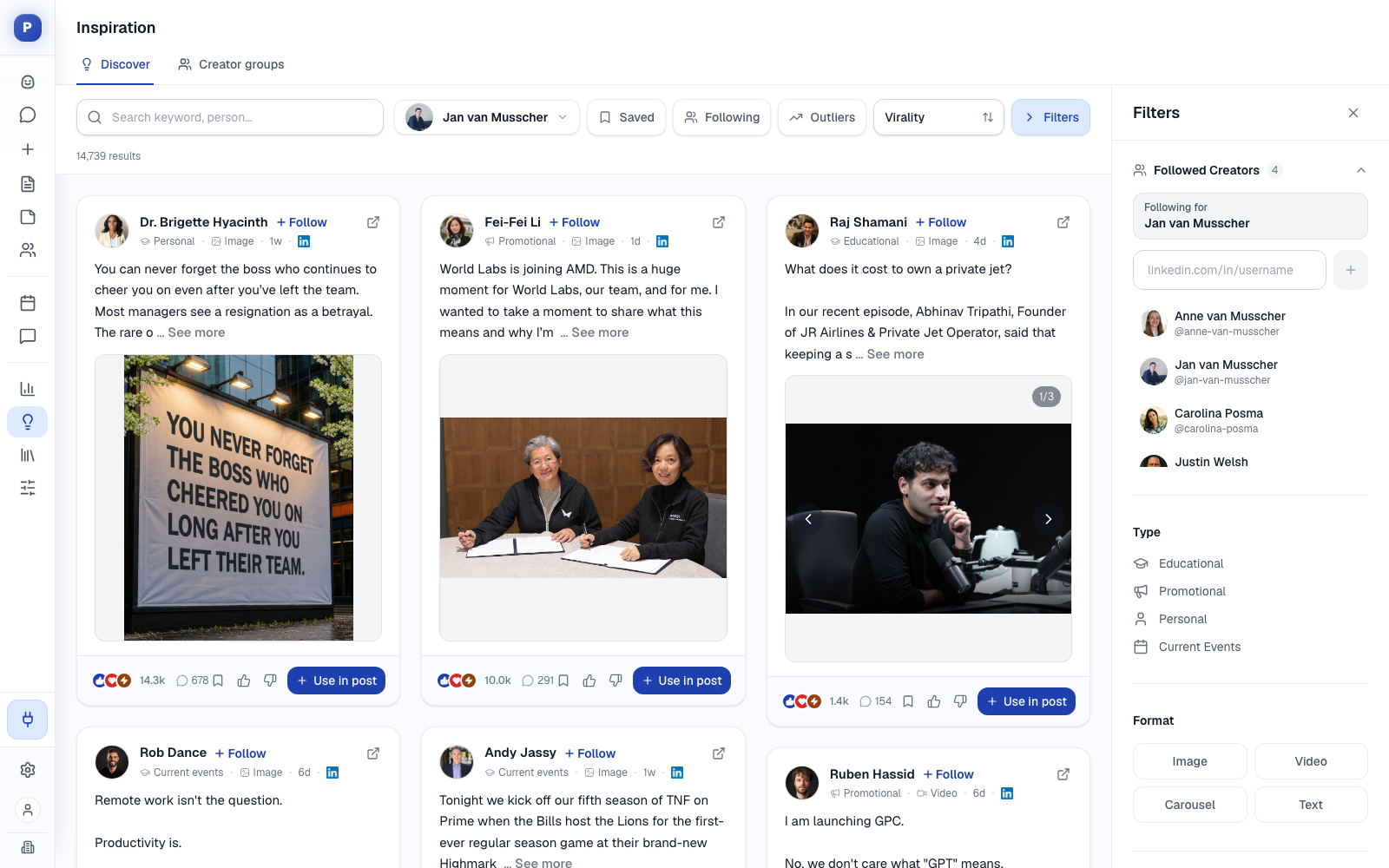
The examples use a made-up company called Northwind Analytics and an unnamed example agency. The structure works for a freelancer with a handful of clients and for an agency with many, and for B2B clients up to about 200 employees. If you run LinkedIn for several clients, Postiv's client workspaces are built for the delivery side of what this proposal promises.
Download the Template
Pick the format your team already works in.
To import, use File > Open in Google Docs for the .docx, File > Import in Google Sheets for the .xlsx, and Import > Markdown in Notion for the .md. The document versions hold all thirteen sections. The spreadsheet has a Read me tab plus seven tabs: deliverables, packages, timeline, approvals, approval rules, success measures and an internal scope check that estimates the hours behind your deliverables. Do not send the scope check to the client. Save the finished proposal as a PDF before you send it.
What Is Inside the Template
| # | Section | What it settles | Spreadsheet tab |
|---|---|---|---|
| 1 | Summary | The goal, the offer and the next step on one page | Document only |
| 2 | Situation and goals | What you found and which numbers should move | Document only |
| 3 | Scope | What is in, and what is not | Document only |
| 4 | Deliverables per month | Exactly what the client receives, with quantities | Deliverables |
| 5 | Package options | Two or three choices, so the question becomes "which" | Packages |
| 6 | Timeline | The first 90 days and what you need at each step | Timeline |
| 7 | Approval process | Who checks what, how fast, and what happens on silence | Approvals, Approval rules |
| 8 | Reporting and success measures | How the client will know it works | Success measures |
| 9 | What we need from you | The client's side of the work | Document only |
| 10 | Investment and terms at a glance | Fees, billing and term, in summary | Document only |
| 11 | Next steps | What happens after yes | Document only |
| 12 | About us | Who does the work, and the proof | Document only |
| 13 | Before you send | A checklist for the common mistakes | Document only |
If you ran an audit first, the findings in section 2 come straight from it. Our social media audit template ends with a scorecard and an action list that fit this proposal.
A Proposal Is Not a Contract
A proposal sells the work: the goal, the plan and the investment. A contract is the legal agreement that follows when the client says yes. Keep them separate. A proposal that tries to be both gets long, scares the reader with legal language before they have said yes and slows the deal down. Section 10 summarizes the commercial terms, such as billing and the minimum term, and the template says plainly that the agreement is a separate document. This template contains no legal terms and is not legal advice, so have your standard agreement reviewed by someone qualified.
How to Fill In the Proposal, Section by Section
Northwind Analytics is a made-up 40-person company that sells reporting software to operations teams at logistics firms. The agency proposes to run its LinkedIn. Every number below is invented for illustration. None of them is a benchmark.
1. Summary
Three to five sentences the decision maker can read on their own. Use the client's words for the goal, say what you will do and what it includes, and give a start date. Northwind's goal in its own words: "We want more conversations with operations leaders at logistics companies." The agency's answer: three profiles posting on a fixed weekly plan, drafted by the agency and approved by Northwind, with a strategy, 28 posts a month, a monthly report and a monthly call, starting in the week of July 6.
2. Situation and Goals
Show you understand the client before you pitch. List three findings from your audit or discovery call, each with its evidence and what it means, then the business outcome and goals with a metric, a baseline and a target.
| Finding | Evidence | What it means |
|---|---|---|
| Posting is irregular | 11 posts in 90 days on the founder's profile, 2 on the sales lead's | Reach depends on the weeks the founder has time |
| Product news dominates | Announcements land below each profile's median reach | The audience is not hearing about problems it recognizes |
| Nothing is measured | No monthly report and no targets | The team cannot tell what to repeat |
| Goal | Metric | Baseline | 90-day target |
|---|---|---|---|
| Start more conversations with target buyers | Inbound conversations per month | 6 | 15 |
| Post consistently on all three profiles | Posts published against the plan | About 32% | 90% or more |
| Grow reach among the target audience | Impressions per month across the three profiles | 18,000 | 45,000 |
Use the client's numbers where they exist and say where a baseline is an estimate. If goals are still fuzzy, the social media strategy template has a goals section built to fix that.
3. Scope
Write the boundaries down before the client asks. Every exclusion you list now is an argument you do not have later. The scope table has three columns: the area, what is included and what is not.
Northwind's scope covers LinkedIn for three profiles, a strategy with content pillars and a voice guide, drafting and design with two revision rounds per post, reply drafts and a weekly list of posts worth commenting on, and a monthly report. It excludes other networks, video production, LinkedIn ads and ad spend, and any cold outreach, connection requests or direct messages on the client's behalf. Our guide to social media management pricing makes the same point from the money side: write exclusions into every tier.
4. Deliverables per Month
List what the client receives each month, with quantities, an owner and notes. Use the same list in the agreement later, so scope never gets argued from memory.
| Deliverable | Per month | Owner |
|---|---|---|
| Posts for the founder | 12 | Agency |
| Posts for the sales lead | 8 | Agency |
| Posts for the company page | 8 | Agency |
| Carousels (included in the posts above) | 4 | Agency |
| Weekly content plan | 4 | Agency |
| Voice session with the founder | 1 | Priya |
| Monthly report | 1 | Agency |
| Strategy call (30 minutes) | 1 | Both |
5. Package Options
Offer two or three options so the decision becomes "which one" instead of "whether". Keep the same row labels in every column so the client can compare them in one glance.
| Starter | Growth (recommended) | Premium | |
|---|---|---|---|
| Who it suits | One profile that needs consistent posting | A founder, a sales lead and the company page | A leadership team and the company page |
| Profiles in scope | 1 | 3 | 5 or more |
| Posts per month | Up to 12 | Up to 28 | 40 or more |
| Carousels or designed assets | 1 | 4 | 8 |
| Reporting | One-page monthly summary | Monthly report and 30-minute call | Monthly report, call and quarterly strategy review |
| Monthly fee | [your fee] | [your fee] | [your fee] |
The tier names follow our social media management pricing guide, but the quantities here are for the example client, so set your own. The fee row stays a placeholder on purpose: that guide shows the typical contents and market ranges for each tier and walks through a worked price calculation. The free social media pricing calculator does the arithmetic once you know your hours, your hourly rate and your margin.
6. Timeline
Show the first 90 days. Put in dates once the client agrees, and list what you need from them at each step, because delays usually start on the client side.
| Phase | When | What happens |
|---|---|---|
| Kickoff | Week 1 | Connect the profiles through LinkedIn's own authorization, hold a 45-minute kickoff call, collect the ten best past posts and customer stories |
| Foundations | Weeks 1 and 2 | Review the audit, choose three to five pillars per profile and write a voice guide for each |
| First batch | Week 3 | Draft four weeks of posts and send them for approval |
| Go live | Week 4 | The first posts publish and the engagement routine starts |
| Monthly rhythm | Every month | Week 1 plan, week 2 drafts, week 3 approvals, week 4 report and call |
| 90-day review | Month 3 | Compare results with the targets and decide what changes |
The full template adds a column for what you need from the client at each step.
7. Approval Process
Clients worry about what goes out under their name, so spell out the process. Say who drafts, who fact-checks, who approves and who publishes, and set the turnaround in hours. At Northwind, the agency drafts in week 2, Marcus checks customer names and numbers within 24 hours, each profile's owner approves within 48 hours and the agency schedules the post.
Then write the rules for the exceptions, because that is where disputes start. Our defaults: nothing goes live without approval, silence after 48 hours means the slot is filled with an approved evergreen post instead of an unapproved draft, a changed post is approved again, and two revision rounds per post are included. The process works in any tool, but the approver should see the post as it will look on LinkedIn, not a text document. The guide to client approval tools compares how nine tools handle this.
8. Reporting and Success Measures
Name the report, the delivery date, the call and the numbers, and tie each metric back to a goal in section 2. Northwind's commitment: one report by the fifth working day of the month, a 30-minute call afterwards and a review at day 90. The report follows our social media report template, so you can attach a sample page to the proposal. Add the baseline, the 90-day target and how each metric is measured, and be careful with any metric you cannot control. Impressions and posts published are in your hands. Inbound conversations also depend on the client's follow-up.
9. What We Need From You
Make the client's side of the work visible. A proposal that lists only your duties sets you up to be blamed for their delays. Northwind's list: authorize each profile in week 1, name one person who can answer within a working day, approve drafts within 48 hours, give a 30-minute voice session each month, share launches and customer news a week ahead and share the numbers behind the posts.
10. Investment and Terms at a Glance
Summarize the commercial terms in a small table: the monthly fee, a one-time onboarding fee if you charge one, billing cadence, the minimum term, what is not included and the date the proposal expires. A practical default is a three-month initial term and then month to month with 30 days' notice, which is a recommendation and not a rule. Do not paste legal clauses here. When the client accepts, send your own agreement.
11 to 13. Next Steps, About Us and the Checklist
Next steps are four lines: confirm the package by a date, receive the agreement, book the kickoff, authorize the profiles. In the about section, name the two or three people who will work on the account with a line of relevant proof each. The checklist at the end catches the usual mistakes: a goal that is not in the client's words, a deliverable without a quantity, no exclusions and a proposal with no expiry date.
What to Put in the Price Section
Pricing deserves its own guide, and we wrote one. The social media management pricing post covers what to charge, five pricing models, what each package tier includes and a formula that starts from your hours. Use it to fill in the fee rows, then use these rules inside the proposal:
- Show the fee next to the deliverables, never on a page of its own.
- Mark one package as recommended, usually the middle one, with a smaller and a larger option either side.
- State what is not included, such as ad spend, so the fee is not read as an all-in price.
- Put an expiry date on the proposal.
How to Write a Social Media Proposal in 7 Steps
- Run a short audit or a discovery call, so the proposal starts from facts.
- Write the goal in the client's words and attach a metric.
- List what is in scope and what is not.
- Turn the scope into monthly deliverables with quantities.
- Offer two or three packages and recommend one.
- Add the timeline, the approval rules, the reporting and what you need from the client.
- State the investment and the next step, and keep the contract as a separate document.
How to Send the Proposal and Follow Up
Walk the client through it live instead of only sending a file. Twenty to thirty minutes is enough. Start with their goal, show what you found, explain the recommended package and finish with the next step and the expiry date. Send the PDF after the call, so the client can forward it to whoever signs.
Then follow up on a rhythm. Confirm the same day that it arrived, book a short call within two or three working days to answer questions and send one more note about a week later. These timings are a recommendation. If you are still building your pipeline, the guide to getting clients for a marketing agency covers how to fill the top of it with inbound conversations.
Make the Promises in the Proposal Easy to Keep
A good proposal promises three things: a posting rhythm, an approval process and a monthly report. Postiv is the workspace that runs them for client work.
- A workspace per client. Each client has their own profiles, company pages, brand, knowledge base and calendar. Your team works across clients from one menu without anything mixing.
- Drafts in each profile's voice. Bob, Postiv's AI agent, plans each profile's week from its content pillars and drafts in that profile's voice, and you do the strategy and the final edit.
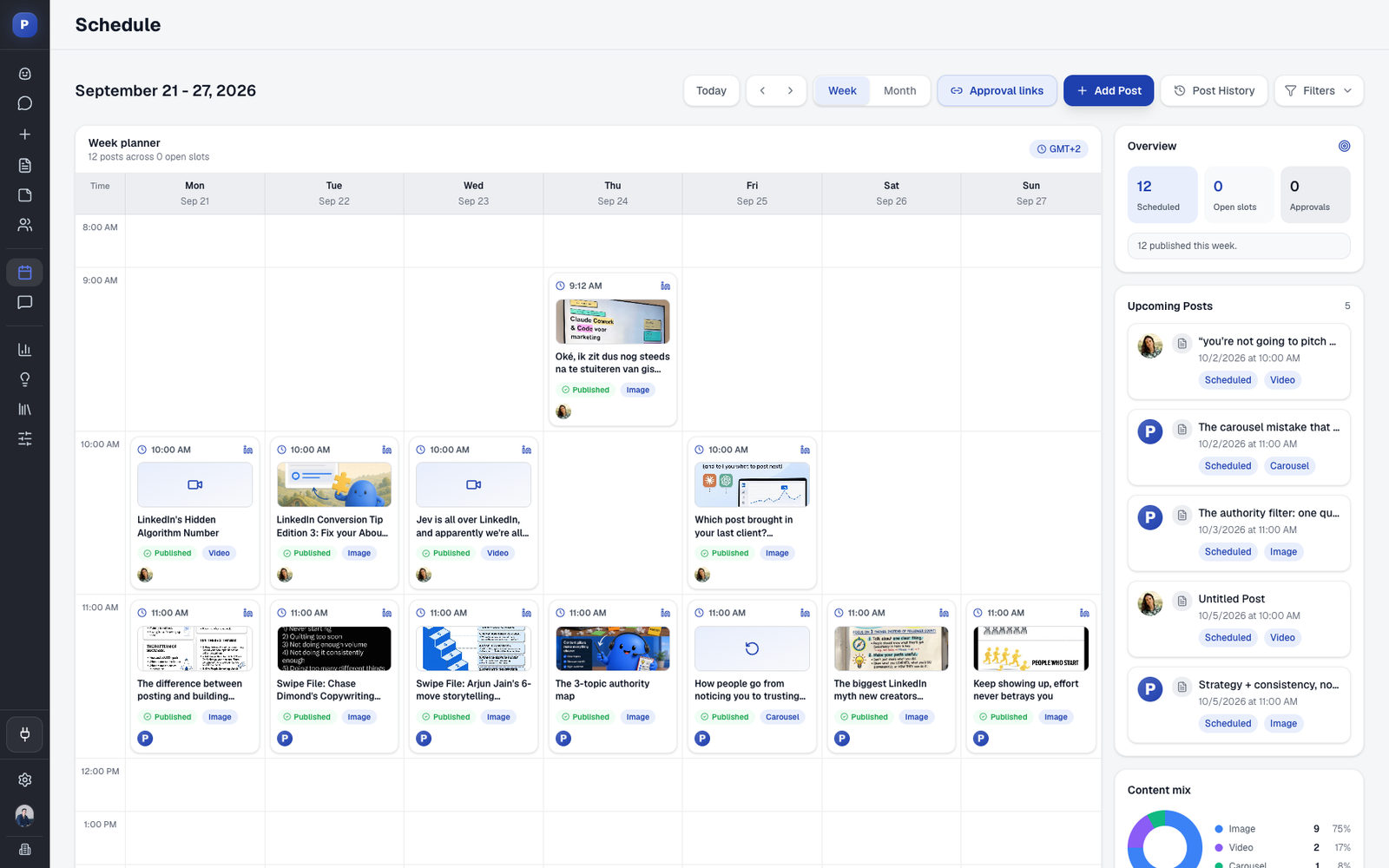
- Approvals per profile. Each profile has team approvers or an external approver. For clients, you create a reusable approval link: the client sees each post as it will look on LinkedIn, adds a comment or approves, and needs no Postiv account. If you change a post after it was approved, the client reviews it again. You share the link the way you already talk to the client. See team management.
- One calendar. Scheduling covers every profile and company page, and the agency calendar can show all client posts together.
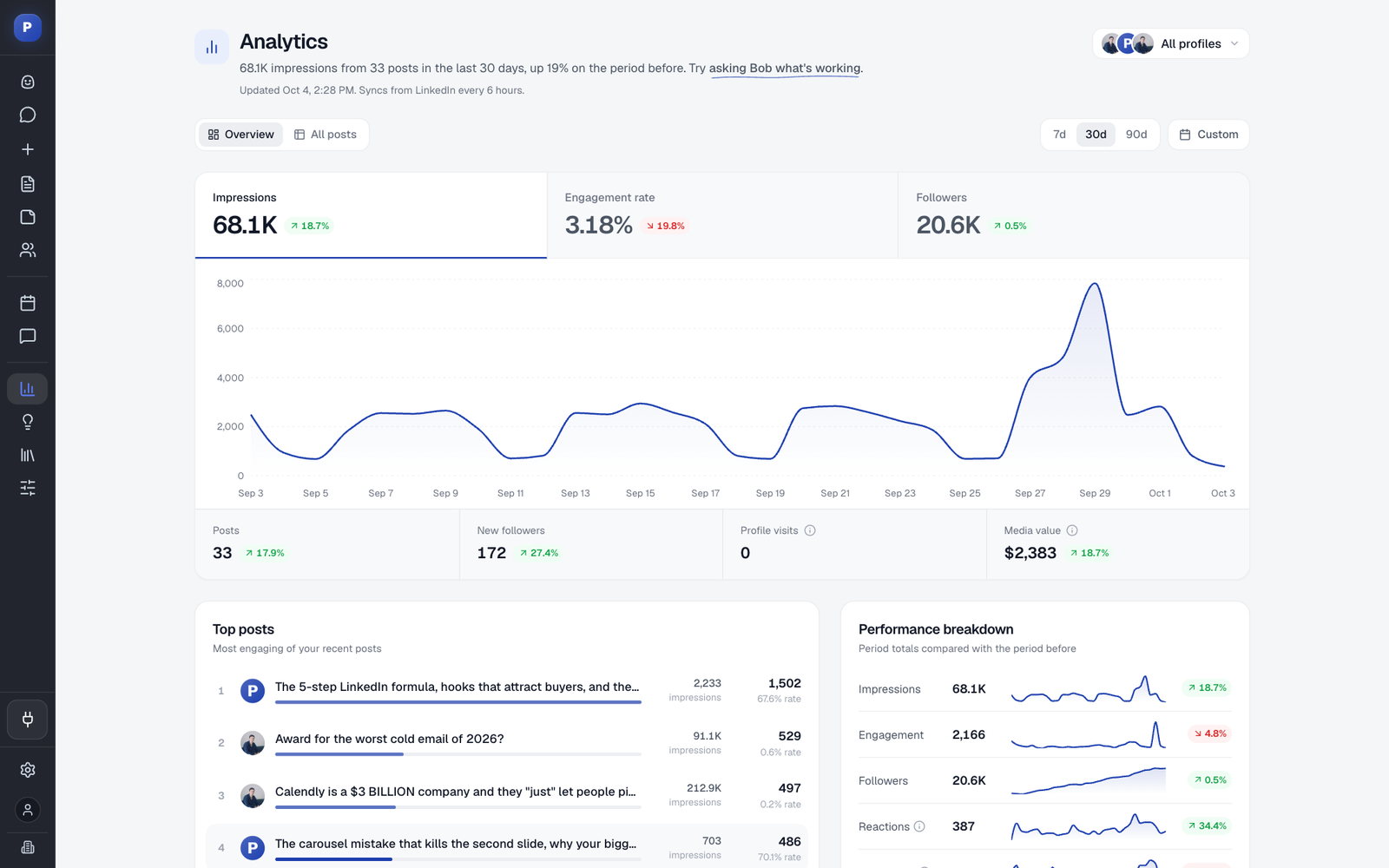
- Analytics for the report. Analytics shows impressions, followers, engagement rate and profile visits per profile against the previous period, which is the data behind your monthly report.
- No passwords at kickoff. Each profile owner authorizes their own account on LinkedIn's own screen, and Postiv publishes through LinkedIn's official API. That is the "no passwords shared" line in the timeline.
For the weekly workflow behind this, see how to manage multiple LinkedIn accounts. If you are comparing how tools handle client workspaces and approval links, the guide to social media tools for agencies lays them out.
FAQ
What should a social media proposal include?
Five things carry most of the weight: a summary the decision maker can read on its own, the client's goals with metrics, the scope and monthly deliverables, the timeline with the approval process, and the investment with a clear next step. The template adds package options, reporting commitments and what you need from the client.
How do you write a social media proposal?
Run a short audit or discovery call, write the goal in the client's words with a metric, list what is in and out of scope, turn the scope into monthly deliverables with quantities, offer two or three packages, add the timeline, approval rules and what you need from the client, then state the investment and the next step. The template follows this order.
How long should a social media proposal be?
Five to eight pages, written for the person who signs. Put a summary the decision maker can read alone at the front, keep the details in tables and move anything long, such as an audit, to an appendix.
Is a social media proposal the same as a contract?
No. A proposal sells the work: goals, scope, plan and investment. A contract is the legal agreement that follows when the client says yes. This template contains no legal terms and is not legal advice, so send your own agreement, reviewed by someone qualified, once the proposal is accepted.
How much should I charge in a social media proposal?
Work out the fee from the hours the scope needs, your target hourly rate, tool costs and margin, then check it against market ranges. Our social media management pricing guide walks through that calculation, and the free social media pricing calculator does the arithmetic. The template leaves the fee rows as placeholders on purpose.
Where can I find a free social media proposal template?
Here. The template is free in Word, Excel and Notion formats, with no email form and no signup, and it includes a filled-in example so you can see how each section reads before you write your own.
How do I present a social media proposal to a client?
Walk through it live in 20 to 30 minutes instead of only sending a file. Start with the client's goal, show what you found, explain the recommended package, and finish with the next step and the date the proposal expires. Send the PDF afterwards, so the client can forward it to whoever signs.
What should I do after sending a social media proposal?
Confirm the same day that it arrived, book a short call within two or three working days to answer questions, and follow up once more about a week later. Put an expiry date on the proposal so a silent client gets a clear reason to reply. These timings are a recommendation, not a rule.
Can I use the template in Word, Google Docs, Google Sheets or Notion?
Yes. The .docx opens in Word and imports into Google Docs through File > Open. The .xlsx opens in Excel and imports into Google Sheets through File > Import. The .md file imports into Notion through Import > Markdown. The spreadsheet also has an internal scope check that estimates the hours behind your deliverables.
Next Step: Write the Summary Last
Start with section 2: write down what you found and the goal in the client's own words. Then fill in scope and deliverables, and write the summary at the end. If you want to deliver the plan as soon as the client says yes, Postiv has a 7-day free trial, and the agency workspace setup shows how each client's profiles, approvals and analytics stay together.