

Free AI. No signup. No Canva.
Free AI LinkedIn Carousel Generator. Type a topic, get your carousel.
Describe your idea and AI writes the slides in a design you pick. Then change every detail and download a PDF ready for LinkedIn.
No signup needed
AI writes your slides
Free PDF download
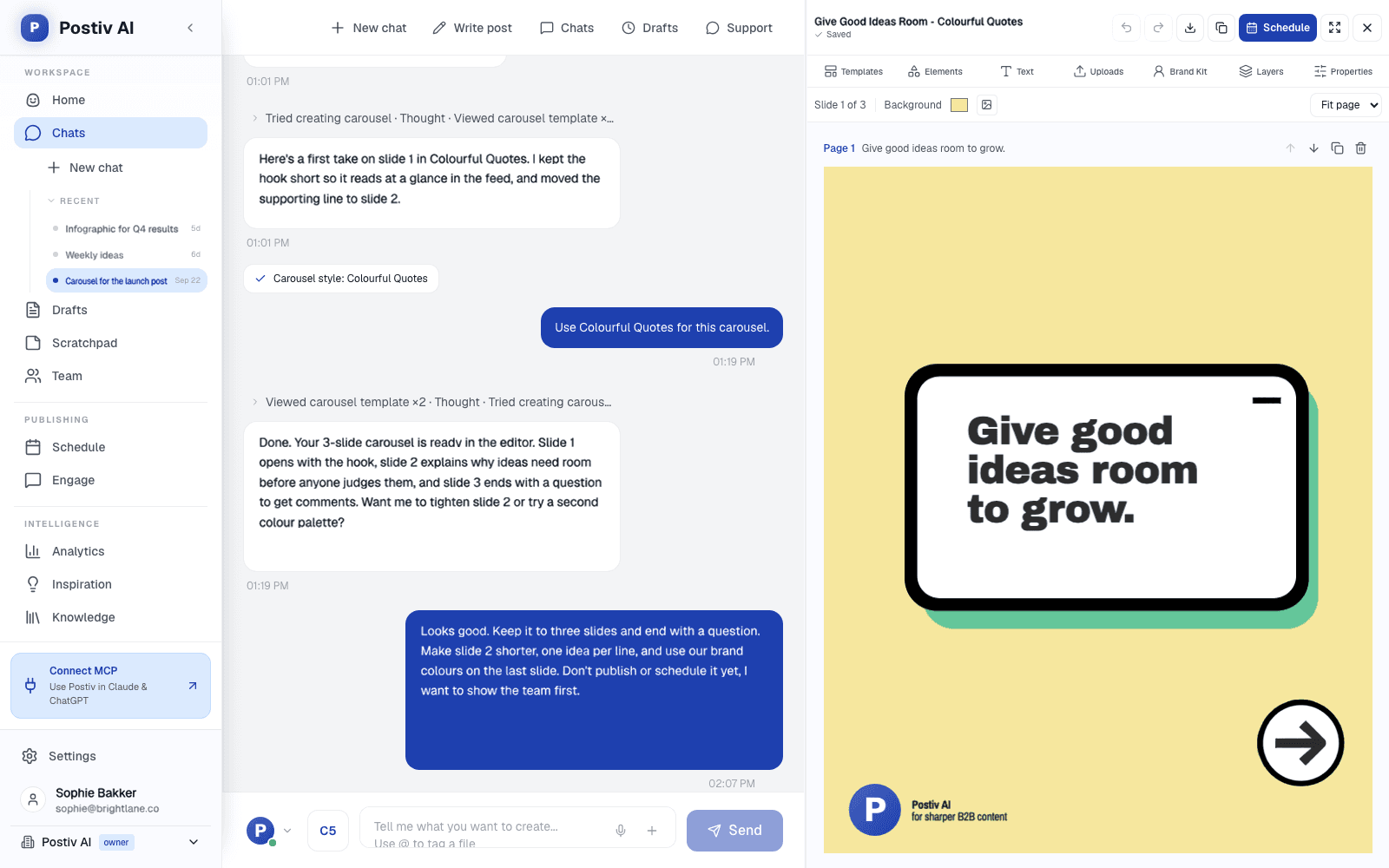
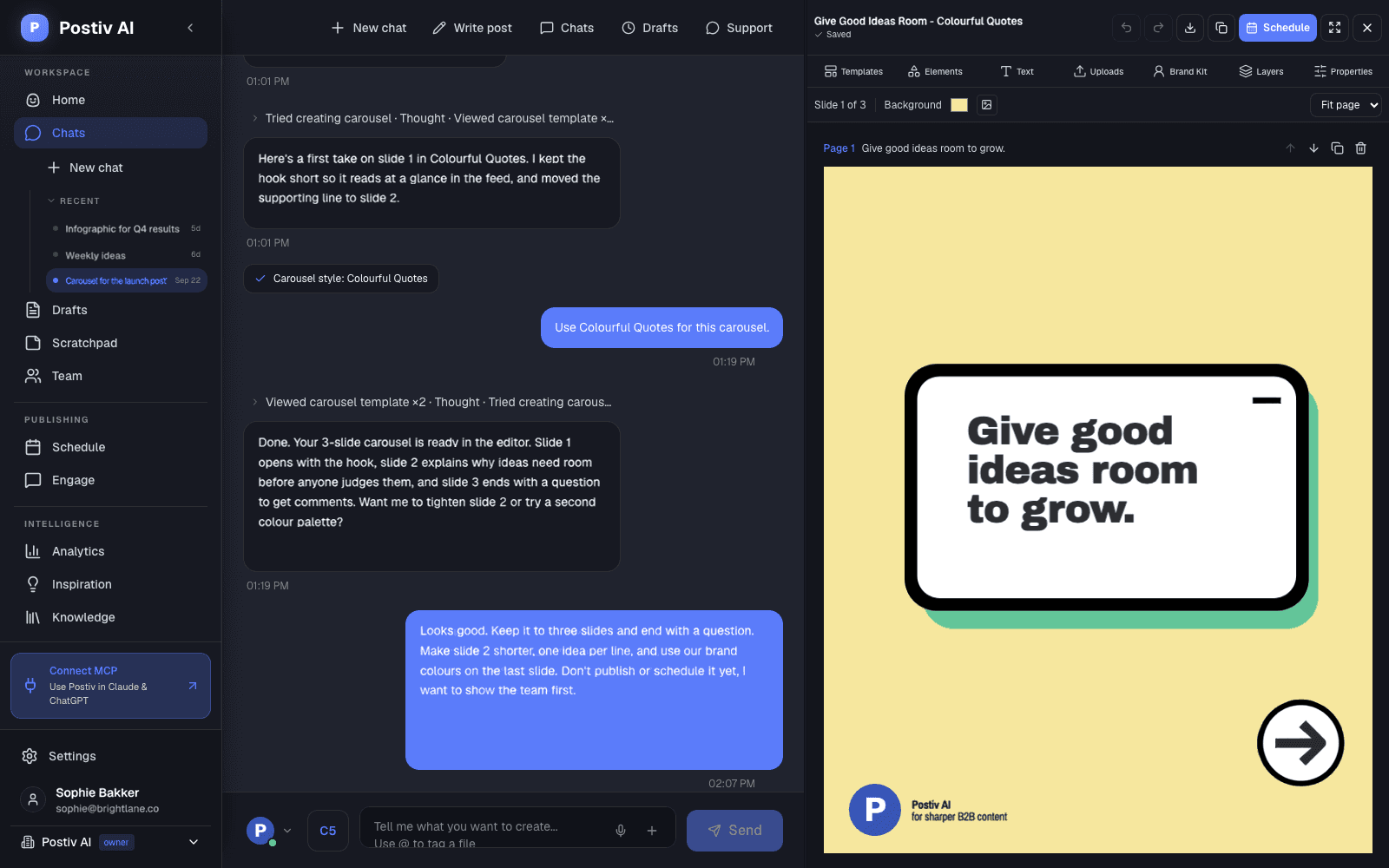
Or start with this example. Click any text to make it yours.
Free editing. Free PDF. A small Postiv watermark.
Saved in this browser when storage is available. Images stay on your device until you continue in Postiv.
From topic to LinkedIn PDF in a minute.
- 1
Type your topic
Describe your carousel in a sentence and pick a design. AI writes a cover, five content slides and a call to action.
- 2
Make every slide yours
Rewrite any line, move elements, change colors and add your images. Duplicate and reorder pages as your story takes shape.
- 3
Download and share
Export a free PDF with a small Postiv credit in the corner. Upload it to LinkedIn as a document post and add your caption.
What makes a good LinkedIn carousel?
A carousel is a sequence of pages that people swipe through in their feed. Give each page one job: a clear promise on the cover, one useful idea per slide, and a specific next step at the end.
Keep the text short, use strong contrast and check every page at phone size. A consistent layout helps readers focus on what you have to say.
More than a carousel editor.
Inside Postiv, Bob helps you turn ideas and source material into content. Bring your carousel into your workspace, use your Brand Kit, and schedule it alongside your other LinkedIn posts.
FAQ
Frequently Asked Questions
Is this LinkedIn carousel generator really free?
Yes. Generate slides with AI, edit them, add your own images and download a LinkedIn-ready PDF without signing up. You get 3 free AI carousels per week, and editing and downloads have no limit. Free PDFs include a small “Made with Postiv.ai” label in the corner of each slide. A paid Postiv plan lets you continue in the full app and export without it.
How do I create a LinkedIn carousel with AI?
Type what your carousel is about, pick a design and click Generate. AI writes a 7-slide carousel: a cover, five content slides and a call to action. Click any text to rewrite it, change fonts and colors, and add or reorder pages. Click PDF to download. On LinkedIn, create a post, choose Add a document, upload your PDF and add a caption.
Can I edit every part of the design?
Yes. This is Postiv’s canvas editor. You can move and resize elements, change typography and colors, add text and shapes, upload images, adjust layers, and undo changes. Open fullscreen for more space.
Does the free PDF have a watermark?
Yes, a small one. A “Made with Postiv.ai” label sits in the bottom corner of each slide, and you can see it while editing. Choose Remove watermark to carry your carousel into Postiv and choose a paid plan. Creating an account alone does not remove the watermark.
Will my carousel be saved if I close this page?
When browser storage is available, your draft and images are saved on this device for 30 days after your last edit. Return using the same browser to continue. Clearing browser data or using private browsing can remove your draft. Download a PDF to keep a copy.
Can AI write my carousel?
Yes. Describe your topic in a sentence and the AI writes every slide in the design you choose, free and without signing up. Be specific: “5 hiring mistakes first-time founders make” gives better slides than “hiring”. Inside Postiv, Bob can also write carousels from your own sources and voice, use your Brand Kit and schedule your posts.
What size are the carousel slides?
This editor exports portrait slides at 1080 × 1350 pixels in a multi-page PDF, ready to upload as a LinkedIn document post. Keep important text large enough to read on a phone.
Can I add my own images and logo?
Yes. Open Uploads and choose PNG, JPEG or WebP images under 5 MB each. You can move, resize and crop them on your slides. Local uploads stay in your browser until you choose to import the carousel into Postiv.
How many slides should a LinkedIn carousel have?
Start with a clear cover, a few pages that develop one idea at a time, and a final call to action. Six to ten slides is a useful starting point, but let your content determine the length. This editor supports up to 30 slides.
Do I need Canva to make a LinkedIn carousel?
No. This editor is built for LinkedIn carousels, so slides are already sized at 1080 × 1350 and export as the multi-page PDF LinkedIn expects. Canva works too, but you start from general templates and have to set the size and export format yourself.
What file format does LinkedIn use for carousel posts?
LinkedIn carousels are PDF documents. Upload the PDF with Add a document when you create a post, and LinkedIn shows each page as a swipeable slide. This editor downloads exactly that format.
Can I keep editing after signing up?
Yes. Choose Continue in Postiv before leaving this page. Your editable carousel, including uploaded images, is kept in this browser through signup. Once you choose a paid plan and import it into your workspace, you can continue editing, save it online and schedule it.