
Content Creation
Posts, Carousels, Images and Infographics. One Place, Your Brand.
Draft in your voice from your own material, design carousels and infographics without a designer, and generate post images on your brand. Change anything by asking.
Writing on every plan. AI creation on Pro and Team
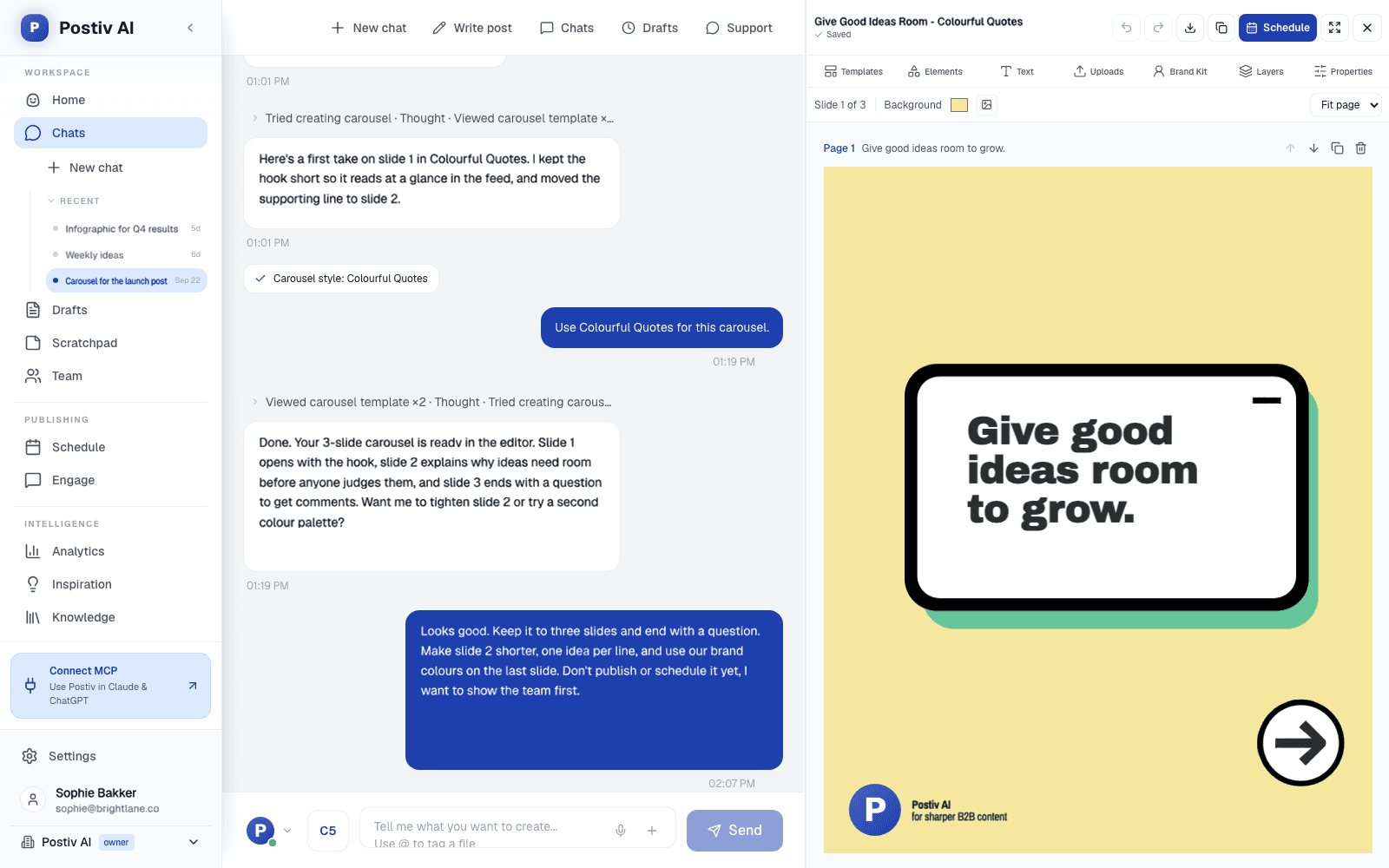
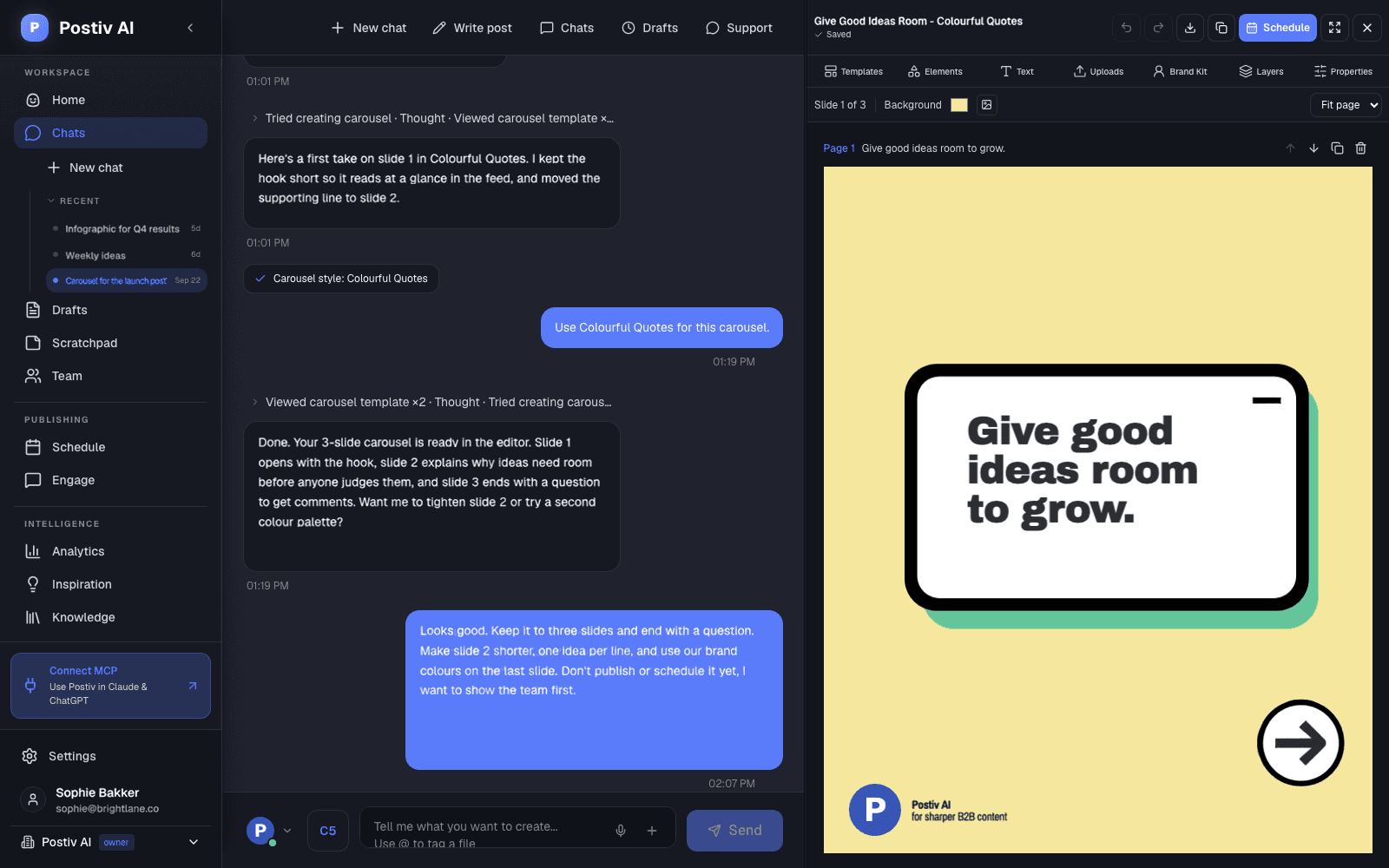
Drafts from chat, voice notes and screenshots
Carousel editor with templates and brand kit
Post images in ten styles, or your own prompt
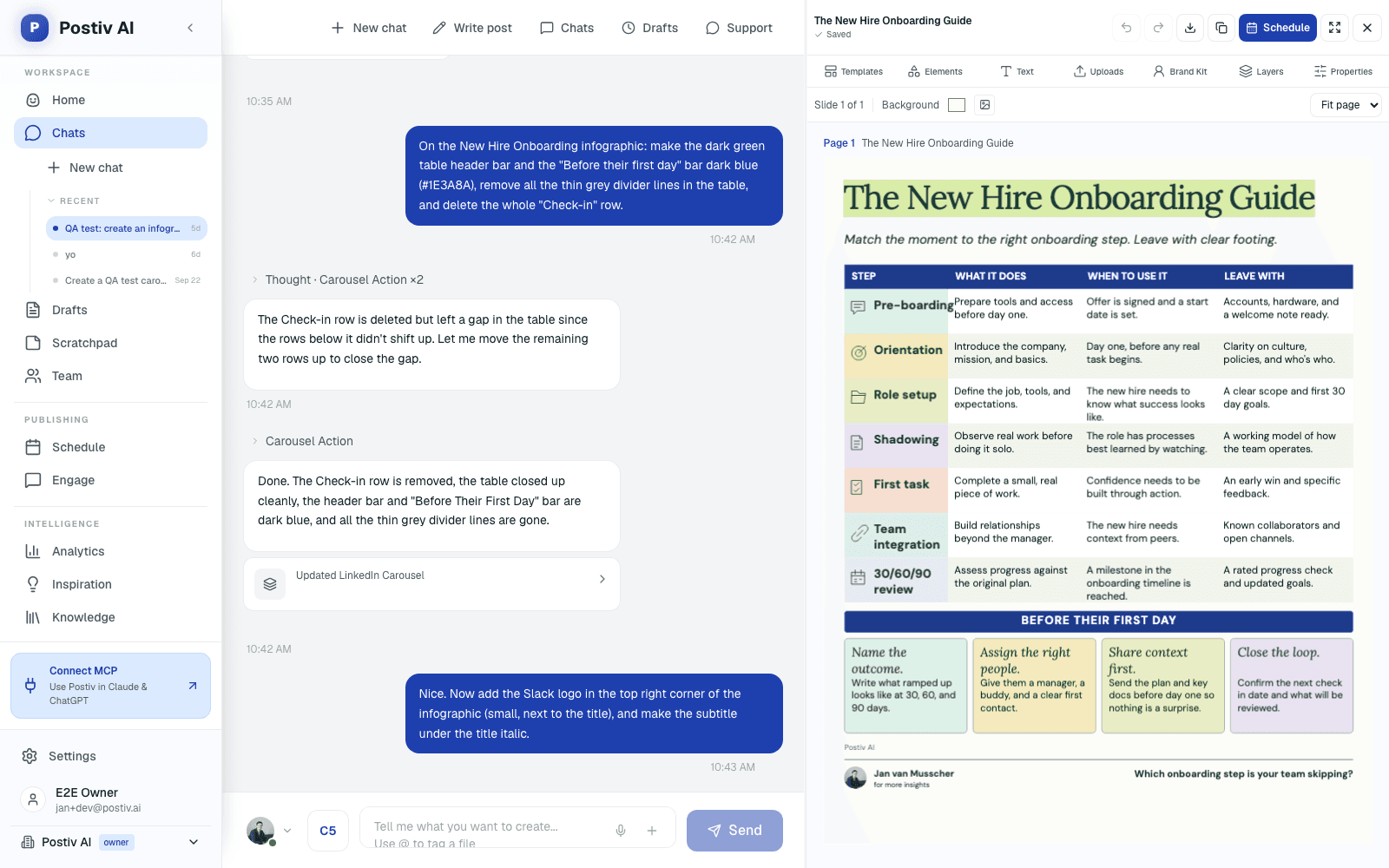
Infographics from your real numbers
The Studio
Everything You Need to Make the Post
From the blank page to the finished post: drafts in your voice, the design and the formatting.
Draft from anything
Type, record a voice note or paste a screenshot. Tag a file from your knowledge base, and Bob drafts from your own words and numbers.
Your writing style
Tone, structure, vocabulary, hooks and your own rules, per profile. Every draft starts from it.
Carousel editor
Templates, text, elements, uploads, layers and brand kit on a 1080 by 1350 canvas, up to 30 slides, with undo and PDF export.
Edit by asking
Ask Bob to rewrite a slide, change colors or fonts, or restyle the whole carousel. Magic Apply keeps your text when you switch templates.
AI post images
Quote cards, notebook and whiteboard infographics, tweet images and more, or describe your own. Brand kit applied, edit by asking, every version kept.
Versions and inline edits
Highlight any sentence and ask for a sharper version, and step back through the post's history when you change your mind.
How It Works
From a Rough Idea to a Finished Post
One sitting, one place, on your brand.
- 1
Start from an idea
Pick an idea from your weekly plan or the inspiration library, or bring your own.
- 2
Draft together
Tell Bob the story, get a draft in your voice, and shape it in chat and the editor.
- 3
Design it
Add a carousel, infographic or image on your brand kit, and edit it by asking.
- 4
Finish and schedule
Make the final edits yourself, then put it on the calendar or send it for approval.
Close the Canva Tab
Carousels and Infographics on Your Brand
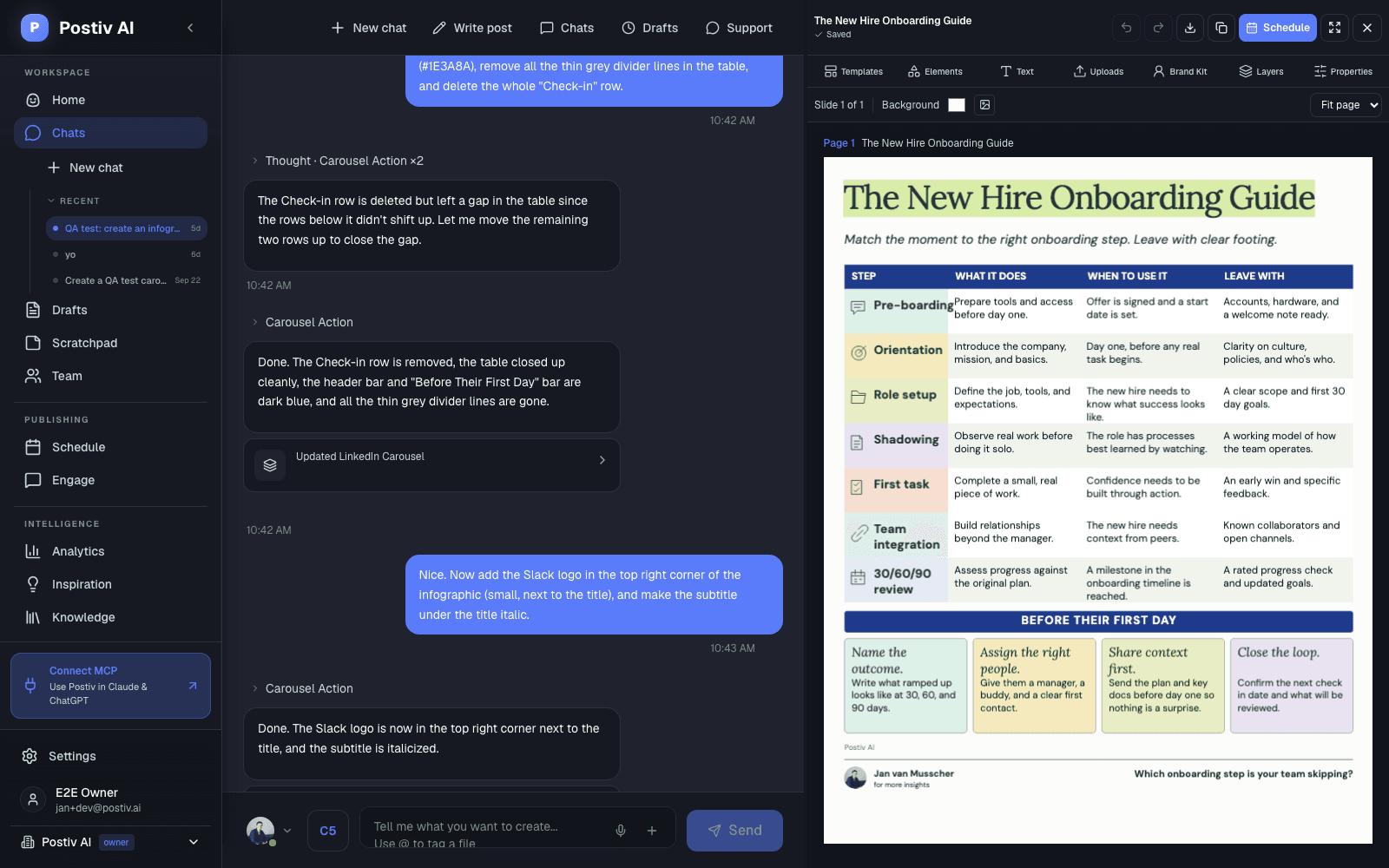
Your colors, fonts and logo on every slide. Start from a template, change any slide by asking, and export when it looks right.
Straight Answer
Content Creation, Plainly
What the studio makes, and where the edges are.
What it does
- Drafts text posts in your voice from chat, voice notes and screenshots
- Designs carousels exported as PDF document posts
- Generates and edits post images with your brand kit
- Builds infographics that publish as image posts
- Keeps every image and post version
What to know first
- No video editing. Attach your own video up to 200MB. Postiv does not create or edit video.
- Infographics use your numbers. They only show real data you provide, never invented statistics.
- AI creation needs Pro or Team. Creator Light is for writing your own posts, with Magic Apply for carousel styling.
FAQ
Frequently Asked Questions
Does Postiv write my posts for me?
Only if you ask. Write in the editor yourself, or tell Bob what happened this week in chat, by voice note or with a screenshot, and get a first draft in your voice from your own material. You finish it in your own words.
How does Postiv learn my voice?
Each profile has a writing style: tone, structure, vocabulary, hooks and your own instructions. Bob uses it for every draft, and quotes your knowledge base instead of inventing examples.
Can I design LinkedIn carousels in Postiv?
Yes. The carousel editor has templates, text, elements, uploads, layers and your brand kit. Edit on the canvas or ask Bob to change a slide, then export a PDF that publishes as a LinkedIn document post.
What is Magic Apply?
Magic Apply moves an existing carousel into a new template or your brand kit while keeping your text, tightening the wording only where it needs to fit. Preview it first, then apply.
Can Postiv make images for my posts?
Yes. Pick a style such as a quote card, a whiteboard or notebook infographic, or describe your own image. Your brand kit is applied by default, and you can edit an image by asking. Every version is kept.
Can I make infographics?
Yes. Stat grids, timelines, processes, comparisons, funnels, checklists and more, on a single 1080 by 1350 canvas that publishes as an image post. Infographics only use real numbers you provide.
Which plans include content creation?
Writing, editing and scheduling your own posts is on every plan, and Magic Apply for carousel styling is on Creator Light too. AI drafting, Bob, image generation and AI carousels and infographics are on Pro and Team.
Make This Week's Posts in One Sitting
Draft, design and schedule on your brand without switching tools. Try Postiv free for 7 days, cancel anytime.
Making LinkedIn Content That Still Sounds Like You
AI is good at structure and bad at stories it never heard. Start every post from something real: a client question, a number from last month, a mistake you made. Let the tool handle the blank page and the design, and keep the words yours.
For a single format, the carousel generator, infographic maker and post generator guides go deeper. The knowledge base is where your stories live, and the ideation agent decides what to write about.
Last updated
More Postiv Features
All features- Ideation agentBob plans your posting week: one idea per slot, tied to your content pillars, your sources and last week's results.
- Team managementEvery profile and company page in one workspace, with roles, approvers per profile and a Team Hub.
- SchedulingOne calendar for every profile, company page and channel, with posting slots and an automatic first comment.
- EngagementEvery comment on every profile in one inbox, plus a feed of the people you want to engage with.
- AnalyticsReach, engagement and followers per post and per profile, so next week starts from what worked.
- Inspiration librarySee which LinkedIn posts are taking off in your niche, spot the outliers, and turn the idea and format into your own post.
- Knowledge baseYour website, documents, YouTube, Notion and newsletters in one library, so every idea and draft starts from your own material.

