

Engagement
Every Comment, One Inbox. Replies in Your Tone.
Answer the comments on your posts and your team's posts without hunting through LinkedIn notifications, and show up on the posts of the people you want to reach.
Inbox on every plan. Reply suggestions with AI plans
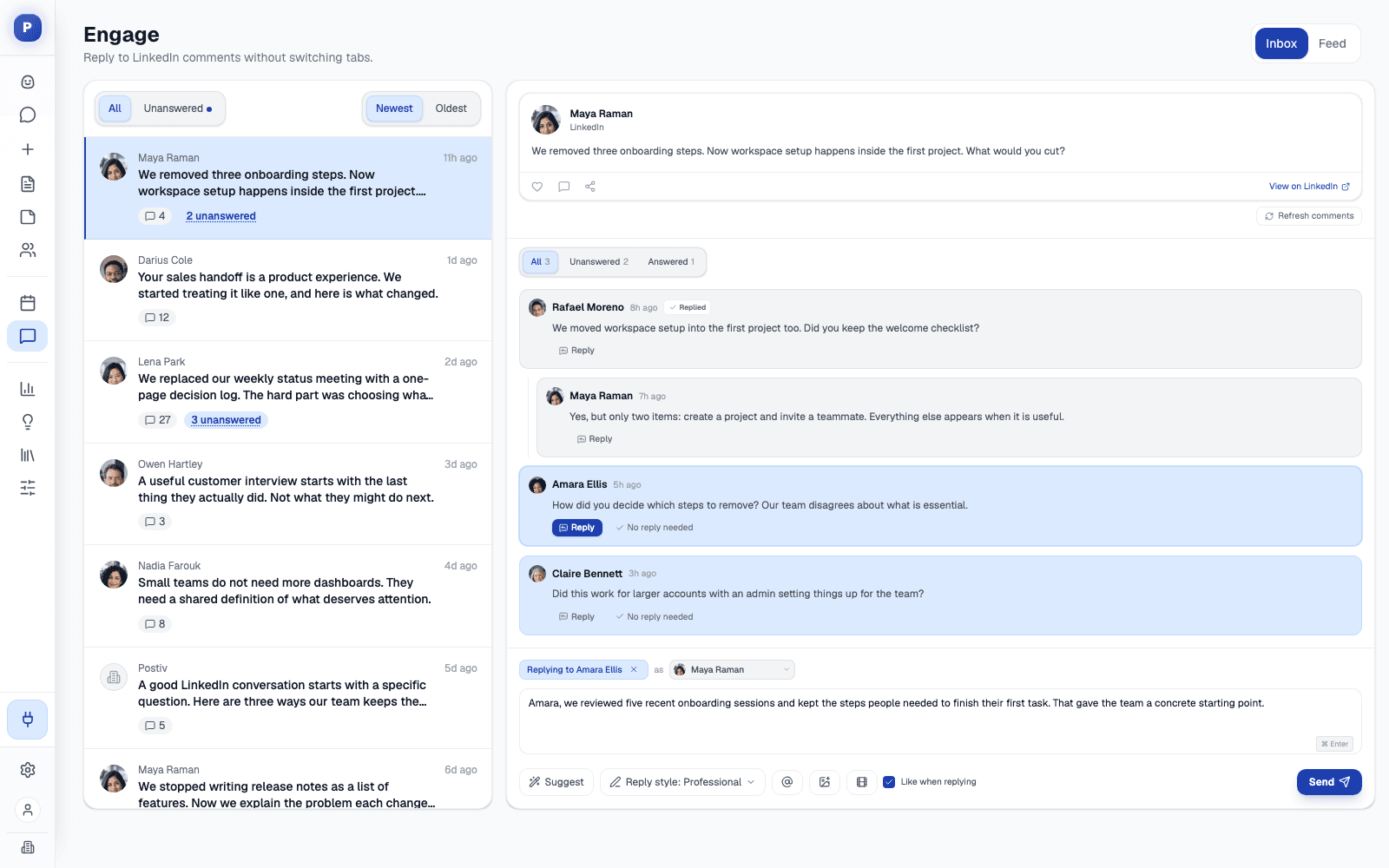
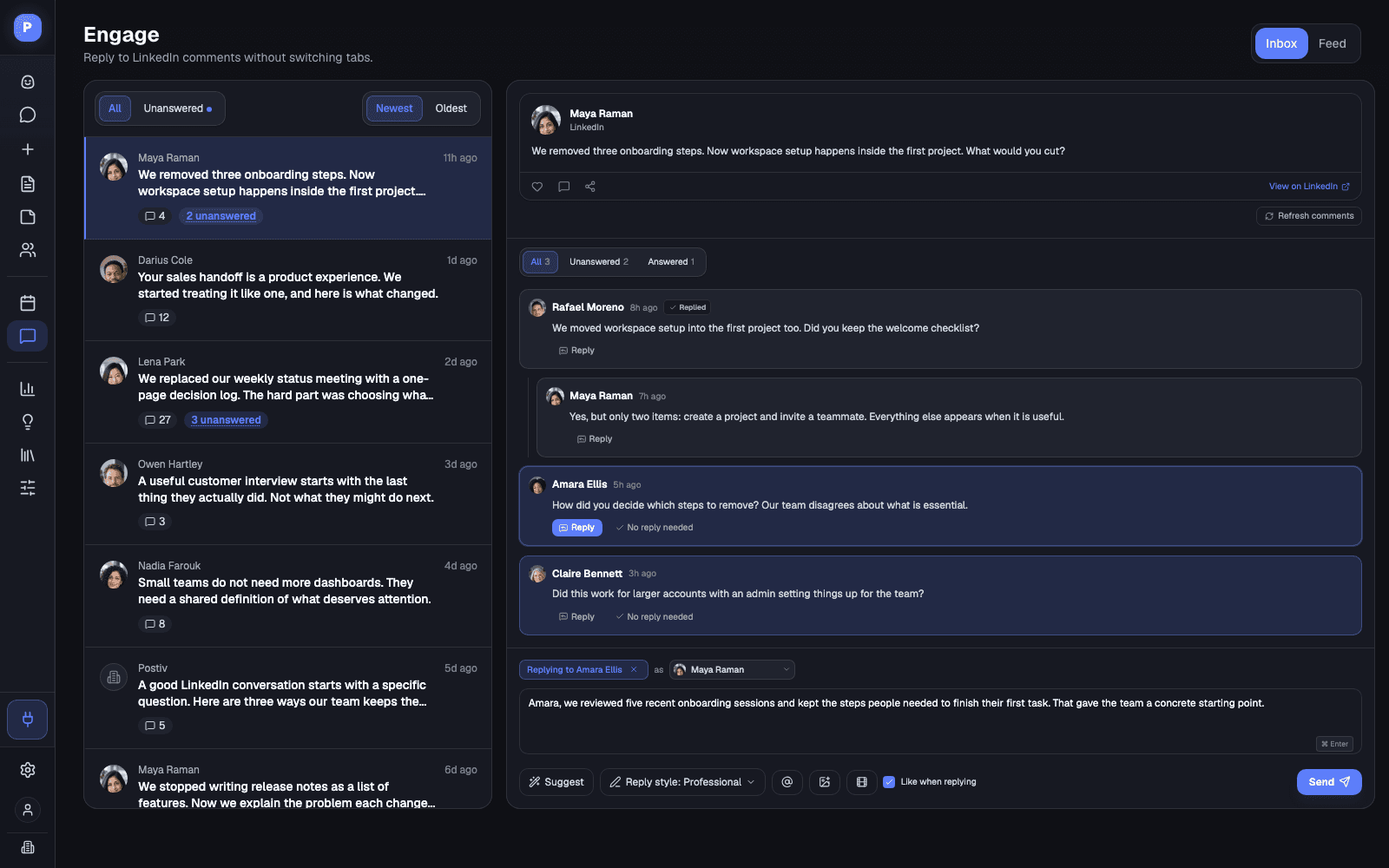
Comments from every profile in one inbox
Reply suggestions in your tone
A feed of the people you want to reach
Works from Claude and ChatGPT via MCP
The Inbox
Stay in the Conversation Without Living on LinkedIn
Comments are where a post turns into a relationship. The inbox makes sure none of them go unanswered.
Unanswered first
Filter to posts that still have unanswered comments, and dismiss the ones that need no reply so the count stays honest.
Reply as any profile
Choose which connected profile or company page the reply goes out as, and like the comment you answer in the same step.
Suggestions in your tone
Professional, friendly, casual, or your own instructions, remembered per profile. You edit and send.
GIFs and images
Search GIPHY from the composer or attach an image, one per reply.
The engagement feed
Posts from the profiles on your lists, ready to comment on or react to without scrolling your whole LinkedIn feed.
Daily or weekly targets
Set likes and comments objectives for the feed and see how far along you are.
How It Works
From Notification Chaos to Inbox Zero
Ten minutes a day is enough when everything is in one place.
- 1
Open the inbox
Postiv syncs recent comments on your posts and your team's posts when you open it.
- 2
Reply or dismiss
Answer with a suggestion or your own words, or dismiss what needs no answer.
- 3
Work the feed
Switch to the feed and comment on posts from the people on your lists.
- 4
Hit your targets
Your daily or weekly likes and comments targets show what is left.
Straight Answer
Engagement, Plainly
What the inbox and feed do, and where the limits are.
What it does
- Syncs comments on posts from your connected profiles and company pages
- Replies and reacts as the connected profile you choose
- Suggests replies you edit before sending
- Lets your AI agent list, draft, reply, react and dismiss through MCP
What to know first
- No automated replies. Suggestions are drafts. Every reply goes out when a person sends it.
- Feed lists have limits. Up to five lists per workspace and 30 personal profiles per list.
- The feed is not all of LinkedIn. It shows posts from the profiles on your lists, not your whole LinkedIn feed.
FAQ
Frequently Asked Questions
What is the Postiv engagement inbox?
A single place for the comments on your LinkedIn posts. Postiv syncs recent comments when you open it, shows which posts still have unanswered comments, and lets you reply without switching tabs.
Can I reply as a different profile?
Yes. Pick which connected profile the reply goes out as. Replies and reactions always act as a real connected LinkedIn profile or company page.
Does Postiv suggest replies?
Yes. Ask for a suggestion and Postiv drafts a reply from your profile context and the tone you pick: professional, friendly, casual or your own instructions. Nothing is sent until you send it.
What is the engagement feed?
A feed of posts from the LinkedIn profiles you want to stay close to, such as clients, prospects or partners. Build up to five lists of up to 30 profiles each, then comment and react from one screen.
Can I add GIFs or images to a reply?
Yes. The reply composer has a GIPHY search for GIFs, or you can attach an image. One attachment per reply.
Can my AI agent work the inbox?
Yes. Through the Postiv MCP server, Claude, ChatGPT and other MCP clients can list posts with unanswered comments, draft replies, reply, react and dismiss comments that need no answer.
Answer Every Comment This Week
Connect LinkedIn, open the inbox and clear it in ten minutes. Try Postiv free for 7 days, cancel anytime.
Why Replying to LinkedIn Comments Matters
The people who comment on your posts are the warmest audience you have. A quick, specific reply turns a comment into a conversation and keeps the post in front of more people.
The hard part is not writing the reply, it is noticing the comment in time. Keep the inbox next to your content calendar and analytics, and check it once a day. If you manage a team, the Team Hub keeps everyone backing each other's posts.
Last updated
More Postiv Features
All features- Ideation agentBob plans your posting week: one idea per slot, tied to your content pillars, your sources and last week's results.
- Content creationPosts, carousels, images and infographics on your brand. Draft with AI, finish in your own words.
- Team managementEvery profile and company page in one workspace, with roles, approvers per profile and a Team Hub.
- SchedulingOne calendar for every profile, company page and channel, with posting slots and an automatic first comment.
- AnalyticsReach, engagement and followers per post and per profile, so next week starts from what worked.
- Inspiration librarySee which LinkedIn posts are taking off in your niche, spot the outliers, and turn the idea and format into your own post.
- Knowledge baseYour website, documents, YouTube, Notion and newsletters in one library, so every idea and draft starts from your own material.

