

Agency client work
LinkedIn Management Tool for Agencies.
One Workspace for Every Client.
Run your clients' LinkedIn and X from one tool. Each client gets a workspace with their own voice, brand, knowledge base, profiles and calendar. Your team works in all of them, and clients approve from a link without an account.
7-day free trial. Client workspaces are set up with you on an agency plan.
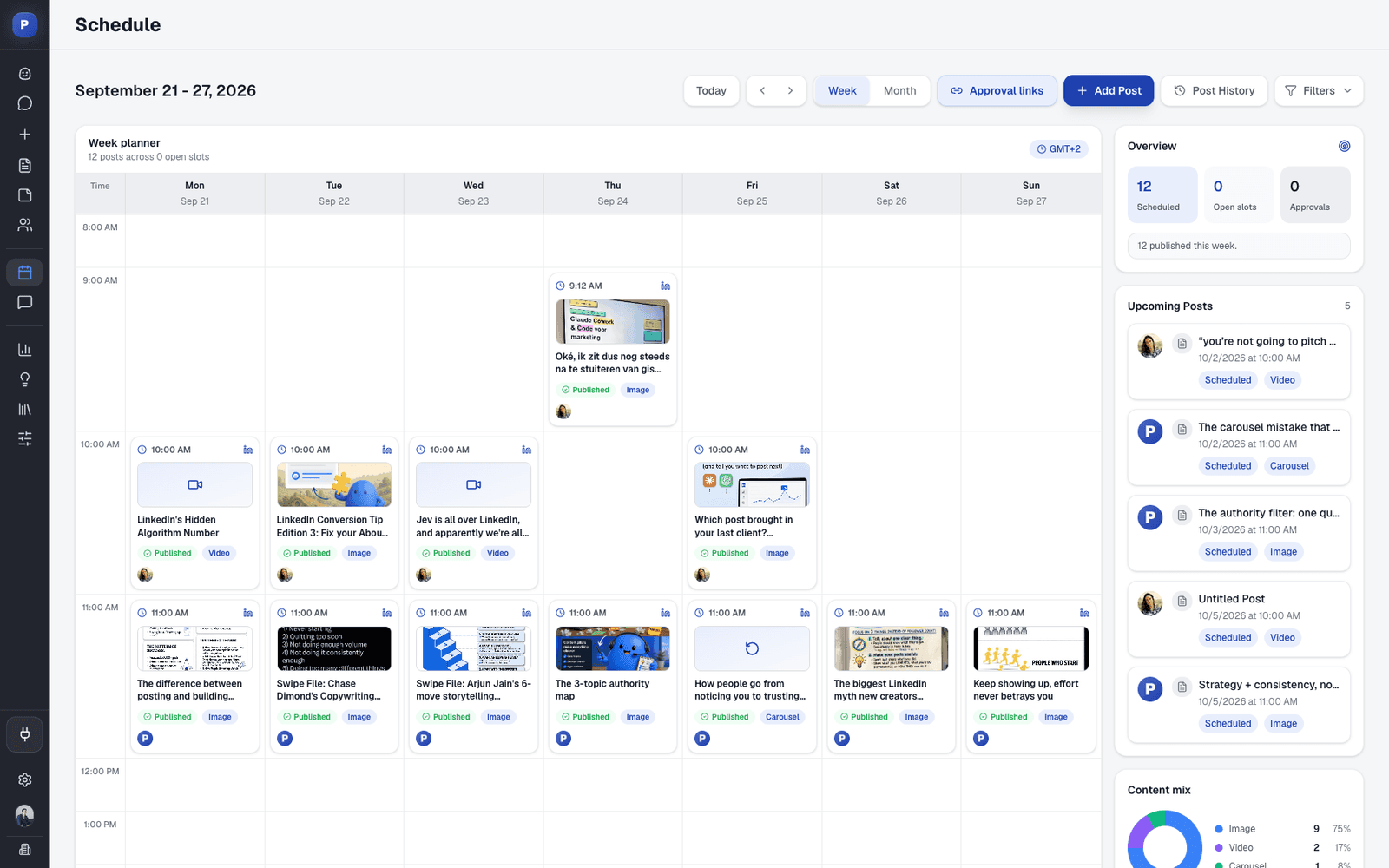
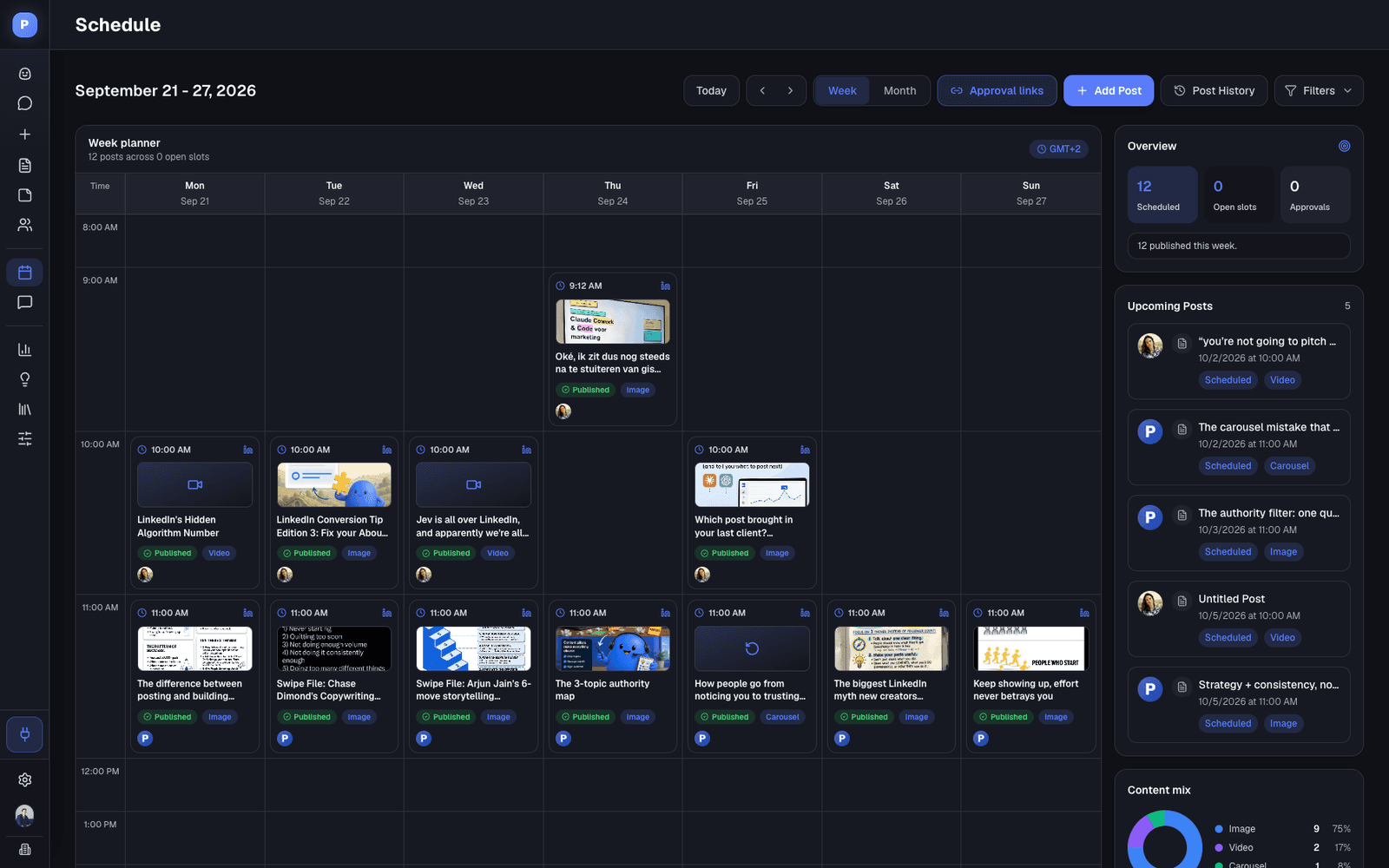
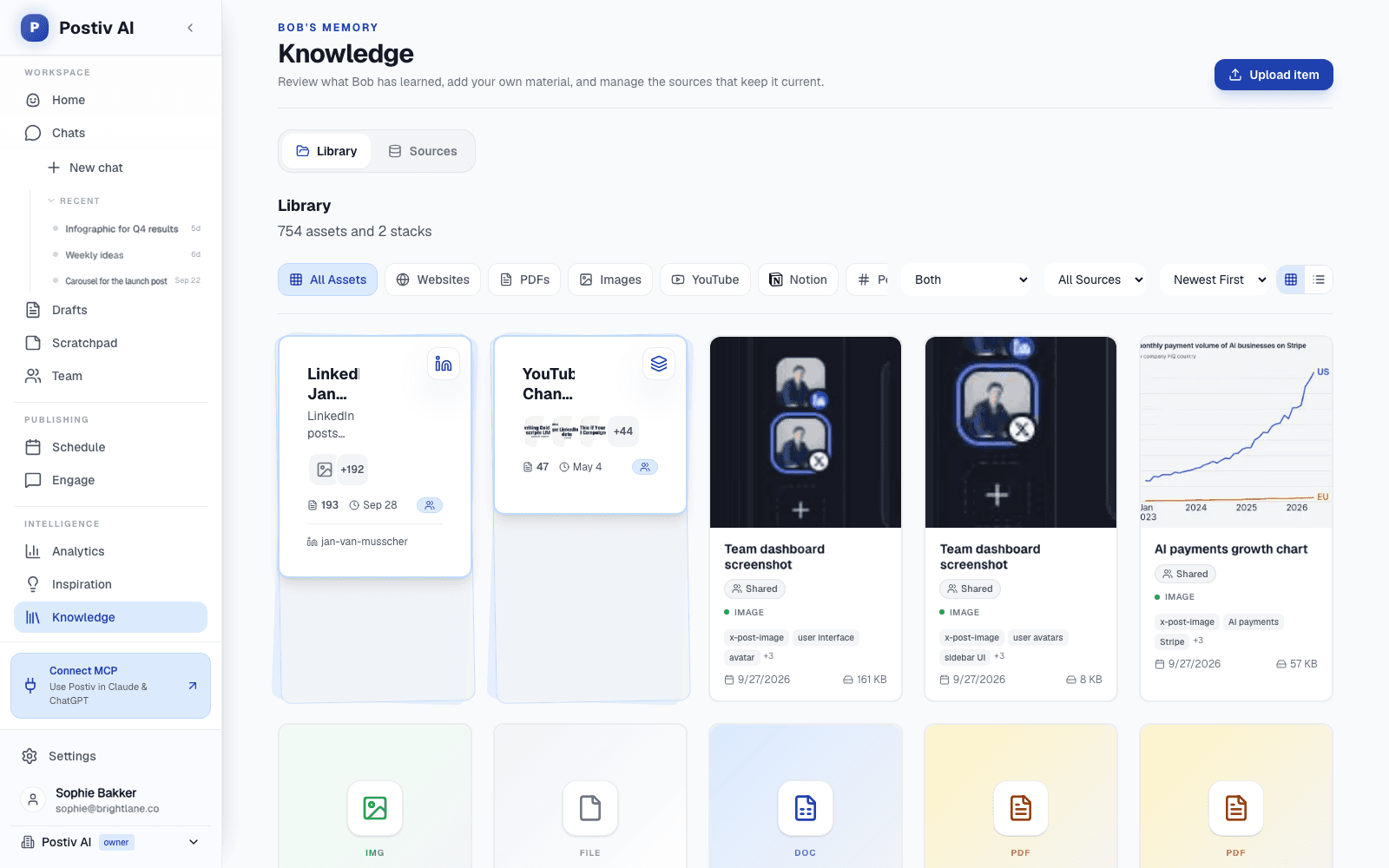
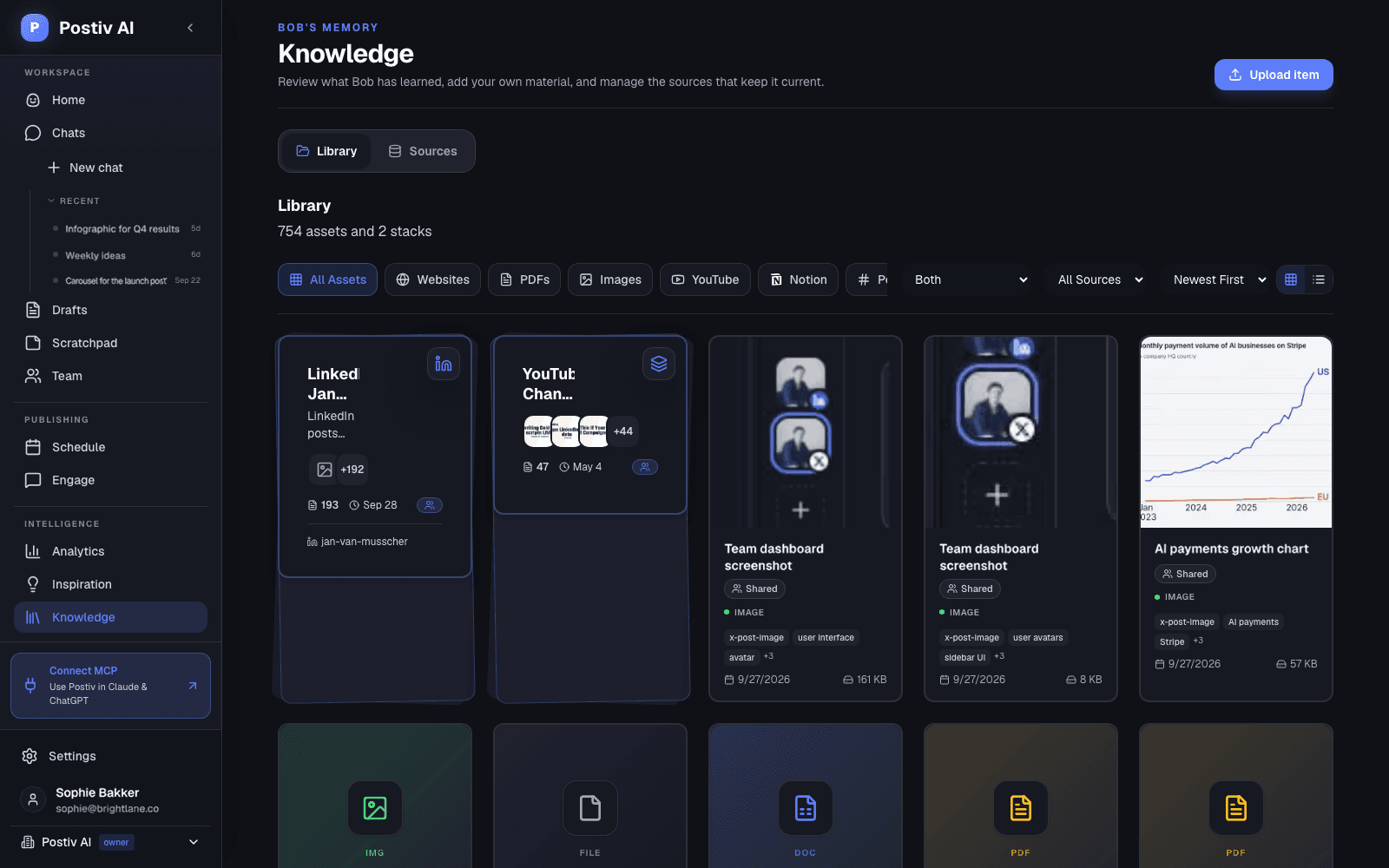
A separate workspace per client
Client approval by link, no account
One calendar per client or across all
Official LinkedIn API, no passwords
The agency problem
Many Clients, Many Logins, One Long Approval Thread.
Running LinkedIn for clients usually means borrowed logins, drafts in documents, approvals by email and a tone of voice that lives in someone's head.
Many clients, many logins
Client profiles live in different browsers, password managers and shared inboxes, and nobody is quite sure who posted what, or from where.
Approvals by email
Drafts travel as screenshots and documents, feedback comes back in threads, and the final version is whichever file someone remembers.
Brand and voice drift
Each new writer or freelancer starts from scratch, and one client's tone slips into another client's posts.
Hours go to production
Formatting, resizing and chasing replies eat the time that belongs to strategy and client calls. It works for a few clients and strains as the roster grows.
One workspace per client
Everything a Client Needs, Kept Apart From Every Other Client
A client workspace holds that client's material, brand, profiles, plan and calendar. Nothing about one client sits in another client's workspace.
A voice per profile
Every LinkedIn profile has its own writing style: tone, structure, vocabulary, hooks and your instructions. A founder sounds like the founder, and the company page sounds like the company.
A knowledge base per client
Add the client's website, case studies, decks, YouTube videos, Notion pages and newsletters to their knowledge base. Drafts start from what the client has actually said and done.
A brand kit per client
Colors, fonts and logo live in the client's brand kit. Carousels and infographics are designed on it, and you change any slide by asking. See content creation.
Pillars and a weekly plan
Each profile has its own content pillars, and the ideation agent plans one idea per posting day from them, so every client starts the week with a plan.
Profiles and company pages
Connect the client's personal profiles and company pages in their workspace and schedule to each of them from one calendar.
LinkedIn and X
Add an X version of a LinkedIn post, with threads and X Articles, and schedule both. X versions are made from LinkedIn posts.
Client approvals
Clients Approve From a Link. No Account, No Email Chain.
Approval is a gate per profile: a newly scheduled post waits until the client has said yes.
- 01
Choose the profiles
In the calendar, open Approval links, pick the client's profiles and create a reusable link. New scheduled posts for those profiles now wait for the client's approval before they go live.
- 02
Send the link
Copy it and share it however you already talk to the client. The link stays the same as new posts arrive, and you can revoke it at any time.
- 03
The client reviews
They see each post as it will look on LinkedIn, with its image or carousel. They add their name, leave a comment, or approve. No Postiv account needed.
- 04
Approved posts publish
An approved post is released and publishes at its scheduled time. If you change a post after it was approved, the client reviews the new version.
What clients and you get
Two ways to approve a profile
Each profile uses team approvers (selected Postiv members) or an external approver (the client link).
A review page without Postiv branding
The page shows no Postiv logo. It is titled Content approval and prepared for your client's name.
On your own domain
Connect a subdomain such as content.youragency.com and new approval links use it, with the SSL certificate handled for you.
Approval links are for agency workspaces. For an internal sign-off instead, choose approvers per profile as described in team management.
Your agency team
One Team Across Every Client Workspace
Agencies run on a small team that moves between clients all day. Postiv is built for that move.
A workspace per client
Agency admins add a client workspace in a few clicks. Each one uses a workspace on your plan, and you add more as your client roster grows.
One menu to switch
Client workspaces sit in the same workspace switcher as your own, each marked as a client. Switch and you are in that client's calendar, knowledge and brand.
Your team, no seat per client
Agency teammates reach every client workspace from the agency account. They do not need a separate seat in each one.
One calendar across clients
Each client has a calendar of their own. In the agency workspace, switch on Show client posts to see every client's scheduled posts together. See scheduling.
Roles and approvers
Admins manage members and approvers per profile, and anyone can draft and schedule. See team management.
Analytics per client
Impressions, followers, engagement rate and profile visits for each client's profiles and company pages, against the previous period.
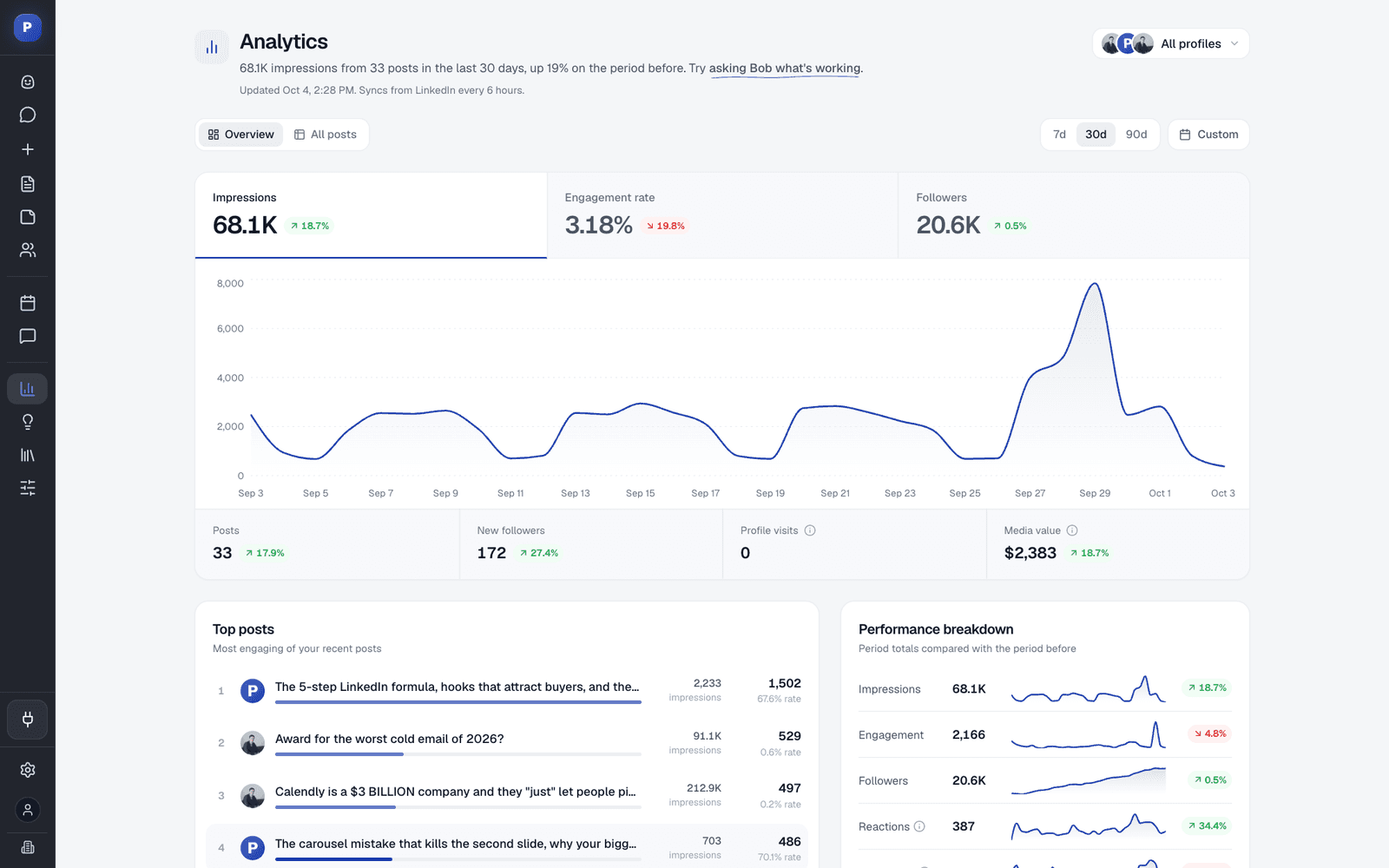
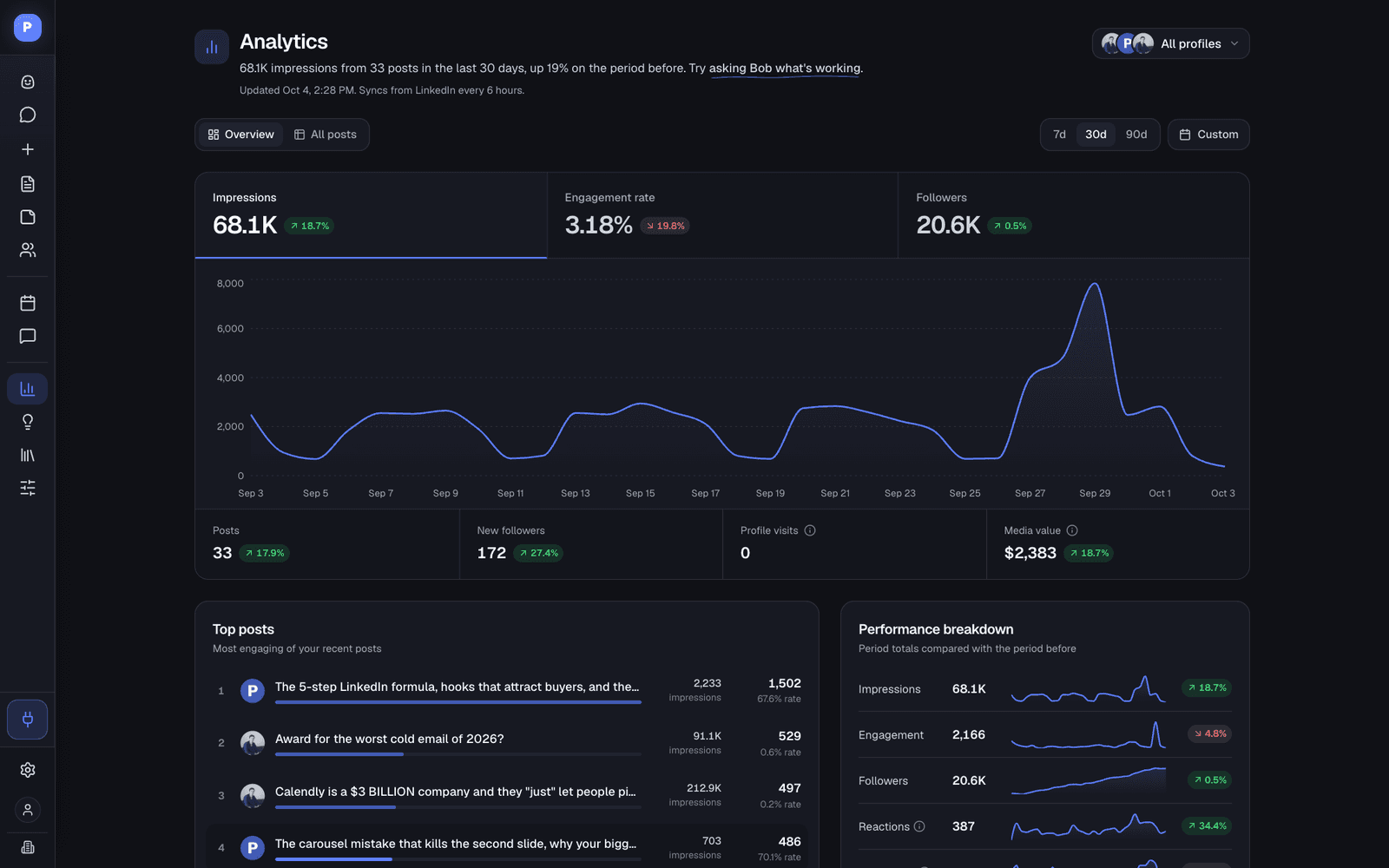
Postiv does not produce white-label client reports and does not track leads or revenue. The numbers live in the app, per profile and period.
Safe access
Manage Client LinkedIn Accounts Without Sharing a Password
Account safety is a common worry with LinkedIn tools. Here is how Postiv handles access.
Your clients keep ownership of their accounts. They authorize Postiv once through LinkedIn, and your team works from the client's workspace after that. Nobody on your team needs to log in as the client, and there is no password to rotate when someone leaves.
- Each profile or company page connects through LinkedIn's own authorization screen. Postiv never sees or stores the account password.
- Postiv publishes through LinkedIn's official API. There is no Chrome extension and no browser automation.
- It is an inbound content tool. It does not automate connection requests, direct messages or cold outreach.
- Nothing goes live until it is scheduled, and on profiles with an approver it waits for that approval first.
How pricing works
Priced per Client Workspace
The cost follows your client roster. Sign a client, add a workspace.
Agency plans are priced per client workspace and set up with you, so your client structure is mapped before you start. The current details are on the pricing page, and a short call covers anything specific to your agency.
What the Agency plan covers
- A separate workspace for every client
- Client-specific voice, knowledge and brand assets
- Agency admin access across client workspaces
- Client collaboration and approval workflows
- Add workspaces as your client roster grows


Onboarding a client
From Signed Client to First Approved Post in Three Steps
Setup takes a short session per client. After that, every week starts with a plan.
- 1
Create the client's workspace
An agency admin adds the client as a new workspace. The client connects their profile and company page through LinkedIn's own sign-in, with no password shared with you.
- 2
Teach it the client
Add their website, case studies and videos to the knowledge base, set the brand kit, and check each profile's writing style and content pillars.
- 3
Plan, draft, approve, publish
Bob plans the week for each profile and drafts with you. The client approves from a link, and posts publish at their scheduled time.
Keep reading
More on Agencies, Approvals and Scheduling
Where to go next, depending on the job.
Growing your own agency?
Guides and templates for winning clients with your agency's own LinkedIn content.
LinkedIn for agenciesApprovals and team roles
Approvers per profile, member roles, client approval links and the Team Hub.
Team managementOne calendar for every profile
Posting slots, drag-and-drop rescheduling, company pages, X and the automatic first comment.
Scheduling
FAQ
Questions Agencies Ask
How do I manage several client LinkedIn accounts in one tool?
Give every client their own workspace. In each workspace you connect that client's personal profiles and company pages, add their knowledge, brand kit and writing styles, and schedule from their calendar. Your team switches between client workspaces from one menu, and agency admins can show every client's scheduled posts on one calendar. Postiv never logs in as the client: each profile owner authorizes their own account through LinkedIn.
How do I let my team manage a client's LinkedIn without sharing the password?
The profile owner connects the account once, on LinkedIn's own authorization screen. After that your team drafts, schedules and publishes from the client's workspace in Postiv, and nobody needs the LinkedIn password. Agency teammates reach every client workspace from the agency account, so you do not set up separate logins per client.
Can clients approve posts before we publish them?
Yes, without a Postiv account. In the calendar you open Approval links, choose the client's profiles and create a reusable link. New scheduled posts for those profiles then wait for approval and show up on that link. The client sees each post as it will look on LinkedIn, adds their name, comments or approves, and an approved post is released to publish at its scheduled time. If you change a post after it was approved, the client reviews it again. Postiv does not send the link for you, so you share it the way you already talk to the client.
What is the difference between managing personal profiles and company pages?
Both are publishing targets in the same client workspace and calendar. A personal profile posts as the person, and a company page posts as the company. You connect a company page through the LinkedIn account of someone who administers it. For analytics, LinkedIn shares richer page-level data for company pages than for personal profiles, and it does not share follower demographics for personal profiles with any third-party tool.
What happens if a client's LinkedIn account gets restricted?
No tool can promise that an account will never be restricted. Postiv publishes through LinkedIn's official API, does not use a browser extension, and does not automate connection requests, messages or other outreach. It is an inbound content tool: posts go out only when scheduled, and on a profile with an approver only after approval. Restrictions themselves are decided by LinkedIn.
Can we run 20 or more client accounts without drowning in work?
That is what the structure is for. Every client has a workspace, Bob prepares a weekly plan for each profile from its content pillars, approvals arrive through a link instead of an email thread, and the agency calendar shows all client posts together. You still do the strategy and the final edit, and nothing goes live until it is scheduled.
How do we show clients what our LinkedIn work delivered?
Postiv's analytics show posts, impressions, followers, engagement rate, net new followers and profile visits for every connected profile and company page, each compared with the previous period, with a detail page per post. Postiv does not generate white-label or branded client reports today, and it does not track leads or revenue, so pair the numbers with how new clients say they found your client.
How is Postiv priced for agencies?
Agency plans are priced per client workspace, so cost follows your client roster, and you add workspaces as it grows. Agency plans are set up with you so your client structure is mapped first. See the pricing page for the current details or book an agency demo.
Give Every Client Their Own Workspace.
Try Postiv free for 7 days, or book a demo and we will map your client workspaces with you.Last updated

