Hootsuite vs Sprout Social is a choice between two broad, per-seat social suites built around the inbox, listening and cross-network reporting. This review compares them on publishing, approvals, reporting, AI, team setup and cost. We checked each tool's pricing page and help docs in October 2026.
If you are still building a shortlist, our guides to Hootsuite alternatives and Sprout Social alternatives cover the wider field.
Most comparison pages give LinkedIn a single table row, which is odd for B2B teams, since it is usually the channel that brings in their pipeline. Profiles versus company pages, document posts, each person's voice and founders posting under their own names are where the pricing pages say the least. We spend more time on those, and on approvals and client work, and we end with a third option.
Hootsuite vs Sprout Social at a Glance
| Hootsuite | Sprout Social | Postiv | |
|---|---|---|---|
| Built for | Broad social suite: inbox, listening, reporting | Broad social suite: inbox, listening, reporting | LinkedIn-first B2B teams, founders, agencies |
| Approval workflows start at | Advanced | Professional | ✅ Approvers per profile |
| Client review without a login | The plans page does not say | Advanced (external approval) | ✅ Client approval links, no Postiv account |
| Separate client workspaces | The plans page does not describe them | The pricing page does not describe them | ✅ One workspace per client |
| Built-in carousel designer | ❌ Canva and Adobe Express integrations | ❌ Canva importer, image editor | ✅ Carousels and images on your brand kit |
| Writing in each person's voice | The plans page does not describe it | The pricing page does not describe it | ✅ Each profile's own style and knowledge base |
| Founders and employees posting | Parliament, on Enterprise | Employee Advocacy add-on | ✅ Roles, Team Hub, team briefs |
Quick verdict: Pick Hootsuite for automated inbox workflows, automatic boosting of top posts and listening that scales up to Enterprise. Pick Sprout Social if you want approvals one tier lower, outside reviewers who never need a login, and review management. Pick Postiv if LinkedIn is the channel that matters and your team, clients or founders each need to sound like themselves.
What Hootsuite and Sprout Social Are Built For
Both suites are strongest when the job is the inbox, listening and reporting across many networks.
Hootsuite markets Hootsuite Social OS, with Nest for the inbox and customer care, Lumen for insights and listening and Parliament for employee advocacy. It publishes to Facebook, Instagram, LinkedIn, X, TikTok, Pinterest and YouTube, plus social ads. Its strengths are ads publishing with automatic boosting of top posts (Professional), listening that grows from 30-day Quick Search on Professional to 13 months of history on Enterprise, and an inbox that adds automated replies, DM workflows and skill-based routing as you move up. The thing to watch is approvals, which are not on Standard or Professional.
Sprout Social publishes to Facebook, X, Instagram, LinkedIn, Threads, Pinterest, TikTok, YouTube, WhatsApp, Reddit, Bluesky and Google Business Profile, and covers review sites such as TripAdvisor, Glassdoor and Yelp. Its strengths are a consolidated inbox, review management and keyword monitoring from Standard, a mobile app on every plan, and sentiment, helpdesk integrations and the Sprout API on Advanced. Note that the entry plan, Essentials, has no consolidated inbox.
Publishing and Scheduling
Both cover the basics: a calendar, queued posts and one place to publish to many networks.
- Account cap: Hootsuite Standard allows up to 10 social accounts, and Sprout's Essentials and Standard allow 5. Both are unlimited from Professional.
- Scheduling: Hootsuite Standard has unlimited scheduled posts. Sprout offers publishing and optimal send times from Essentials.
- Professional extras: Hootsuite adds link shortening and tracking. Sprout adds bulk scheduling, campaign tagging and a digital asset library.
Where they really differ before you buy is the trial. Hootsuite's lasts 14 days, caps posting at 10 to 20 posts a day per organization and leaves out bulk scheduling, so it won't show you an agency calendar under real volume. Sprout gives you 30 days (and a free demo if you ask), which is more room to test properly. Neither asks for a credit card.
Analytics and Reporting
Hootsuite has analytics and reporting on Standard, with benchmarking against up to 5 competitors. Professional adds custom reports, benchmarking against up to 20 competitors and AI trend forecasts up to 90 days ahead. Advanced adds report exports with your logo.
Sprout Social starts with profile and post-level reporting on Essentials. Professional adds competitor, tag and paid insights plus custom report branding. Premium Analytics is an add-on with no public price.
For LinkedIn, note that Sprout's competitor reports cover Facebook, X and Instagram, not LinkedIn. Hootsuite's plans page does not say which networks its benchmarking covers, so ask.
Approvals and Collaboration
| Hootsuite | Sprout Social | |
|---|---|---|
| Approval workflow starts at | Advanced, $399 per user per month billed annually | Professional, $299 per seat per month billed annually ($399 monthly) |
| Outside reviewers without a login | The plans page does not say | Advanced: external approval workflow |
Sprout puts a message approval workflow on Professional. Hootsuite keeps approvals for Advanced, its highest tier with a published price, and the seat math below shows the gap. Sprout also separates internal from external approval: letting an outside stakeholder review without logging in is an Advanced feature, so the cheapest approval plan is not always the one a client-facing agency needs.
Team and Agency Setup
Hootsuite offers departmental organization on every plan. The plans page does not describe separate client workspaces with their own brand settings, and does not say whether an outside client needs a paid seat to approve a post. Sprout Social has an agencies page, but its pricing page publishes no agency discount and does not describe separate client workspaces.
An agency with many clients has different needs from a company with several departments. Ask each vendor:
- Does each client get its own workspace, brand kit and profiles?
- Does a client reviewer need a paid seat?
- How do LinkedIn profiles and company pages count against the account cap?
- Can a client see only their own posts and reports?
For tools built around client work, see our guide to social media tools for agencies.
AI Features
Hootsuite says every plan runs on Wisdom, described as an in-app assistant and MCP connectors. Standard adds AI that generates posts and images. The plans page does not describe a knowledge base or a writing style per person.
Sprout Social runs Trellis on every plan, with 100 credits per seat per month that reset monthly; use depends on prompt complexity. Trellis Plus adds more for $28 per user per month annually or $35 monthly. Standard adds the Trellis AI agent, Professional adds Enhance Post and Advanced adds Enhance Reply. The pricing page does not describe AI trained on each person's own writing.
If several people post under their own names, ask whether the AI can learn each person's voice. Design stays outside both: Hootsuite connects Canva and Adobe Express, and Sprout offers Canva importer and publisher integrations plus a built-in image editor.
LinkedIn Depth: Profiles, Pages, Documents and Voice
In Hootsuite vs Sprout Social comparisons, LinkedIn gets one table row. For a B2B team it deserves more.
Personal Profiles and Company Pages
Both publish to both. Hootsuite publishes to LinkedIn profiles and Pages, and Page posts can be boosted and targeted to an audience. Sprout publishes to personal profiles, Company Pages and Showcase Pages, with text, image, video, link shares and PDF documents. Polls, live posts and event posts are not supported.
Counting is less clear. Neither pricing page explains how personal profiles and company pages count against the account cap, and a founder, a few executives and a company page can use up a lot of it, so ask before you pick a tier.
Document Posts and Carousels
Both can publish a carousel as a LinkedIn document post if you designed it elsewhere. Neither has a built-in carousel designer.
- Hootsuite: one PDF per LinkedIn post, up to 300 pages and 100MB. A PDF cannot be combined with images or video, and cannot be added if other networks are selected in the same post.
- Sprout Social: PDF documents were added to Compose in August 2025.
So on both you design in Canva or another tool, export a PDF and upload it. The design and the post live in separate places.
First Comment
Both handle it. Hootsuite lets you add a first comment when you create a LinkedIn post. Sprout schedules first comments for LinkedIn company pages and personal profiles, a feature it added in November 2025.
Writing in Each Person's Voice
A founder, a head of sales and a company page should not sound the same. Hootsuite's plans page does not describe a knowledge base or a writing style per person, and Sprout's pricing page does not describe AI trained on each person's own writing. Neither page describes keeping several voices apart.
Founders and Employees Posting
Hootsuite sells employee advocacy as Parliament, on Enterprise. Sprout sells it as an add-on from Standard, with no public price. If employee posting matters, ask for a quote early. We cover a different approach below.
Pricing: Plans and Seat Math
Hootsuite vs Sprout Social cost depends on which tier holds the features you need. For full breakdowns, see what Hootsuite costs and Sprout Social's plans and add-ons.
Hootsuite is priced per user per month, billed annually, excluding tax: Standard $99 ($1,188 per user per year), Professional $199 ($2,388) and Advanced $399 ($4,788). Enterprise is a custom quote after a demo. Monthly billing costs more per user, but the plans page does not show the prices. There is no permanent free plan. The 14-day trial needs no credit card and does not charge automatically.
Sprout Social is priced per seat per month. On annual billing: Essentials $79, Standard $199, Professional $299 and Advanced $399. On monthly billing: $99, $249, $399 and $499. Enterprise is custom. Annual billing needs one upfront payment for the term, and there is no free plan. The 30-day trial needs no credit card.
Here is the seat math between the two:
| Team | Hootsuite | Sprout Social |
|---|---|---|
| 3 people, inbox tier | Standard: 3 x $99 = $297 a month | Standard: 3 x $199 = $597 a month, $7,164 a year |
| 3 people, with approvals | Advanced: 3 x $399 = $1,197 a month, $14,364 a year | Professional: 3 x $299 = $897 a month |
| 5 people, with approvals | Advanced: 5 x $399 = $1,995 a month | Professional: 5 x $299 = $1,495 a month, $17,940 a year |
Hootsuite Standard is the cheaper seat, but neither Standard plan includes approvals. Sprout Social vs Hootsuite on approvals mostly comes down to tier, because Sprout's start at Professional and Hootsuite's at Advanced. If outside reviewers must approve without a login, you need Sprout's Advanced, which is $399 per seat on annual billing, the same list price as Hootsuite's Advanced.
Where Buffer Fits
In a Hootsuite vs Sprout Social vs Buffer comparison, Buffer is the odd one out: it prices per connected channel, not per seat, and a LinkedIn personal profile and a LinkedIn page count as two channels. Its Team plan, at $10 per channel per month billed yearly, adds approval workflows. It has no social listening and no competitor benchmarking. For the full view, read Buffer vs Hootsuite.
The Verdict: Which Is Better, Hootsuite or Sprout Social?
Neither wins on every count. What separates them is which features sit on which tier.
- Sprout Social fits better if your team lives in a shared inbox, needs review management or a long network list, and wants approvals one tier lower.
- Hootsuite fits better if you want automated inbox replies and DM workflows, automatic boosting of top posts, or expect to grow into Enterprise listening with 13 months of history and Parliament.
For a LinkedIn-first B2B team it is close to a tie. On both, a carousel is a PDF you made in another tool, and neither pricing page describes a writing style per person or separate client workspaces. If those matter more to you than the inbox and listening, look at a LinkedIn-first workspace.
Choose Hootsuite If
- You want social ads and automatic boosting of top posts in the same suite.
- You want listening that scales: 30-day Quick Search on Professional, 13 months of history on Enterprise.
- You need automated inbox replies, DM workflows, message assignment or skill-based routing.
- You expect to need Enterprise features such as single sign-on, Salesforce integration or Parliament.
Choose Sprout Social If
- You want approvals without paying for the top tier.
- Clients or executives should review posts without logging in to Sprout (Advanced).
- You need review management, or networks such as WhatsApp, Reddit, Google Business Profile or review sites.
- You want a mobile app on every plan, helpdesk integrations or the Sprout API.
A Third Option for LinkedIn-First B2B Teams
Compare Hootsuite vs Sprout Social on LinkedIn alone and the same gaps show up on both: carousels get designed somewhere else, and neither pricing page describes a voice per person or a workspace per client. Postiv is built for LinkedIn-first B2B teams, founders and agencies, and it starts from those gaps.
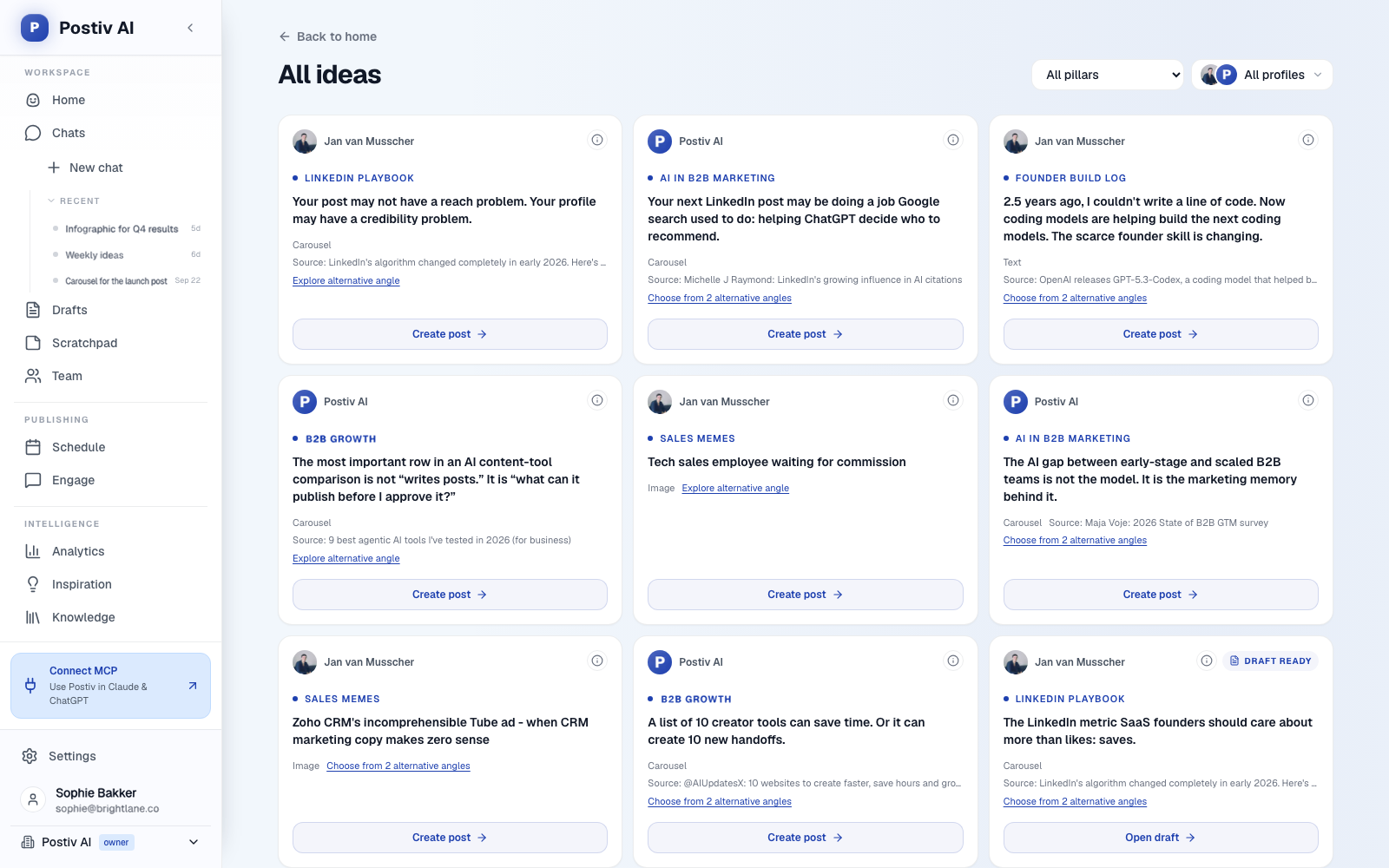
- A weekly plan. Bob, Postiv's AI content partner, plans the posting week: one idea per slot, tied to your content pillars, your sources and last week's results.
- Drafts in each person's voice. Posts and carousels are drafted in each LinkedIn profile's own writing style, from that profile's knowledge base (your website, documents, YouTube, Notion and newsletters).
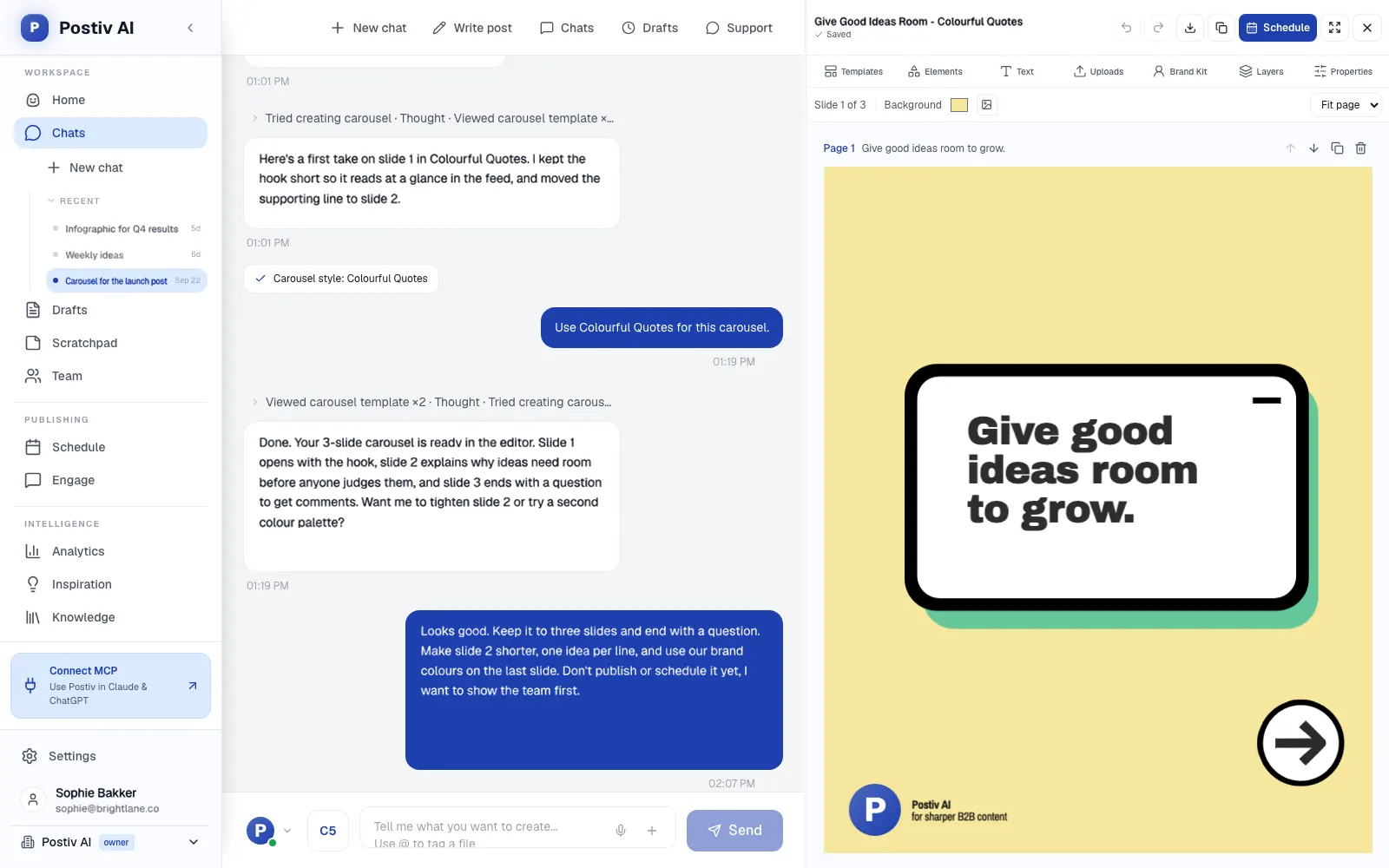
- Design in the same place. Posts, carousels, images and infographics are made on your brand kit in an editor, you can change a design just by asking, and carousels go out as LinkedIn document posts.
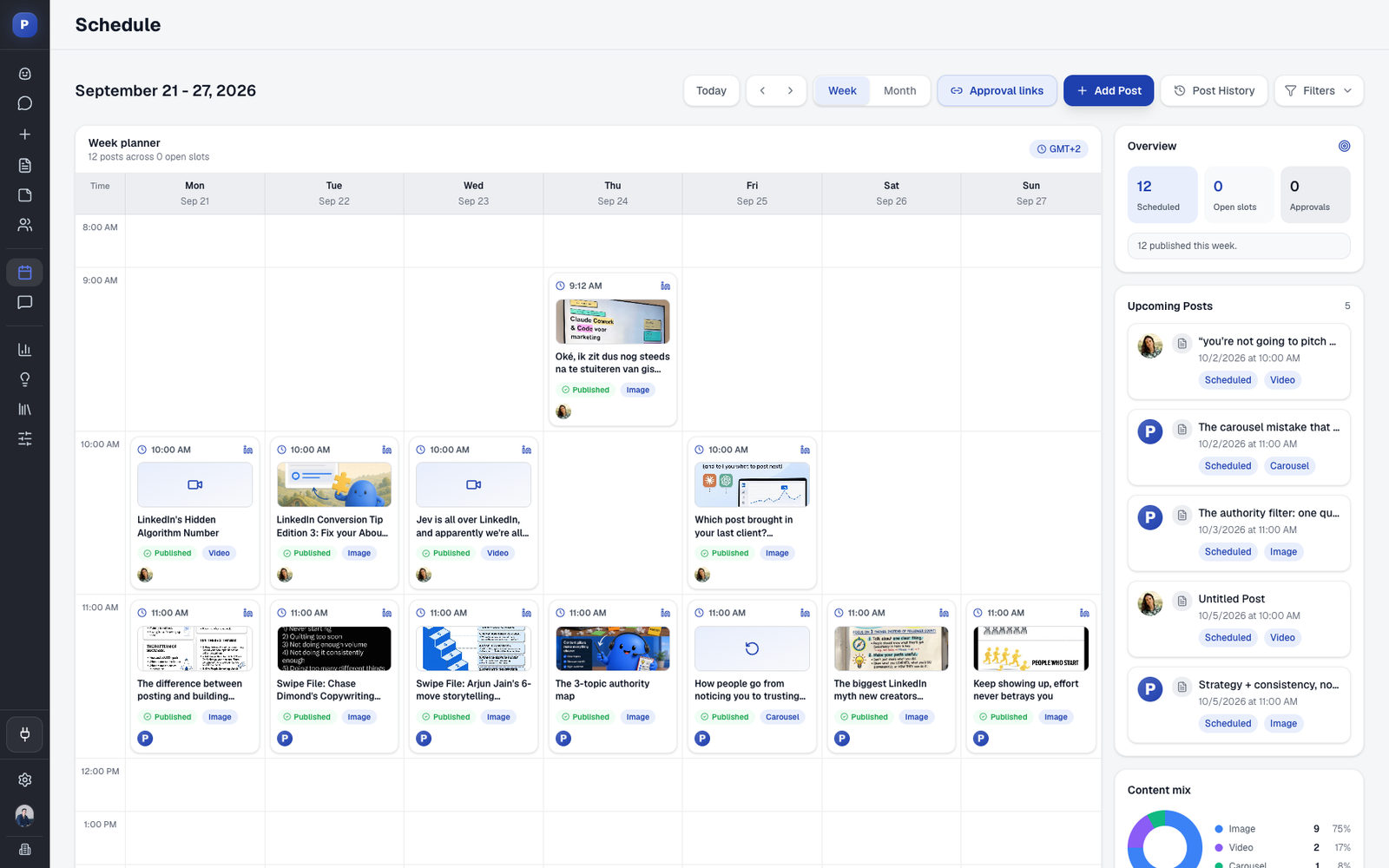
- One calendar. Every profile, company page and channel with posting slots, drag-and-drop rescheduling and an automatic first comment.
- Teams and employees. Every profile and company page sits in one workspace with roles, approvers per profile and a Team Hub. Team briefs carry an angle and a deadline, and Slack pings the team when a post goes live. Admins can set automatic team engagement as likes, while comments are always written by people. See employee advocacy on LinkedIn.
- Client workspaces. Each client gets a separate workspace with its own profiles, company pages, knowledge, brand kit and writing styles. Agency teammates reach every client workspace from the agency account without a separate seat per workspace, and one calendar can show all client posts.
- Client approval links. A reusable link for chosen client profiles. The client sees each post as it will look on LinkedIn and approves or comments without a Postiv account. An approved post publishes at its scheduled time, and a post you change goes back to the client. The review page shows no Postiv logo and can run on your own subdomain.
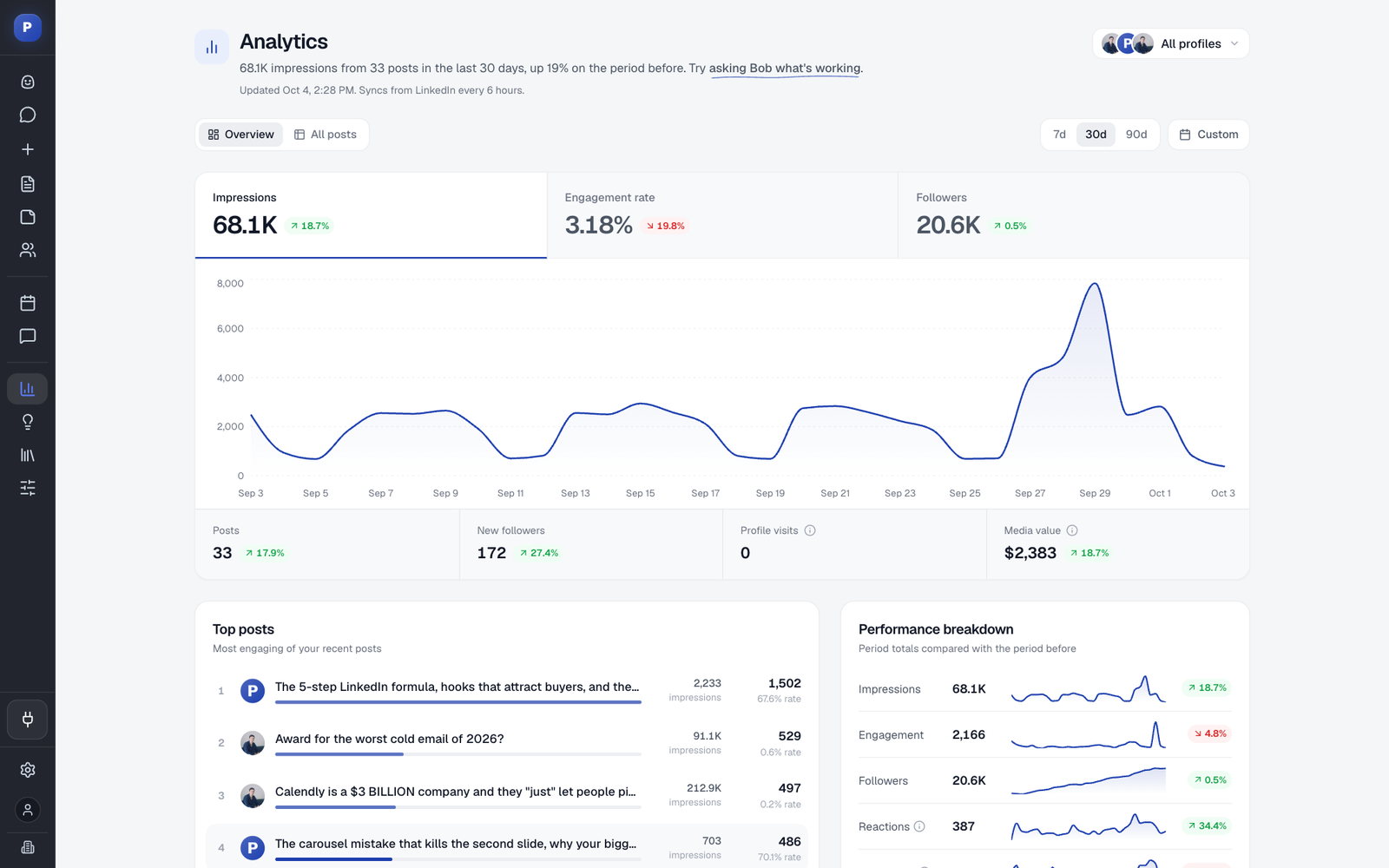
- More than a scheduler. Every comment on every profile lands in one inbox, answered with a suggestion in your tone or your own words, plus a feed of the people you want to reach with daily or weekly targets. Postiv never comments on its own. Analytics cover reach, engagement and followers per post and profile, plus results per content pillar.
- Official API, plus MCP. Postiv uses the official LinkedIn API: no Chrome extension, no browser automation, no automated connection requests or DMs. The hosted LinkedIn MCP server works with Claude, ChatGPT, Cursor and Claude Code. Hootsuite has MCP connectors too; what Postiv's adds is the LinkedIn content work itself, since it can create and edit posts, generate carousels, schedule into queues and read analytics, with approvals still applying. There is also a public REST API.
If the work is customer care, listening across many networks or a shared DM inbox, Hootsuite or Sprout Social fits it better. If the work is getting a team, your founders or a long list of clients to post well on LinkedIn, try Postiv alongside them or instead of them.
Related Reading
- Hootsuite compared with Buffer: per-channel pricing against per-user plans.
- Hootsuite pricing in 2026: every Hootsuite plan and what each tier adds.
- Alternatives to Sprout Social: a wider shortlist.
- Tools built for agency client work: client-focused tools compared.
- LinkedIn post scheduler: scheduling when LinkedIn is the channel that matters.
- Employee advocacy: how founders and employees post in their own voices.
More Questions
Is Sprout Social worth the money?
It is worth it if you use what the higher tiers add: a consolidated inbox from Standard, a message approval workflow from Professional and external approval without a login on Advanced. Sprout Social is priced per seat per month, from Essentials at $79 to Advanced at $399 on annual billing, so the cost rises with every person you add. Add-ons such as Listening and Employee Advocacy have no public price. Our Sprout Social pricing breakdown lists every plan and what each tier includes.
Is there anything better than Hootsuite?
It depends on the job. For an inbox, listening and customer care across many networks, Sprout Social is the closest like-for-like suite. For scheduling priced per channel, Buffer is the usual comparison. For LinkedIn-first B2B teams, agencies and founders, Postiv is built around profiles, company pages, client workspaces and writing in each person's voice. Our guide to alternatives to Hootsuite compares the full list.
Does anyone use Hootsuite anymore?
Yes. Hootsuite is an active product with Standard, Professional, Advanced and Enterprise plans, a 14-day free trial and a current product line sold as Hootsuite Social OS. It publishes to Facebook, Instagram, LinkedIn, X, TikTok, Pinterest and YouTube, and it can publish social ads. It is built for inbox, listening and reporting work across networks. Teams whose work is mostly on LinkedIn can compare it with tools built for that channel. Whether it fits comes down to your workflow.
How much do Hootsuite and Sprout Social cost?
Hootsuite is priced per user per month, billed annually: Standard $99, Professional $199 and Advanced $399, with Enterprise on a custom quote. Sprout Social is priced per seat per month: Essentials $79, Standard $199, Professional $299 and Advanced $399 on annual billing, or $99, $249, $399 and $499 billed monthly. Neither has a free plan. Hootsuite offers a 14-day trial and Sprout Social a 30-day trial, and neither asks for a credit card.
Can clients approve posts without logging in to Hootsuite or Sprout Social?
Sprout Social lists an external approval workflow on its Advanced plan, where outside stakeholders review without logging in to Sprout. Hootsuite's plans page does not say whether an outside client needs a paid seat to approve a post, so ask before you commit. Hootsuite's own approval workflows start on Advanced. Postiv offers client approval links, where the client sees each post as it will look on LinkedIn and approves it without a Postiv account.
Can Hootsuite and Sprout Social post LinkedIn carousels?
Both can publish a carousel as a LinkedIn document post, but neither has a built-in carousel designer. You design the PDF elsewhere, for example in Canva. Hootsuite accepts one PDF per LinkedIn post, up to 300 pages and 100MB, and that post cannot include other networks. Sprout Social added PDF documents to Compose in August 2025. In Postiv you design the carousel on your brand kit and it publishes as a LinkedIn document post.
Do Hootsuite and Sprout Social write in each person's own voice?
Their pricing pages do not describe it. Hootsuite runs its AI, Wisdom, on every plan, and its plans page does not describe a knowledge base or a writing style per person. Sprout Social's Trellis AI also comes on every plan, and its pricing page does not describe AI trained on each person's own writing. If founders and employees each need a distinct voice, test that in both trials with your own profiles. Postiv drafts in each LinkedIn profile's own writing style from that profile's knowledge base.
Which is better for agencies, Hootsuite or Sprout Social?
Sprout Social has an agencies page and an external approval workflow on Advanced, but its pricing page publishes no agency discount and does not describe separate client workspaces. Hootsuite offers departmental organization on every plan, and its plans page does not describe client workspaces either. For LinkedIn-focused agencies, Postiv gives each client a separate workspace with its own profiles, company pages, knowledge, brand kit and writing styles, and clients approve through a link without a Postiv account.
What is the difference between Hootsuite, Sprout Social and Buffer?
Hootsuite and Sprout Social are per-seat suites with an inbox, listening and cross-network reporting. Buffer is priced per connected channel: Essentials at $5 and Team at $10 per channel per month, billed yearly. Buffer's Team plan adds approval workflows, and Buffer has no social listening and no competitor benchmarking. A LinkedIn personal profile and a LinkedIn page count as two Buffer channels, which matters if you manage several people.