Best Claude Connectors for Marketing in 2026 (+ Skills)
The best Claude connectors for marketing give Claude access to where the work lives: social publishing, CRM, design, docs and SEO data. Postiv is our #1 pick for social content, and the rest of the list is HubSpot, Canva, Notion, Semrush, Ahrefs, Google Drive and Gmail, Slack, Zapier and Webflow.
If you want the detail behind the first pick, start with Postiv's LinkedIn MCP connector for Claude; this post covers the marketing stack you build around it. Facts about Claude and the other vendors are taken from Anthropic's Help Center and each vendor's own pages, checked October 2026.
Every pick has a screenshot of the vendor's own website, what Claude can do with it, two example prompts, plan and setup notes, and the actions we would keep behind approval. Prices are left out on purpose, because they change and vary by plan.
What is a Claude connector?
A Claude connector links Claude to an outside app, so it can look things up or act inside that app instead of working only from what you paste into the chat. Connectors are built on MCP and usually authorize through OAuth. Connecting a service gives Claude permission to access, and potentially modify, data in that service based on your account permissions there. If your own login cannot open a Notion page or a HubSpot record, Claude cannot open it either.
Prompt vs skill vs connector
| Layer | What it does | Example |
|---|---|---|
| Prompt | Says what to do right now | "Draft three posts from this brief" |
| Skill | Teaches Claude how you do a recurring job | A SKILL.md with your post structure and review checklist |
| Connector | Gives Claude access to an app | Postiv, HubSpot, Notion |
Anthropic draws the same line. MCP "connects Claude to external services and data sources," while skills hold the procedural knowledge for specific tasks, and the two are meant to be used together with a good prompt on top.
Picks at a glance
| # | Connector | Best for | Why it made the list |
|---|---|---|---|
| 1 | Postiv | Social publishing | Plans, writes, designs and schedules posts, with approvals Claude cannot skip |
| 2 | HubSpot | CRM and campaigns | Attribution reports and marketing assets in one connector, no deletes |
| 3 | Canva | Creative | Turns a brief into a design without leaving the chat |
| 4 | Notion | Team knowledge | Briefs, call notes and calendars Claude can search |
| 5 | Semrush | SEO research | Read-only keyword and competitor data |
| 6 | Ahrefs | SEO and AI visibility | Brand Radar shows where AI answers cite you |
| 7 | Google Drive and Gmail | Docs and inbox | Sends and shares wait for approval by default |
| 8 | Slack | Team chat | Channel summaries and drafted updates |
| 9 | Zapier | Automation | Reaches 9,000+ apps that have no connector |
| 10 | Webflow | Website | Page branches keep the live site untouched |
Comparison table
Cells say "check their docs" where the vendor's pages did not confirm a detail. Prices are left out on purpose.
| Connector | Marketing job | What Claude can read | What Claude can do or change | Made by | Plan notes |
|---|---|---|---|---|---|
| Postiv | Social publishing | Pillars, style, knowledge base, inspiration, posts, analytics imports | Create and edit drafts, carousels and infographics, schedule, reply to comments; Read only available | Postiv | MCP access on every plan; 7-day free trial |
| HubSpot | CRM | Contacts, deals, campaigns | Create and update records and pages; no delete | HubSpot | Paid Claude plan |
| Canva | Creative | Designs, folders | Generate, export, move, comment | Canva | Autofill and brand kits need Canva Pro |
| Notion | Team knowledge | Pages, databases | Create, update and move pages | Notion | No requirement stated |
| Semrush | SEO | Keywords, backlinks | Nothing, read-only | Semrush | Select Semrush One and SEO Classic plans |
| Ahrefs | SEO | Keywords, AI visibility | Check their docs | Ahrefs | Lite and higher |
| Google Drive and Gmail | Docs and inbox | Files, emails | Share, draft, send, reply | All users | |
| Slack | Team chat | Channels, threads | Send, schedule, edit canvases | Slack | Check their docs |
| Zapier | Automation | Knowledge across apps | Run actions in 9,000+ apps | Zapier | Every Zapier plan |
| Webflow | Website | Traffic, CMS | Create pages and CMS items | Webflow | Check their docs |
How to choose a Claude connector for marketing
Ten connectors will not all fit your week. These are the checks we run before adding one.
Who made it? Nine of the ten are directory listings with a Made by line and a Verified or Community label, and each of those nine is made by the vendor itself. Postiv is added as a custom connector at https://postiv.ai/mcp: you sign in on Postiv's own page, pick the workspace and choose Read only or Read & write.
Does it read, write or both? Every connector tool can be set to Always allow, Needs approval or Blocked. Semrush says its connector is read-only, which makes it an easy first install. Postiv, HubSpot, Canva, Notion, Google, Slack, Zapier and Webflow all write, so each needs a rule about who approves. Whether Ahrefs can change data is not stated.
How does the vendor meter usage? Semrush and Ahrefs count API units, and Zapier counts tasks. HubSpot wants a paid Claude plan, and Canva keeps autofill and brand kits behind Canva Pro. A narrow question costs less than a vague one.
Who has to approve it? On Team and Enterprise an Owner enables each connector, and each member still signs in individually. Vendors add gates of their own: a HubSpot Super Admin, a Slack workspace admin, sometimes a Google Workspace admin. Start that conversation early.
Does it do the job, or only report on it? Semrush and Ahrefs tell you where to aim. Postiv, HubSpot, Webflow and Canva produce the post, the page or the design. A stack needs both kinds.
The 10 best Claude connectors for marketing
1. Postiv
Best for: founders, B2B teams, freelancers and agencies who want to run their social content from Claude.
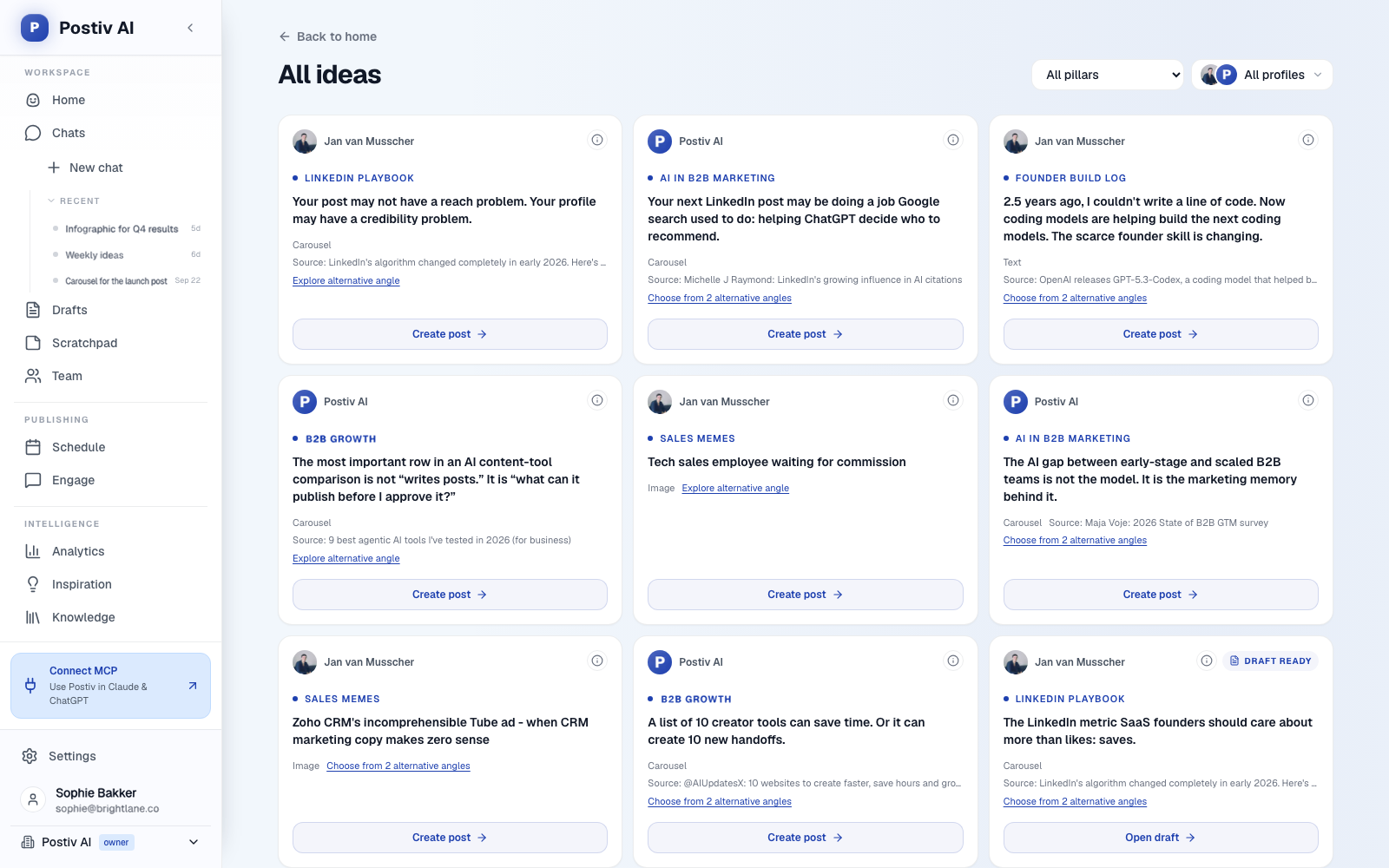
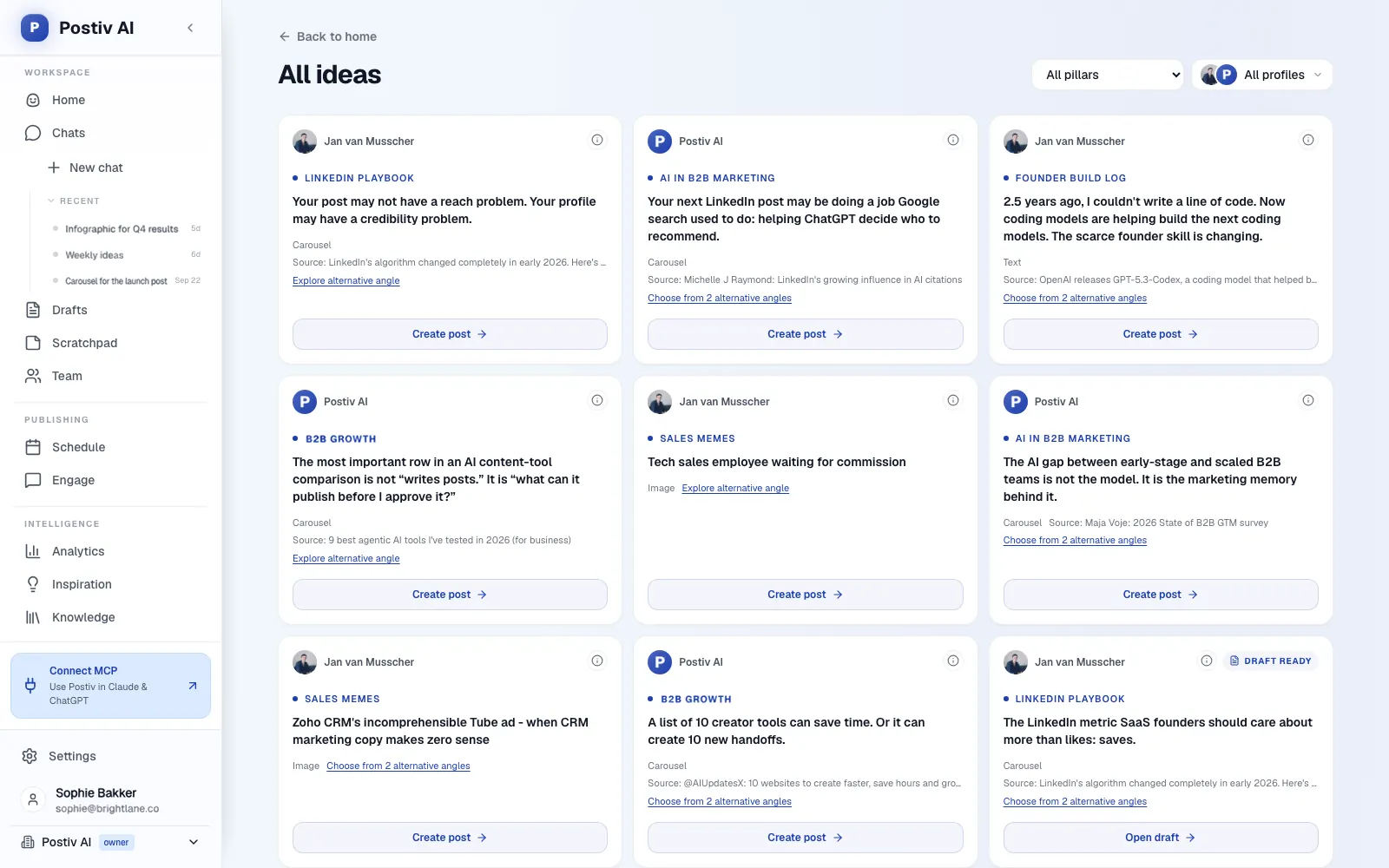
Postiv is a social workspace for you, your team and your AI agent. Bob, Postiv's planning and writing agent, builds each week's plan from your content pillars, sources and past results, and the same workspace holds the drafts, carousels, calendar, approvals and analytics. The Postiv connector gives Claude all of it through a hosted server at https://postiv.ai/mcp, with more than 80 tools across research, planning, writing, visuals, scheduling, approvals, analytics and comments. When Claude reads Bob's plan and your pillars first, a request like "draft Tuesday's post" starts from a real plan instead of a blank prompt.
Claude on web and desktop signs in with OAuth, so there is no API key to paste. New connections default to Read & write, and Read only is available when you want Claude to look first. LinkedIn publishing goes through LinkedIn's official API with OAuth: no password, session cookie, scraping or browser automation. Direct messages, connection requests and job search are left out by design.
What Claude can do with Postiv:
Plan and research
- Read your pillars and your writing style, so a draft starts from how you actually write.
- Search your knowledge base, which can hold your website, documents, YouTube videos, Notion pages and newsletters.
- Search the inspiration library for posts taking off in your niche.
- Read Bob's content plans for the weeks ahead, so you can ask for the next item on the plan.
Write
- Create and edit drafts in your voice for a LinkedIn profile, a Company Page or an X account, working from the pillars, style and sources above. On X, a post can be a single post, a thread or an article.
- Bring a post to another account or channel as a linked version, adapted to that format.
Visuals
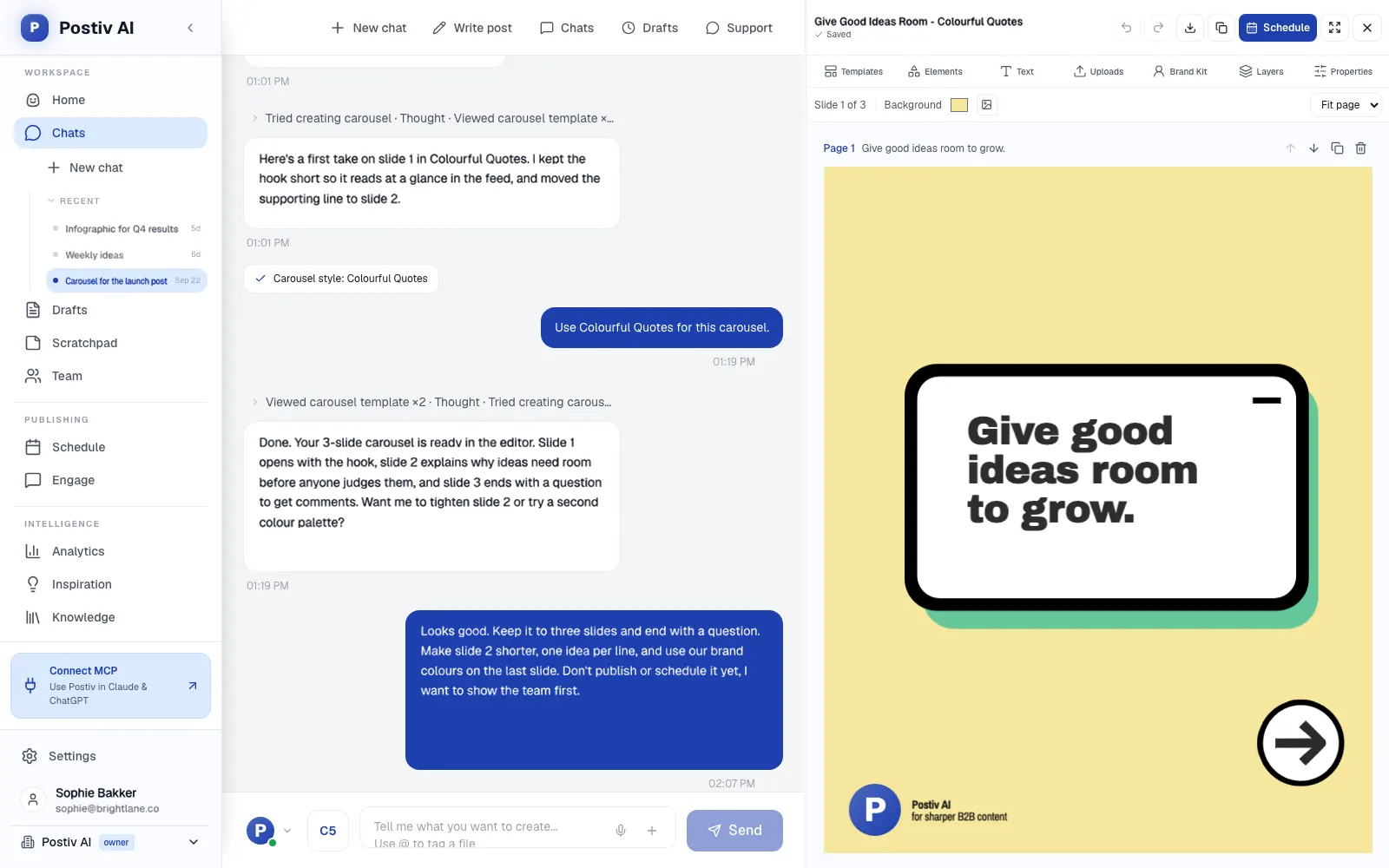
- Turn a draft into a LinkedIn carousel and review the outline before it renders.
- Create infographics and images for a post. Carousels and infographics are for LinkedIn posts.
Schedule and approve
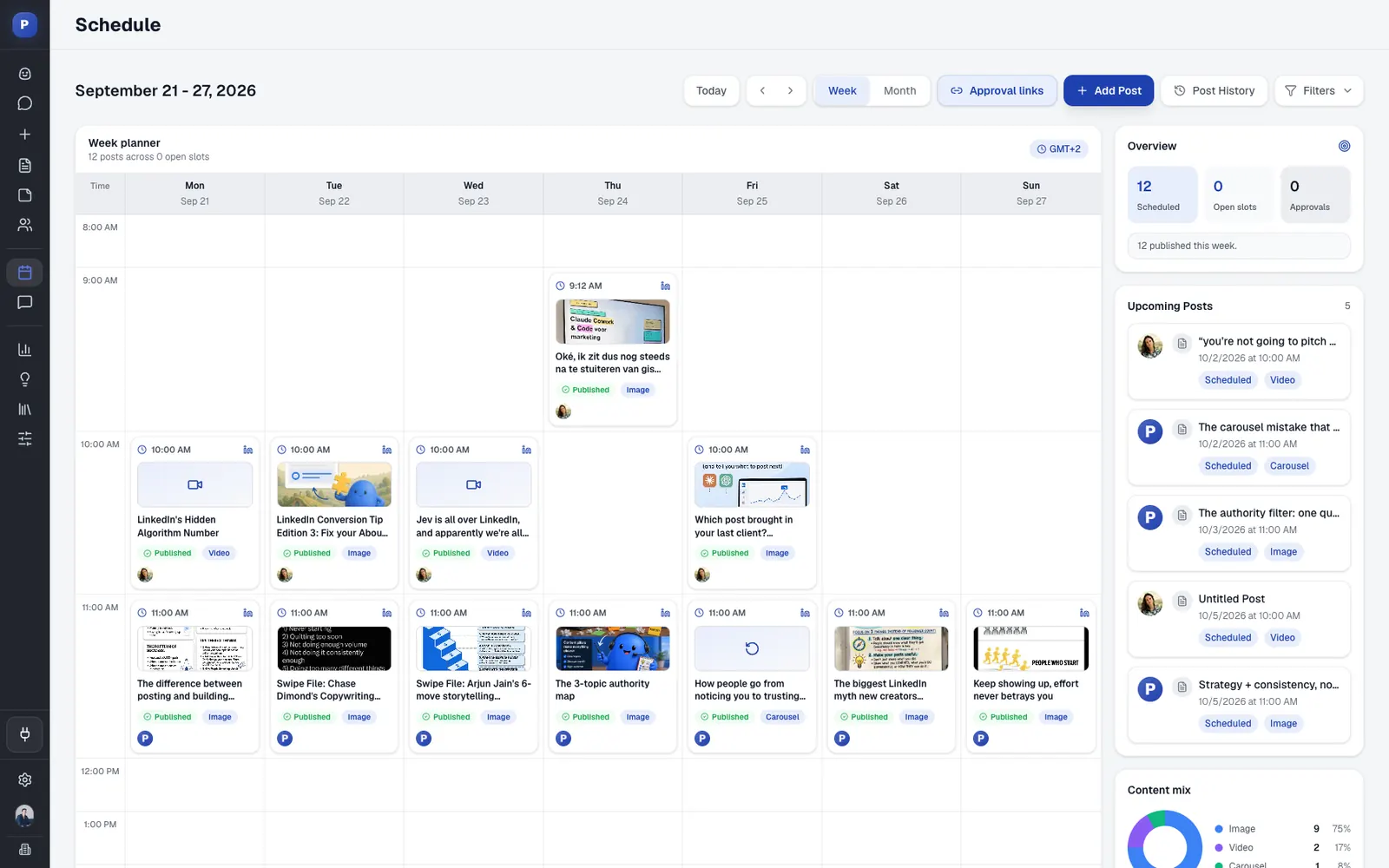
- Schedule, reschedule or unschedule a post on the calendar.
- On a profile with approvers, a scheduled post waits for approval and the assistant cannot bypass the approvers. Approvers can approve, request changes or deny.
Analytics
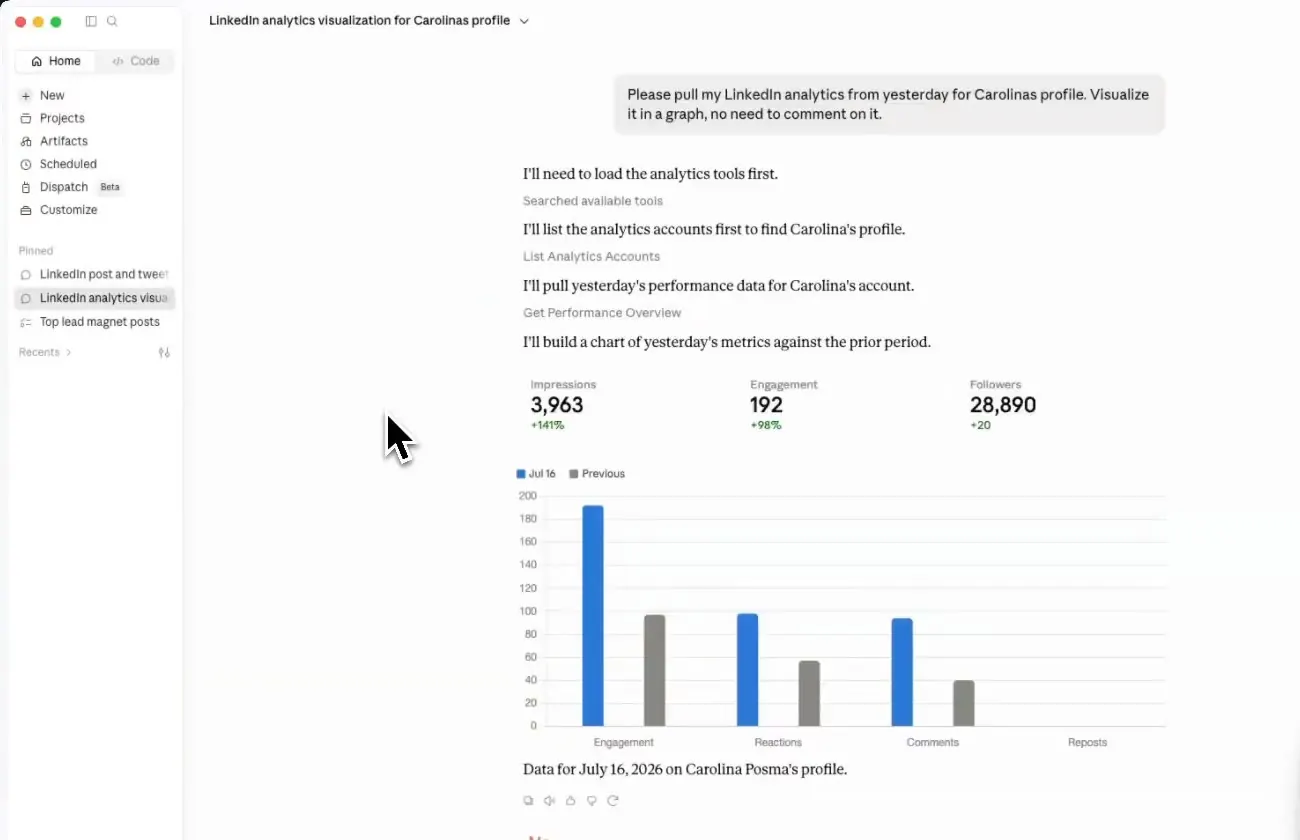
- Read a performance overview, your top posts and the numbers for a single post. These are your LinkedIn analytics, imports refreshed on a schedule rather than live reads.
Engagement
- Read the comments on your team's posts and reply to them.
- Comment on or react to posts in your engage feed (LinkedIn).
Agencies can keep each client in its own workspace and pick the one Claude works in when they sign in, so the pillars, writing style and drafts Claude reads belong to that client.
A week might run like this. On Monday you ask Claude to read Bob's plan and your pillars, then draft the items planned for the week, one at a time. On Tuesday you ask for a carousel from the strongest draft and check the outline. On Wednesday you schedule the batch, and on a profile with approvers the posts go to the approver, who can approve, request changes or deny while you move on. On Friday you ask for the performance overview and carry the top post into next week's plan.
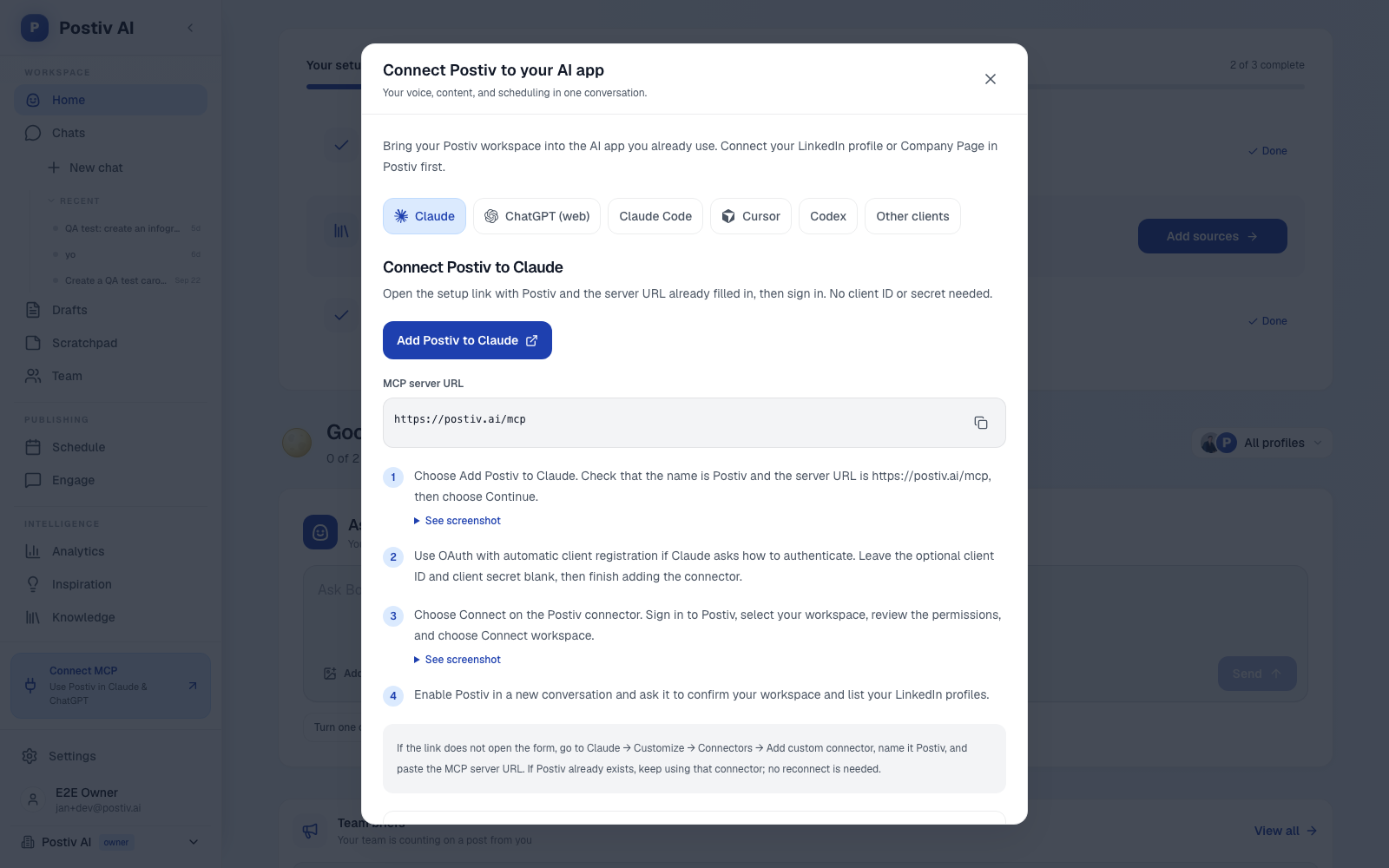
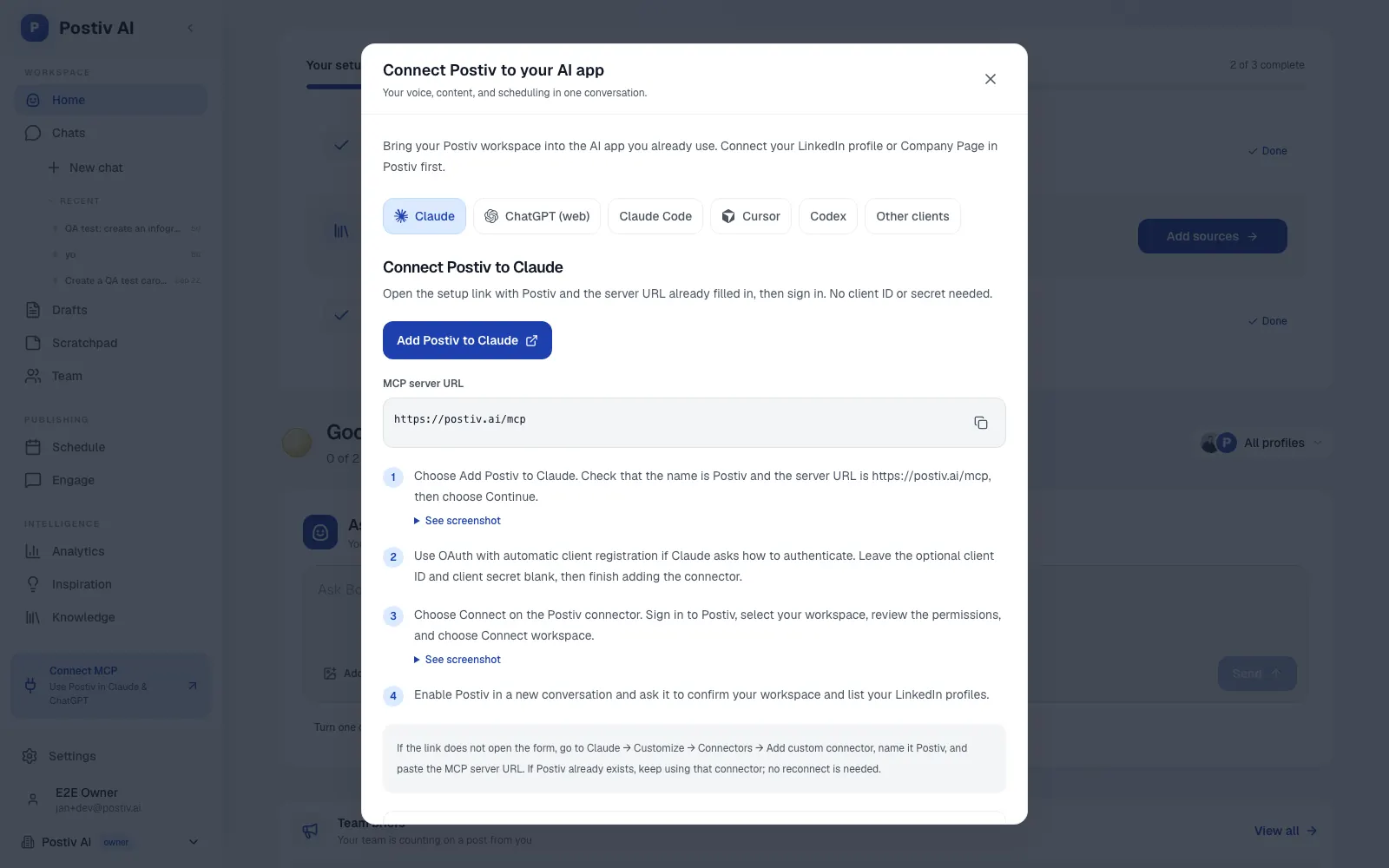
Setup takes a few clicks. Postiv's Connect dialog has tabs for Claude, ChatGPT, Claude Code, Cursor and Codex, an Add Postiv to Claude button and the MCP server URL. Click the button, sign in to Postiv, choose the workspace and approve access; the dialog says no client ID or secret is needed. Start on Read only, ask Claude to confirm the workspace and list your profiles, then switch to Read & write once it reads your pillars and style the way you expect. For a longer walkthrough, see how to connect Claude to LinkedIn. Other social tools such as Buffer and Taplio also offer MCP servers; here is how the social media MCP options compare. If you work in ChatGPT instead, our ChatGPT version of this list covers the marketing apps you can add there.
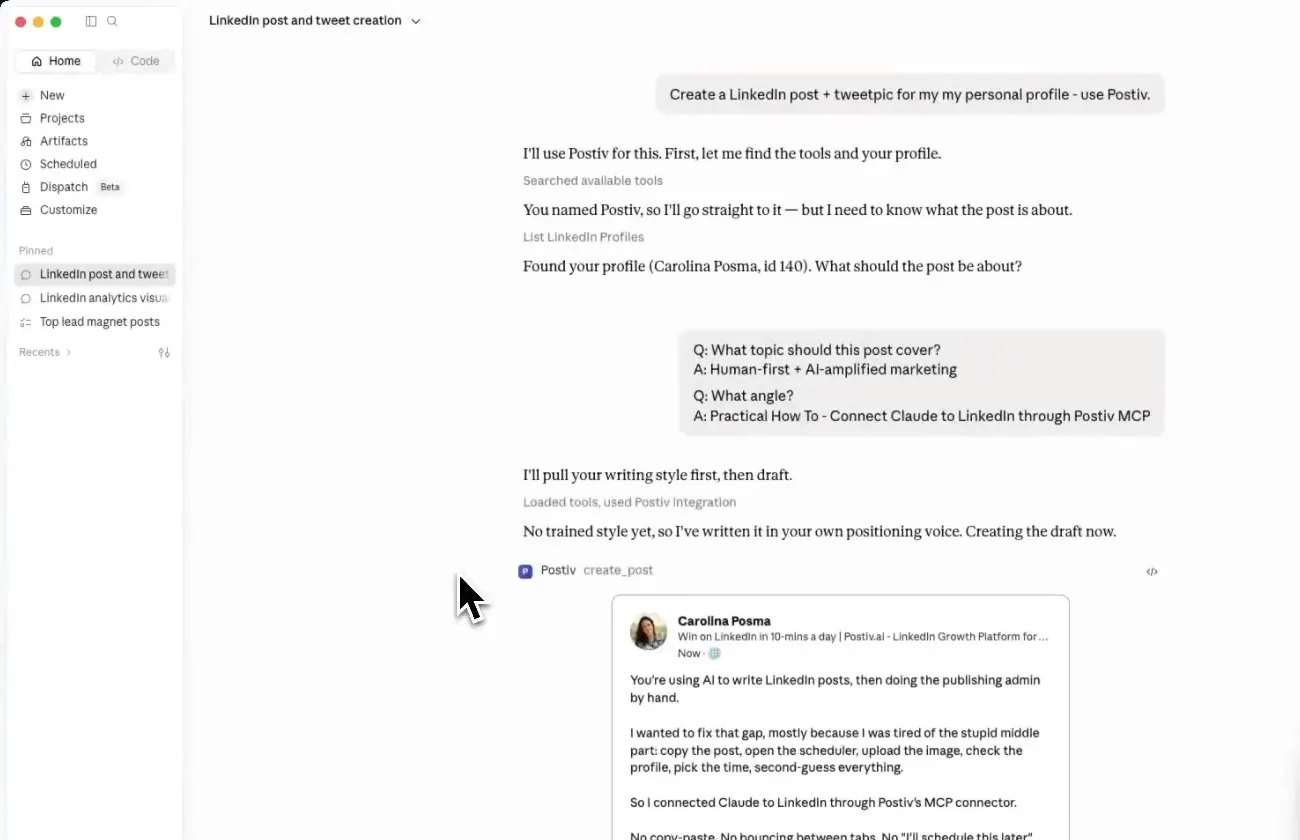
Example prompts:
List my connected Postiv profiles, read my pillars and writing style, then draft three posts for next week, one per pillar. Do not schedule anything.
Search my knowledge base and the inspiration library for what is taking off in my niche, then propose five post ideas tied to my pillars. Do not create drafts yet.
Schedule the approved draft for Tuesday at 8:30 a.m. in my timezone and tell me whether it is waiting for approval.
Strengths:
- Approvals are built in. If a profile has approvers,
schedule_postqueues the post for approval and the assistant cannot bypass the approvers. - Planning, drafting, visuals, scheduling and analytics sit in one workspace, so Claude reads and writes in the same place.
- Pillars and Bob's plans keep drafts tied to topics you chose.
Limits:
- It is a paid product, with a 7-day free trial.
- It is built for content, not outreach: no direct messages or connection requests.
- Analytics are scheduled imports, not live reads.
Keep approval on for: scheduling and publishing.
2. HubSpot
Best for: campaign and pipeline context inside Claude.
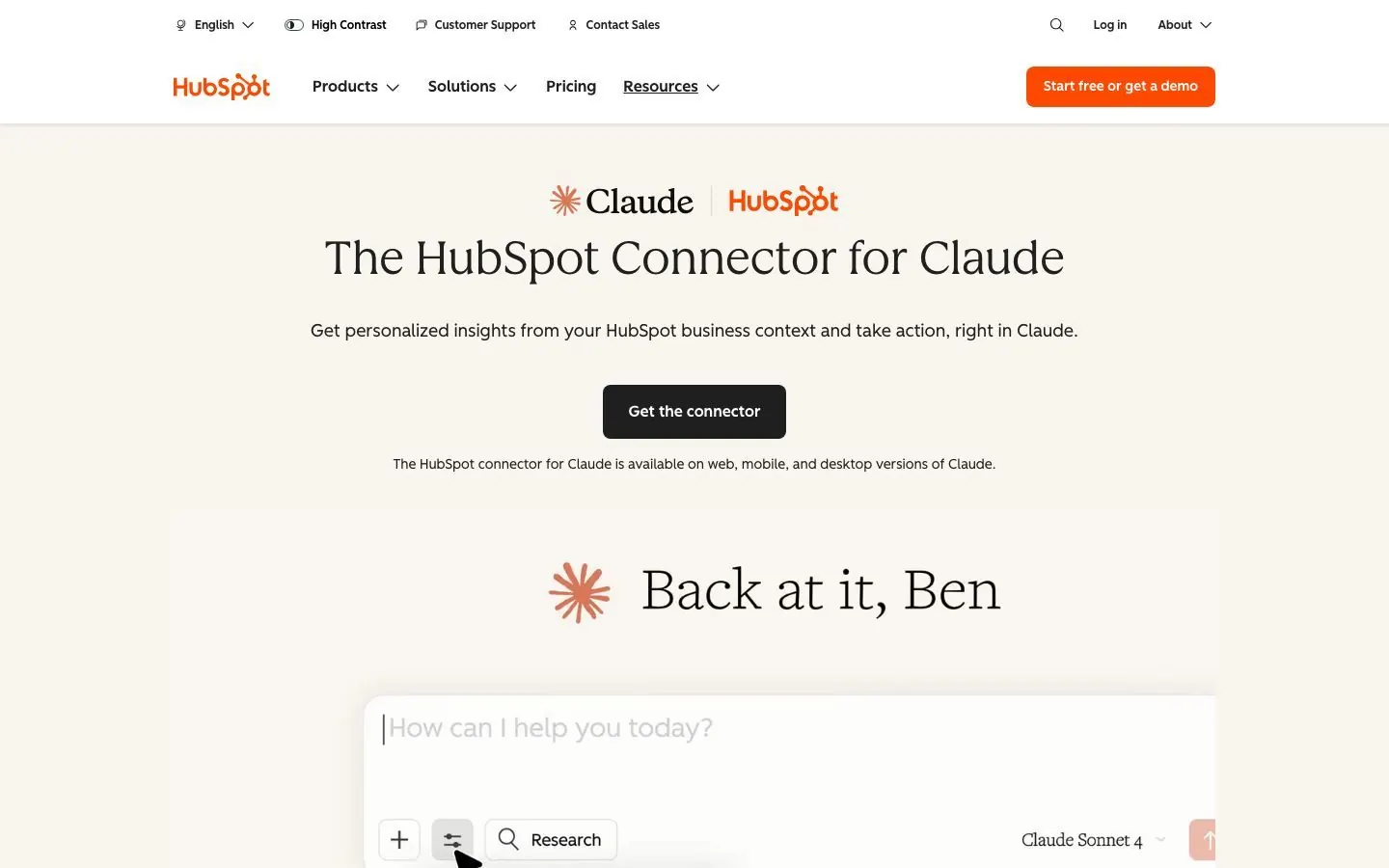
HubSpot built its own Claude connector. Claude's directory lists it as made by HubSpot, verified by Anthropic, in the Sales and marketing category, added in November 2025, with 36 tools. They cover CRM objects, marketing email analytics, campaign attribution reports, content analytics, landing pages, blog posts, website pages, segments, custom properties and pipelines. Per HubSpot's knowledge base, CRM records, landing pages, website pages, blog posts, marketing emails and segments can be read, created and updated. Campaigns are read and create only, invoices, orders, carts and payments are read only, and delete is not supported. For a marketer that means Claude sees the numbers you would open in HubSpot and can draft the pages and emails behind them.
What Claude can do with it:
- Read campaign attribution reports and rank campaigns by the deals they sourced.
- Pull marketing email and content analytics to see which emails, landing pages and blog posts perform.
- Draft a landing page, blog post or marketing email, or update an existing one.
- Create a campaign record for a launch. Existing campaigns can be read but not edited.
- Look up contacts, companies, deals and tickets before you write, so the copy fits your real pipeline.
Example prompts:
Pull the last 90 days of campaign attribution reports and tell me which campaigns sourced the most deals. Change nothing.
Find the landing pages with the weakest content analytics this quarter and suggest one headline change for each. Do not edit the pages.
Setup and plan notes: HubSpot lists the connector for all products and plans but says you need a paid Claude plan (Pro, Max, Team or Enterprise). Super Admins and users with App Marketplace access can connect without prior approval; everyone else needs a Super Admin to approve first. Bulk create and update works in batches of up to ten records, and if Sensitive Data is on in your account, Claude cannot access engagement data.
Strengths:
- One connector covers CRM records and marketing assets.
- Delete is not supported, so Claude cannot remove records.
Limits:
- A paid Claude plan is required.
- Campaigns are read and create only, and bulk edits come in small batches.
Keep approval on for: CRM writes, landing pages, blog posts and marketing emails. HubSpot recommends Needs approval for write tools, because with Always allow edits can happen without asking.
3. Canva
Best for: turning a brief into visuals without leaving the chat.
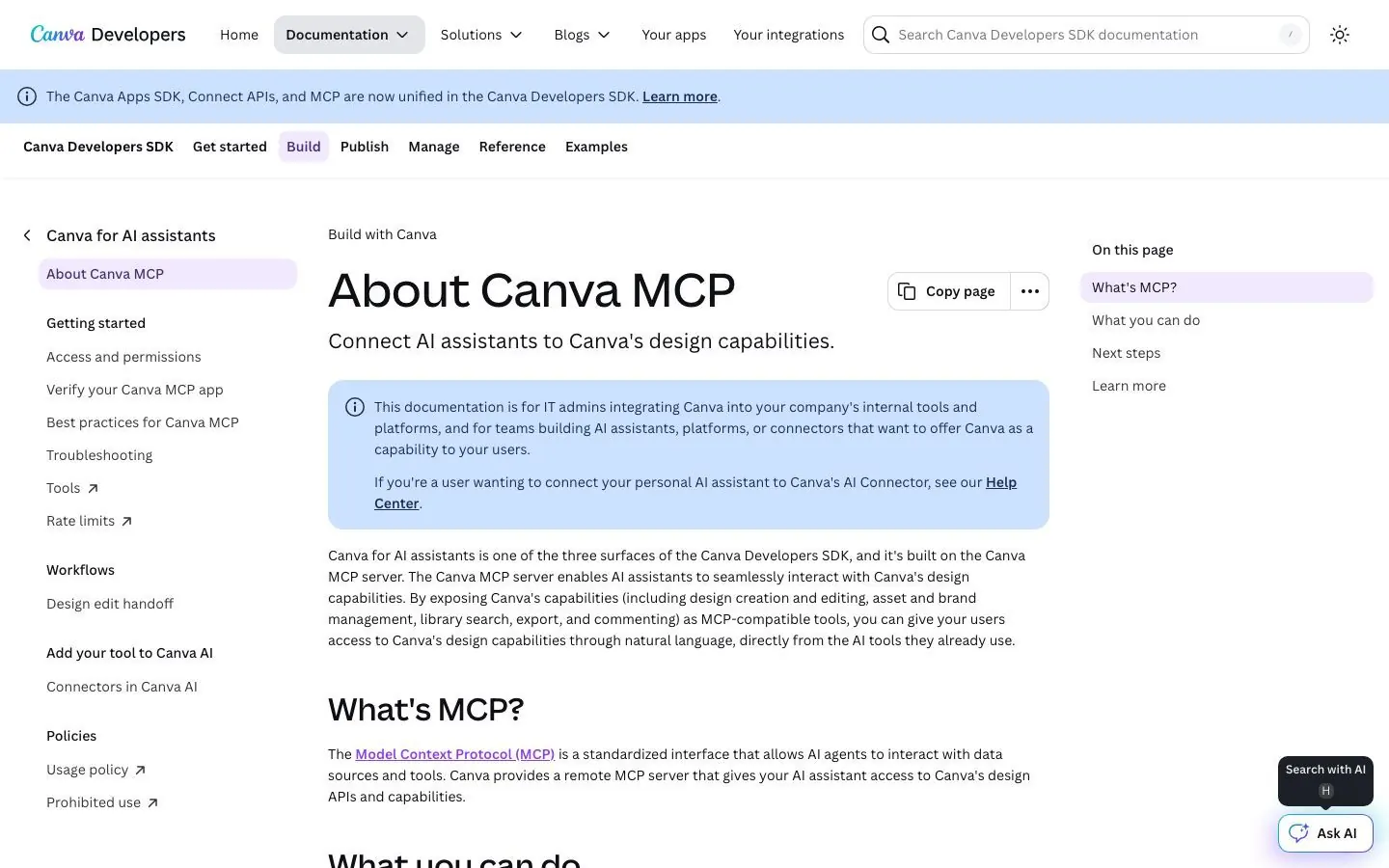
Canva's connector is listed as made by Canva, verified by Anthropic, added in November 2025, with 17 tools. Search and read tools find designs, read their content, list folder items and show which export formats exist. The tools that change things generate a design, import one from a URL, export, create a folder, move an item and add a comment. The description also mentions autofill, but we did not see an autofill tool in the list, so check Canva's docs before you build a routine around it. For a marketer the gain is speed on first drafts: describe the post, get a design, finish it in Canva.
What Claude can do with it:
- Search your designs and folders to find the deck or graphic you need.
- Read what is in a design, such as the text on each page, so Claude can reuse the message.
- Generate a new design from a brief, for example a social graphic for a webinar.
- Import a design from a URL, or export one after checking which formats are available.
- Create folders, move items and leave comments on a design for a reviewer.
Example prompts:
Find last quarter's webinar deck and generate a social post design that announces the same message.
Create a folder called Q4 launch graphics and move the five most recent social designs into it. List what you moved.
Setup and plan notes: Each person signs in with their own Canva account. Per Canva's developer docs, every plan gets design generation, editing, search, exports, comments and asset uploads, while resizing to new dimensions, autofill, brand kits and brand templates need Canva Pro or above. How admins on team plans enable the connector is not confirmed, so check Canva's docs.
Strengths:
- Generation, editing, search and exports work on every Canva plan.
- Read, generate and review tools sit together, so a brief can become a commented design in one chat.
Limits:
- Brand kits and brand templates need Canva Pro or above, so on-brand output depends on your plan.
- Autofill is mentioned in the listing, but its tool is not visible there.
Keep approval on for: moving items, importing designs and commenting on shared designs.
4. Notion
Best for: giving Claude your briefs, interview notes and editorial calendar.
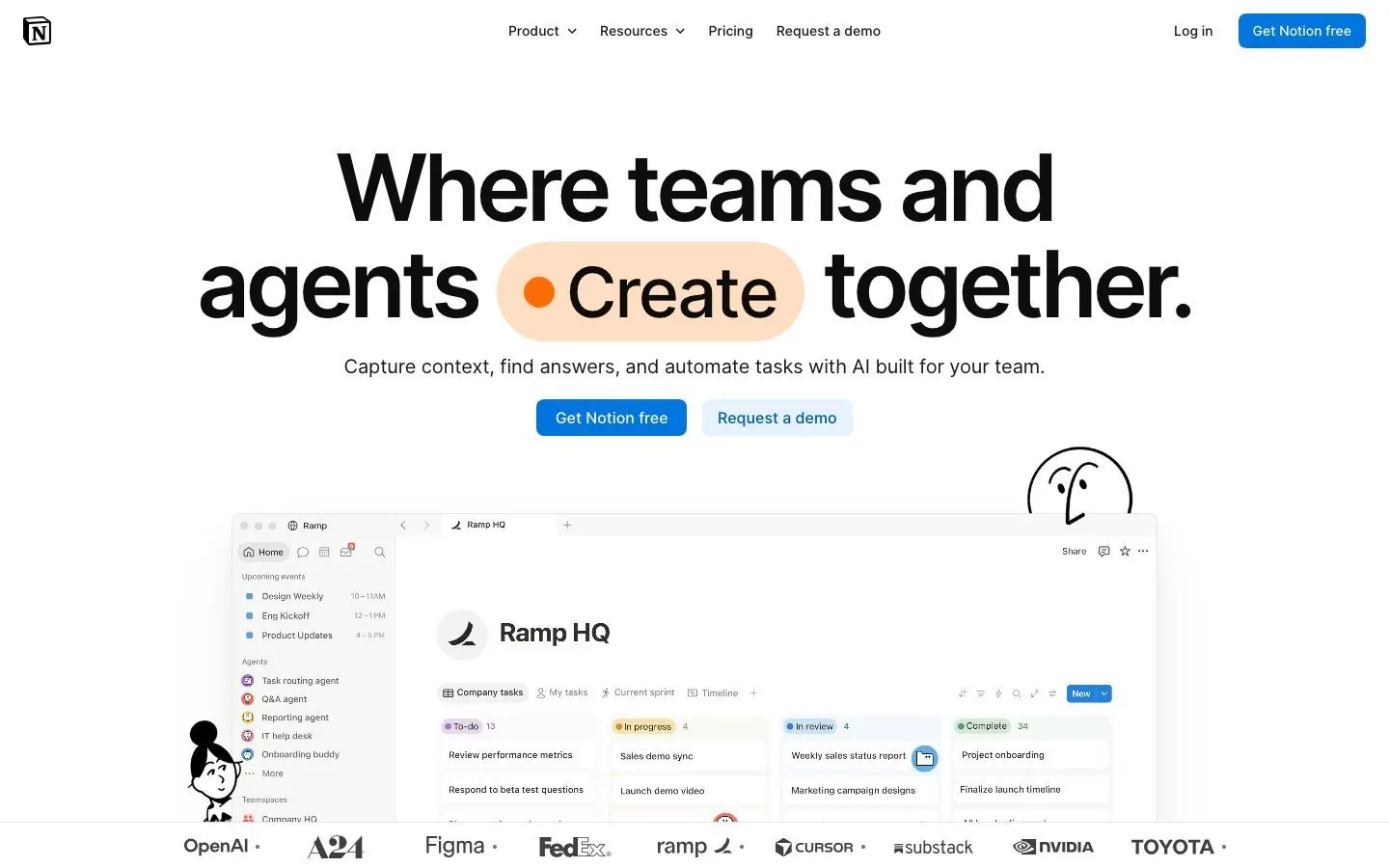
Notion's connector is listed as made by Notion, verified by Anthropic and added in November 2025. Notion describes it as a remote MCP server that it hosts, so there is nothing to install. Claude can search, fetch pages, read comments and look up users. It can also create pages, update and move them, duplicate a page, create and update databases, and add comments. Access follows OAuth, so Claude sees only what the person who signed in can open. That makes Notion a good home for what Claude should know, such as positioning, interview notes and the editorial calendar, because one search reaches all of it.
What Claude can do with it:
- Search the workspace and fetch the full page for a brief, a call note or a content calendar.
- Read comments on a draft page and summarize the open feedback.
- Create a page for a new campaign brief from notes you paste in.
- Update a page, for example to add a status line or a summary at the top.
- Duplicate a template page for a new month or a new client, then move it to the right place.
Example prompts:
Search Notion for the Q4 campaign brief and the customer interview notes. Which key messages do the interviews support? Edit nothing.
Duplicate the content calendar template, name the copy November and tell me which properties it has. Do not fill anything in.
Setup and plan notes: No plan requirement is stated for general use, and you sign in with OAuth. Workspace owners manage allowed clients under Settings, then Notion MCP, then Manage workspace clients. Limiting which clients members can connect needs the Notion Enterprise plan.
Strengths:
- Hosted by Notion, with nothing to install.
- Follows each person's own page access, and covers reading, writing and comments.
Limits:
- Write tools can update and move existing pages, not only add new ones.
- Plan requirements beyond the Enterprise client controls are not stated.
Keep approval on for: page updates, moves and database changes.
5. Semrush
Best for: keyword and competitor research in conversation.
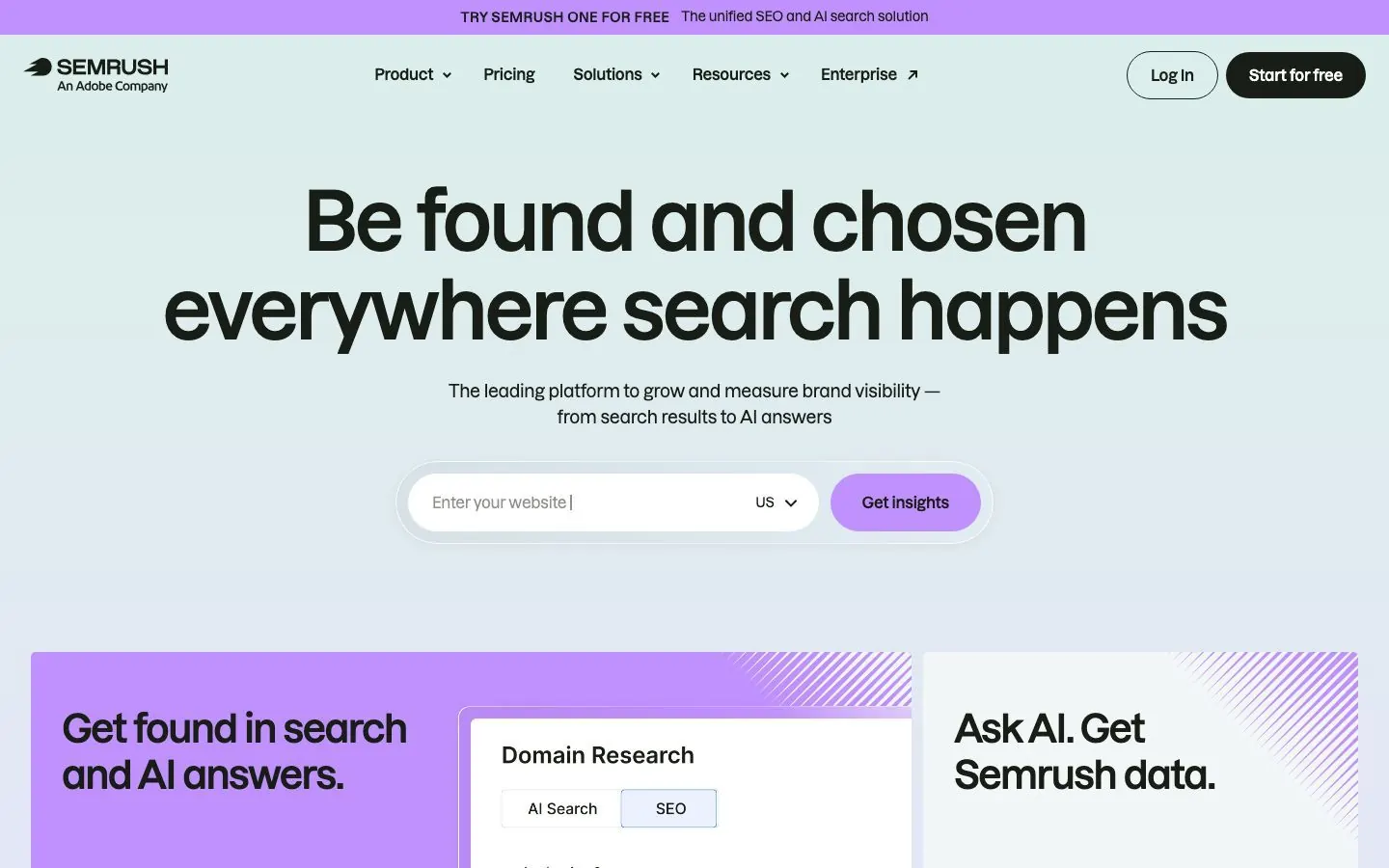
Semrush's connector is listed as made by Semrush Holdings, Inc., verified by Anthropic and added in May 2026. It reads keyword research, domain overview, organic and paid research, backlinks, competitors, audience, traffic overview, site audit, position tracking and shopping research. Semrush says the connection is read-only, so Claude retrieves data and cannot modify or delete it. That makes it a safe first connector to try; the limit you will notice is API units. A typical first request is a competitor gap list or a content brief built from keyword data.
What Claude can do with it:
- Research keywords for a topic and turn the results into a content brief.
- Compare your domain with competitors on organic keywords.
- Look at the backlinks of your site and of a competitor's.
- Read a site audit and group the issues by type.
- Check position tracking for your keywords, and read a traffic overview (traffic analytics and market data need a Trends API plan).
Example prompts:
Compare our domain with two competitors on organic keywords. List 15 keywords both competitors rank for and we do not.
Read our latest site audit and group the issues by type. Then tell me which to fix first for the pages we promote in posts.
Setup and plan notes: Semrush One Starter, Semrush One Pro+, SEO Classic Pro and SEO Classic Guru include MCP access and a monthly allowance of API units. Semrush One Advanced and SEO Classic Business need an API units package. Every query uses API units, and vague requests, such as asking for all keywords worldwide, burn through them.
Strengths:
- Read-only per Semrush, so there is nothing to approve.
- Wide coverage, from keyword research to site audit and position tracking.
Limits:
- Every query consumes API units, and higher-tier plans need an API units package.
- Traffic analytics and market data need a Trends API plan.
Keep approval on for: nothing, since it is read-only. Ask narrow questions to save API units.
6. Ahrefs
Best for: backlinks, rankings and AI search visibility.
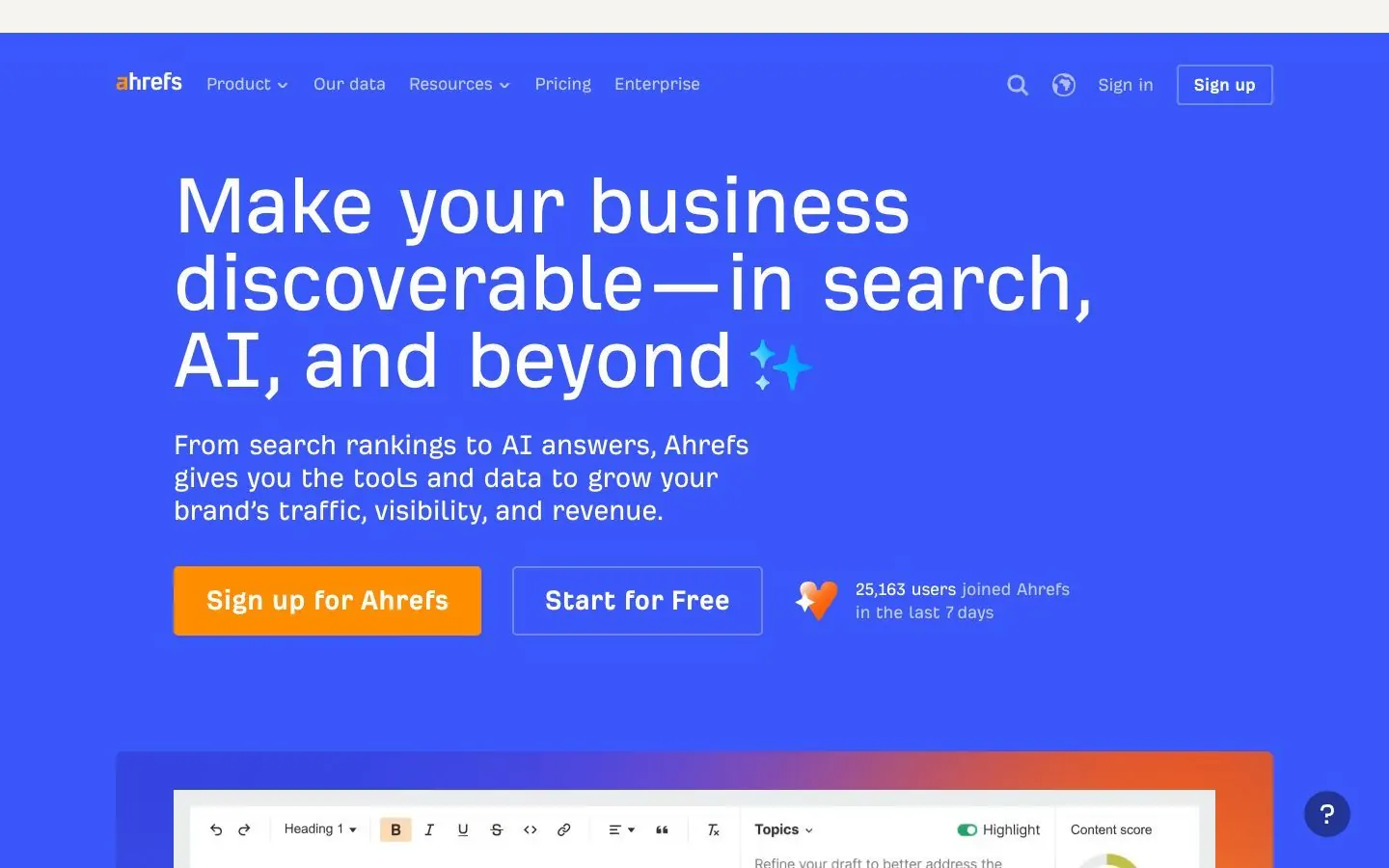
Ahrefs' connector is listed as made by Ahrefs Pte. Ltd., verified by Anthropic and added in January 2026, with 61 tools. The listing says Claude can research keywords, analyze backlinks, track rankings and monitor brand visibility across traditional search and AI platforms. The tools come in groups: Keywords Explorer, Management for projects, keyword lists and competitors, and Brand Radar for AI responses, cited domains and pages, mentions and share of voice. Brand Radar is why a marketer looks twice at this one, since it shows where AI answers cite you and where they cite someone else.
What Claude can do with it:
- Run keyword research for a topic and track rankings for the keywords you care about.
- Analyze backlinks for your site or a competitor's.
- See which domains and pages AI answers cite for your topic.
- Compare brand mentions and share of voice against competitors.
- Read your projects, keyword lists and competitor lists. Whether Claude can change them is not stated, so check their docs.
Example prompts:
Using Brand Radar, show which domains AI answers cite most for our topic, and where a competitor is cited and we are not.
List the keywords in our Ahrefs project that dropped in rankings this month, and suggest which existing posts to refresh. Do not change any project or keyword list.
Setup and plan notes: Ahrefs says the connector is available on Lite and higher plans, with a monthly allowance of API units that depends on the plan and is shared with Ahrefs Connect and API v3. Brand Radar data for AI Overviews and AI Mode needs a separate add-on. Setup is remote only, because Ahrefs no longer supports local MCP setup.
Strengths:
- Brand Radar covers AI search visibility, which classic SEO tools often leave out.
- A broad toolset across keywords, backlinks, rankings and AI answers.
Limits:
- Write access is not stated, so do not assume it is read-only.
- API units are shared with other Ahrefs API products, and AI Overviews data needs an add-on.
Keep approval on for: any change to projects, keyword lists or competitors, since Ahrefs does not say whether Claude can make them.
7. Google Drive and Gmail
Best for: briefs, decks and the inbox where campaign replies land.
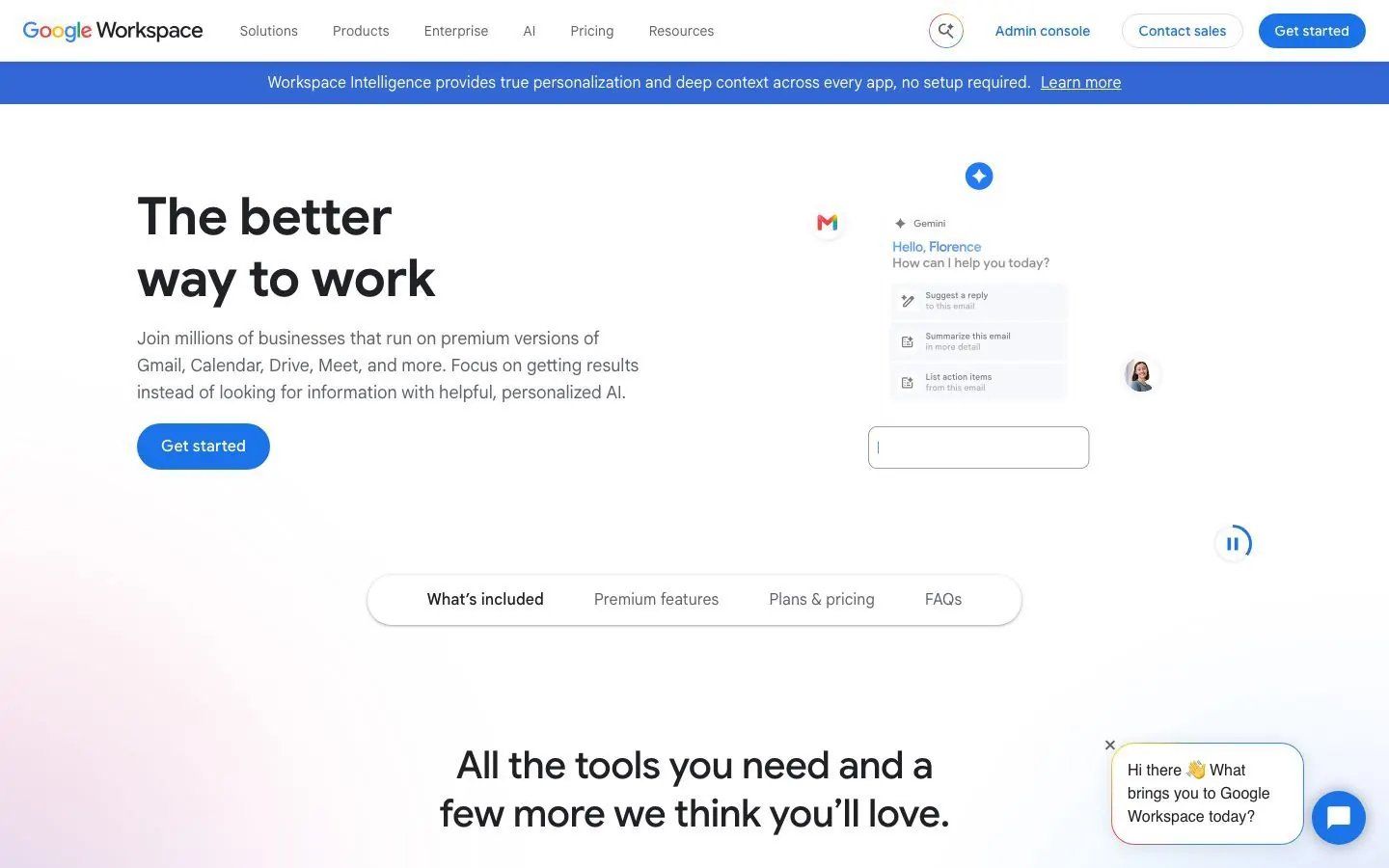
Gmail and Drive are two directory listings, both made by Google and both carrying Anthropic's verified badge. Gmail was added in March 2026 and lists 29 tools; Drive lists 11. In Gmail, Claude can search and read emails and threads, list drafts (attachment metadata only, not attachment content), and draft, label, send, reply, forward, trash and create filters. In Drive it can search and read Docs, Sheets, Slides, PDFs, images and Microsoft Office files (text only, embedded images are not processed), and upload files, create folders, save files Claude generates, share, move and trash. Separate connectors for Docs, Sheets and Slides edit live in a side pane, but they are in beta and cannot add charts to Slides.
What Claude can do with it:
- Search Gmail for replies to a campaign and group them by question.
- Draft a reply for each group and leave the sending to you.
- Read a brief or messaging doc in Drive and pull out the claims it makes.
- Label messages and create filters to sort campaign replies.
- Save a file Claude produced, such as a summary, into a Drive folder.
Example prompts:
Search Gmail for replies to the October newsletter and group them by question. Draft a reply for each group, but do not send.
Find the Q4 messaging doc in Drive and list the claims we make about onboarding. Do not share or move anything.
Setup and plan notes: Anthropic's Help Center says Gmail, Calendar and Drive are available for all users on Claude and Claude Desktop. On Team and Enterprise an Owner enables the connectors at the organization level first, and a Google Workspace admin may need to mark the Claude for Google Drive app as trusted under API controls, which can take about 15 minutes. Owners decide whether members can run approval-gated actions without approval.
Strengths:
- Sending, replying, forwarding, sharing, moving and trashing require approval by default.
- The inbox and the shared drive arrive with one sign-in.
Limits:
- Drive reads text only, and Gmail returns attachment metadata, not content.
- Live editing in Docs, Sheets and Slides is a separate beta connector, and team admins may need to trust the app.
Keep approval on for: anything that sends or shares. Leave the default approvals in place.
8. Slack
Best for: summarizing channels and drafting team updates.
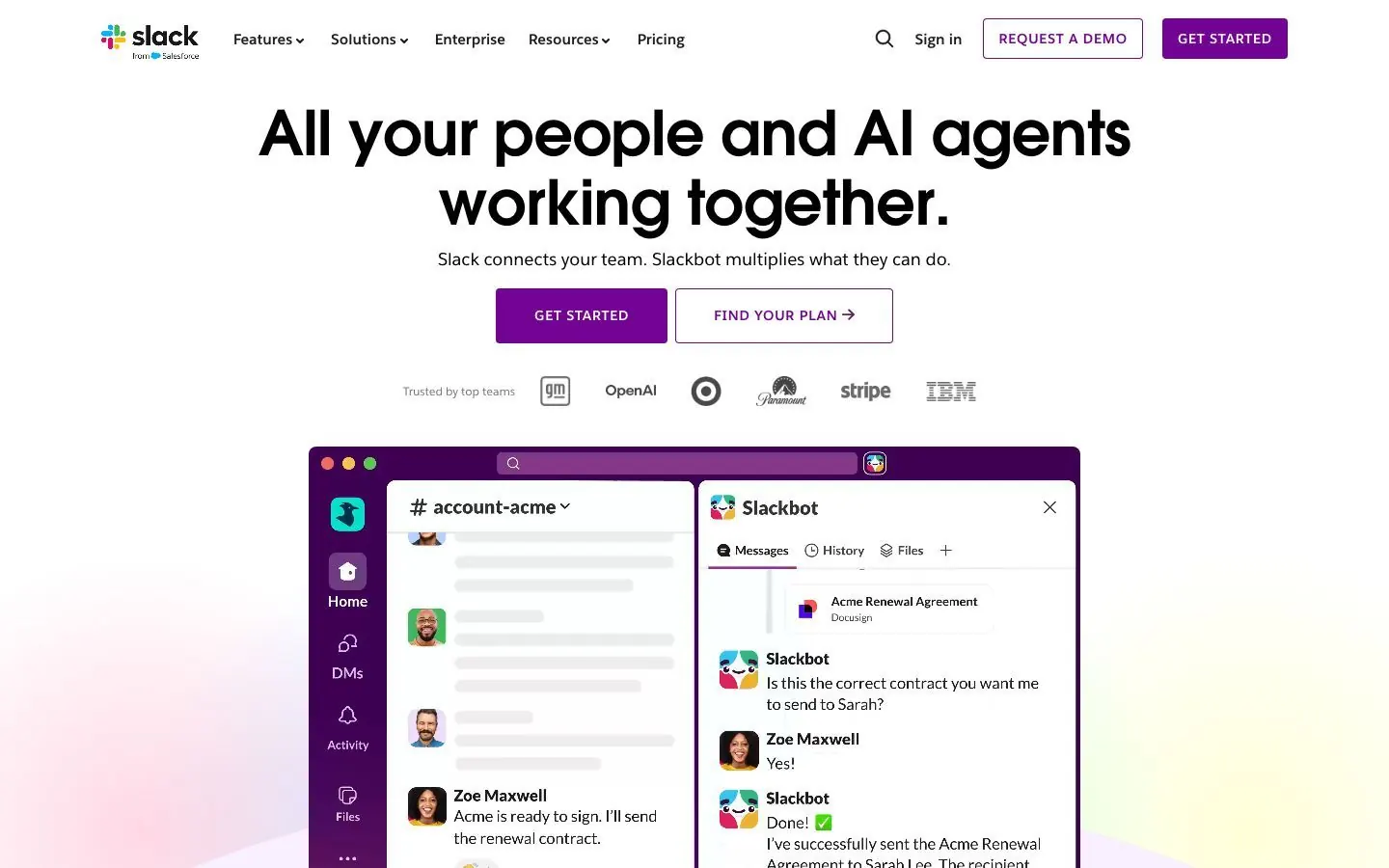
Slack's connector is listed as made by Slack and verified by Anthropic. Per Slack's docs, Claude can search public and private content, search users and channels, and read channels, threads, canvases and user profiles. It can send, schedule and draft messages, create conversations, add reactions, and create and update canvases. It uses OAuth user tokens, so every action runs as you and messages carry your name. Slack's pages do not say whether the server is generally available or in beta, and they state no plan requirement. For a marketer, Slack is where questions and decisions pile up, so a read-first prompt that summarizes a channel is the lowest-risk way to start.
What Claude can do with it:
- Search public and private content for what was said about a launch.
- Read a channel, its threads and a canvas such as a launch checklist, then summarize decisions and open questions.
- Draft a message for you to review before it goes out.
- Create or update a canvas to hold campaign status or meeting notes.
Example prompts:
Read the last week of our marketing channel and list decisions and open questions. Draft a Monday update, but do not post it.
Search Slack for threads that mention the pricing page and summarize what people asked. Do not post anything.
Setup and plan notes: You need a Slack workspace where an admin has approved the MCP integration, and only directory-published or internal apps can use MCP. On Claude Desktop, Slack's own path is Customize, then Connectors, then the plus button, then Slack and OAuth. Plan requirements are not stated, so check their docs.
Strengths:
- Reaches public and private content within your own access.
- Can draft a message before sending it.
Limits:
- It depends on an admin approving the MCP integration.
- Actions run as you, so a sent message is yours.
- Plan requirements and release status are not stated.
Keep approval on for: sent and scheduled messages, since they post as you.
9. Zapier
Best for: reaching apps that have no dedicated connector.
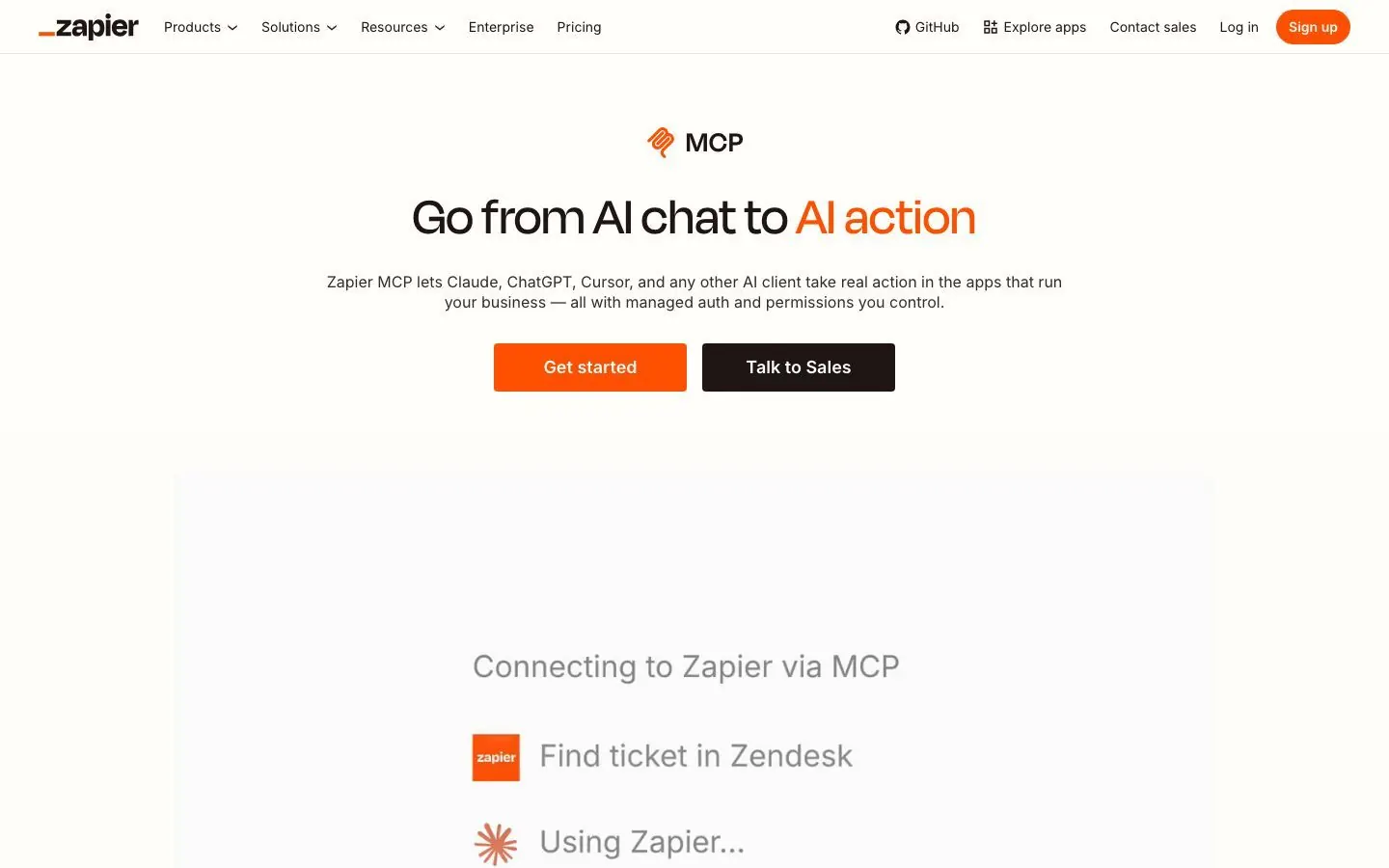
Zapier's connector is listed as made by Zapier, verified by Anthropic and added in November 2025. The listing says Claude can search knowledge across your apps and run real actions in the 9,000+ apps on Zapier, with sending emails, updating CRMs and scheduling meetings as examples. The listing does not split its tools into reads and writes, and Zapier's own pages disagree on how many actions exist, so we only quote the app count. For a marketer, Zapier reaches the tools that have no connector of their own, as long as Zapier supports the app.
What Claude can do with it:
- Send an email or schedule a meeting through an app you have connected in Zapier.
- Update a CRM record in a connected app.
- Search knowledge across the apps you have connected.
- Reach a niche tool, such as a webinar or survey app, if Zapier supports it.
Example prompts:
List the apps I have connected through Zapier. Then propose, without running it, an action that adds new webinar registrants to my email list.
List the Zapier actions you can use right now and flag which ones send, update or create something.
Setup and plan notes: Zapier says Zapier MCP is included in every Zapier plan, and each tool call uses tasks from your existing task quota. The Free plan's monthly task allowance is shared between Zaps and MCP actions. You choose which apps and actions Claude can use, you can review every MCP action in History, and credentials stay in Zapier's connection layer. A confirmation step for each write is not stated, so set your own in Claude.
Strengths:
- Reaches 9,000+ apps through one connector, included in every Zapier plan.
- You pick the apps and actions Claude may use.
Limits:
- Each tool call uses tasks, and the free allowance is shared with your Zaps.
- A per-write confirmation and a read and write split by tool are not stated.
Keep approval on for: every action that sends, updates or creates a record.
10. Webflow
Best for: marketers who build and update their site in Webflow.
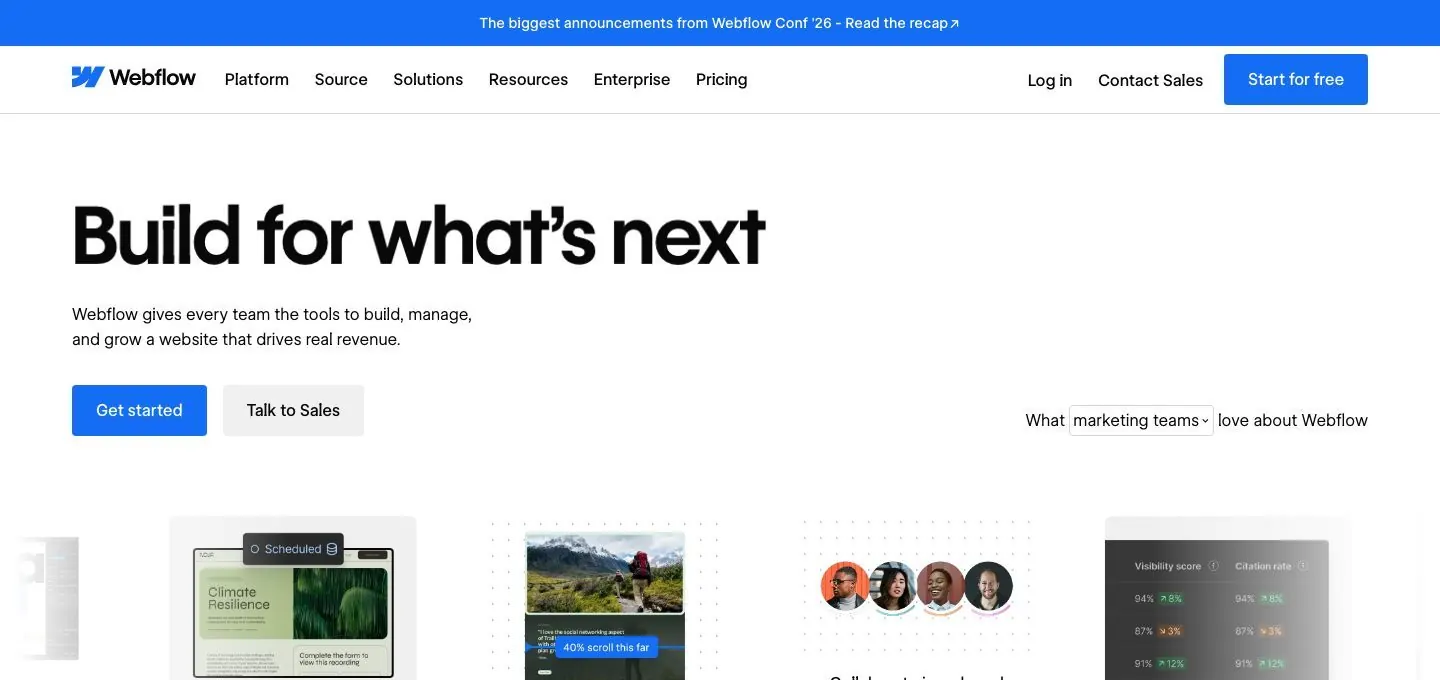
Webflow's connector is listed as made by Webflow, verified by Anthropic and added in January 2026, with 34 tools. Per the listing, Claude can create responsive pages, components and variables, set up and restructure CMS collections, write or update items in bulk, add animations, and answer questions about traffic, top pages and engagement. Webflow built in guardrails. The agent works within your workspace roles, follows the Agent Instructions written for the site, logs every action in the site activity log, and can work on a page branch so the live site stays untouched until you publish. Output opens in the visual editor for review.
What Claude can do with it:
- Build a new landing page layout from responsive sections, components and variables.
- Set up or restructure a CMS collection.
- Write or update CMS items in bulk, such as a batch of blog entries.
- Answer questions about traffic, top pages and engagement.
Example prompts:
List this month's top pages by traffic, then propose a new section for the best one on a page branch. Do not publish.
Show me the fields in our blog CMS collection and which items are missing an author. Do not update any items.
Setup and plan notes: A plan requirement is not stated, so check Webflow's docs. Write Agent Instructions for the site so output follows your conventions. A sensible first task is a draft section on a page branch, reviewed in the visual editor, with publishing left to a person.
Strengths:
- A page branch keeps the live site untouched until you publish.
- Every action lands in the site activity log.
Limits:
- Bulk CMS writes can touch many items at once.
- Plan requirements are not stated.
Keep approval on for: publishing and bulk CMS edits.
What about Google Analytics and Meta Ads?
We found no official Google Analytics connector in Claude's directory. Google's own Analytics MCP server runs locally on your machine and is read-only: it can run reports but cannot edit your configuration. It works with Claude Code. Third-party connectors that include Google Analytics data, such as Supermetrics, Funnel, Windsor.ai and Polar Analytics, appear on Claude's site; check what each reads and who made it.
Meta has an official hosted Ads MCP server that can read reporting and also create and edit ads, ad sets and campaigns. We could not confirm it as a Claude directory listing. Whether writes need confirmation is not stated. Third-party connectors such as Supermetrics, Windsor.ai, Funnel and Motion also cover Meta ads. Keep approval on for anything that spends money.
How to add a connector to Claude
Anthropic announced Claude Marketplace on September 23, 2026 as one place to find plugins, connectors and partners. It lists more than 2,000 plugins and connectors combined, and the connectors directory on its own shows close to 1,000.
Directory route: open Customize, then Connectors. Click the plus button next to Connectors, or choose Discover, then browse or search. Open a listing, check the Made by line and the Verified or Community label, click Connect (some listings say Install) and follow the sign-in prompts. Installing on mobile is in beta, so make the first connection on web or desktop.
Custom connector route: open Customize, then Connectors, and add a custom connector. The exact menu labels shift a little between Claude apps. Enter a name and the remote MCP server URL, which must be reachable over the public internet because Claude connects from Anthropic's cloud. Review the detected auth settings, pick how to authenticate and click Add.
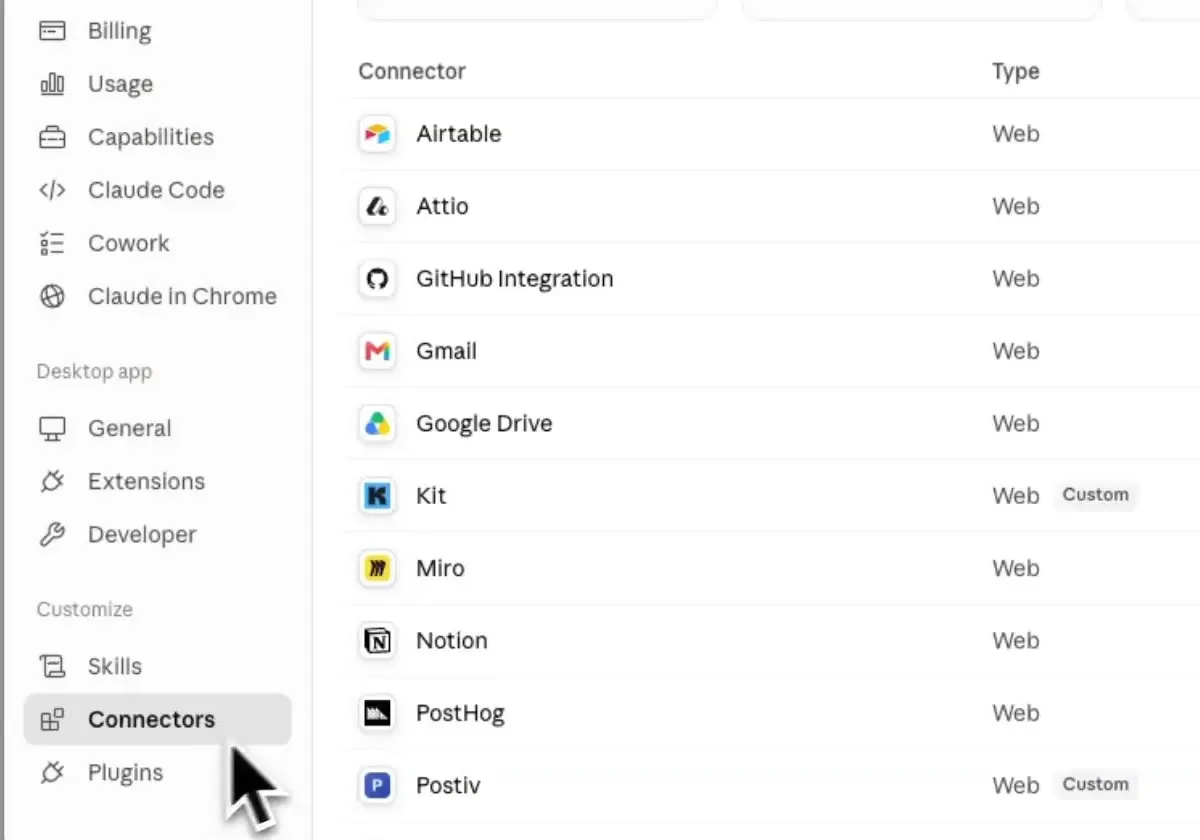
Postiv example: open Customize, then Connectors, then Add custom connector. Name it Postiv, paste https://postiv.ai/mcp as the URL and click Connect. Sign in to Postiv, choose the workspace and approve access. Pick Read only first if you want Claude to look before it writes. The full setup steps cover Claude Code too.
Tip: after a connector adds tools, open the connector's menu and use Refresh tools list. A new chat alone does not refresh it.
Plans and teams. Directory connectors are available to all users, and custom connectors work on Free, Pro, Max, Team and Enterprise, with Free capped at one. On Team and Enterprise, an Owner enables a connector under Organization settings, then Connectors, but each member still signs in individually. On Team plans, members without permission see a Request button, and requests are on by default on Team and off by default on Enterprise. Owners can also restrict actions for everyone, such as allowing read and blocking write, and individual users cannot override that. For each connector, open Tool permissions and set each tool to Always allow, Needs approval or Blocked.
Are Claude connectors safe for marketing work?
Mostly, if you set them up with some care. Each connector acts with your account's permissions in that app, so the settings you choose in Claude decide how much it can do without asking you. What we do:
Start narrow. Where a connector offers Read only, begin there. Semrush is read-only according to Semrush, and Postiv has a Read only mode, so both make easy first connections.
Set write tools to Needs approval, per tool or per category, and keep it on for publishing, sending email, ad changes, CRM writes and customer lists. HubSpot recommends the same for its own write tools.
Do not assume Claude will ask. Anthropic's docs say Claude can ask before it uses a tool, not that it always does. Only Gmail send, reply and forward and Drive share, move and trash are confirmed as approval by default.
Check who made it. Listings show a Made by label and a Verified or Community label, and warn you to use only developers you trust. Anthropic also says it cannot verify that tools will keep working as described.
Remember whose account it is. In Slack, a message sent through Claude is sent as you. On Team and Enterprise, an Owner can block write tools for everyone.
Remove connectors you stopped using, so old access does not sit around.
Connector stacks by team
Nobody needs all ten. These are the stacks we would start with, and Postiv sits in each one for the social side.
| Team | Stack | What the mix covers |
|---|---|---|
| Solo founder or consultant | Postiv, Notion, Google Drive and Gmail, Canva | Your own notes, drafts, visuals and inbox |
| In-house B2B marketing team (up to about 200 people) | Postiv, HubSpot, Slack, Notion, Semrush or Ahrefs | Pipeline, team chat, briefs and search data around the content |
| Agency running several clients | Postiv, Notion, Slack, Canva, Zapier | Client briefs, creative and automation across other apps |
Solo founder or consultant. You are the whole team, so the job is turning what you already know into posts. Notion holds interview notes and ideas, Drive and Gmail hold briefs and reader replies, and Canva makes the visual for a post that Postiv schedules. Start each connector on read access where it is offered, and turn writes on one at a time. If you are the only person on a profile, the Needs approval setting in Claude may be the only check before something goes out, so leave it on for Gmail send and for Postiv scheduling.
In-house B2B marketing team, up to about 200 people. HubSpot supplies attribution and content analytics, Slack carries the questions and decisions, Notion holds briefs, and Semrush or Ahrefs covers search and AI answer visibility. Pick one of the two SEO tools unless you already use both. On Team or Enterprise, an Owner enables each connector once and every member signs in individually. Expect two extra approvals from the vendors: a HubSpot Super Admin for people without App Marketplace access, and a Slack workspace admin for the MCP integration. Postiv approvers cover the social side, since scheduled posts on a profile with approvers wait for them.
Agency running several clients. Each client gets its own Postiv workspace, and you pick which one Claude works in when you sign in. Notion holds the briefs, Slack carries the client channels, Canva produces creative, and Zapier reaches the apps with no dedicated connector, as long as Zapier supports the app. Because every connector acts with your permissions in that app, connect only the folders, channels and workspaces that belong to the client in front of you. Zapier needs the tightest rules: choose which apps and actions Claude may use, and check History after a run.
Claude skills for marketing
A skill is a folder with a SKILL.md file (name and description required) plus instructions, scripts and resources that Claude loads when a task calls for them. Skills are available on Free, Pro, Max, Team and Enterprise plans and need code execution on. On an individual plan, enable Code execution and file creation under Settings, then Capabilities, then toggle skills under Customize, then Skills. Team and Enterprise owners enable code execution in Organization settings.
The Postiv skill pack
The Postiv skill pack is optional and works with the Postiv connector. It has five playbooks, and each one below comes with a request you could type to start it:
- Subject interview: Claude asks you questions about a topic in the chat, then turns your answers into posts. Try: "Interview me about pricing objections, then turn my answers into three LinkedIn posts."
- Meeting to answers: turns a meeting transcript into content that answers customer questions. Try: "Here is the transcript of Tuesday's customer call. Write a post for each question the customer asked."
- Repurpose old winners: finds your best past posts in your analytics and makes something fresh. Try: "Find my two best posts from the last quarter and write a fresh take on each."
- Draft from Bob's plan: drafts this week's items from Bob's content plan. Try: "Draft this week's items from Bob's plan, one at a time, and show me each before you save it."
- Niche big ideas: finds winning posts in the inspiration library and adapts the big idea. Try: "Find posts taking off in my niche this month and adapt the big idea of the best one to my first pillar."
The pack itself does not connect your account or change any permissions; that still happens through the connector and the access level you chose.
coreyhaines31/marketingskills
A community repository on GitHub, under the MIT license, with more than 55,000 stars at the time of writing. It holds 52 skills across nine categories: conversion optimization, content and copy, SEO and discovery, paid and distribution, measurement and testing, retention, growth engineering, strategy and monetization, and sales and RevOps. Individual skills include copywriting, seo-audit, ad-creative, content-strategy, ab-testing, ai-seo and programmatic-seo. Its README says it works with Claude Code, Codex, Cursor, Windsurf and other agents that support the Agent Skills format. It is not made by Anthropic, which advises vetting skills from outside sources and treating them like installed software.
Anthropic's example skills
Anthropic maintains skills in Claude for creating Excel, Word, PowerPoint and PDF files, and publishes an example repository with 19 skill folders, among them docx, pdf, pptx, xlsx, canvas-design, theme-factory, doc-coauthoring, internal-comms and skill-creator. The repository presents them as examples for demonstration and education. Its brand-guidelines skill applies Anthropic's own colors and typography, so treat it as a template and write your own brand or voice skill.
Write your own skill
- Pick one recurring job, such as turning a customer call into a post.
- Create a folder with a SKILL.md file: a name, a description of when to use it, and the steps in order.
- Add two or three examples of good output in your voice.
- Upload the folder as a ZIP (plus button, Create skill, Upload a skill), test it on a real task and tighten the steps.
Here is a small one, a LinkedIn post review skill, that you could paste into a SKILL.md file:
---
name: linkedin-post-review
description: Review a LinkedIn post draft against our checklist before it goes to the approver. Use when the user shares a draft or asks for a post review.
---

# LinkedIn post review

1. Read the draft and name its single main idea in one sentence.
2. Check the draft against the checklist below.
3. Give a short verdict, then rewrite the opening line if the hook is weak.
4. List what you changed and why. Never change the claims.

## Checklist

- The first line stands alone and makes a promise the post keeps.
- One idea per post, with one example from our own work.
- No jargon a customer would not use.
- A clear next step in the last line, with no hard sell.
- Nothing about named customers or unreleased features unless the user confirms it is cleared.
Two marketing workflows with connectors and skills
The weekly content routine
Here is one Monday routine for a B2B team, using only what the connectors above can do.
- Read the context. Claude reads the campaign brief in Notion and the pipeline in HubSpot.
- Find what worked. Claude runs Repurpose old winners from the Postiv skill pack on your latest analytics import.
- Draft in your voice. Claude drafts three LinkedIn posts in Postiv from your writing style and pillars.
- Add a visual. Claude builds a carousel from the strongest draft and shows the outline before rendering.
- Queue for approval. Claude schedules the posts, and with approvers set they wait for sign-off (see how to schedule LinkedIn posts with Claude).
- Tell the team. Claude drafts a Slack summary, and you approve it before it posts.
The monthly reporting routine
Once a month the question changes from what to post to what the posts did. This routine reads from several places and writes to only one.
- Pull search visibility. Claude reads position tracking and organic research from Semrush, or AI answer visibility from Ahrefs Brand Radar. Both are reads.
- Pull campaign results. Claude reads HubSpot campaign attribution reports and content analytics for the same month.
- Pull social results. Claude reads the Postiv performance overview and your top posts. These are scheduled imports, not live reads.
- Join the numbers. The connectors do not talk to each other, so Claude joins the sources in the conversation. Ask it to name the source of every figure.
- Draft the summary. Claude drafts a Slack message for the marketing channel, or saves a summary as a file in Google Drive.
- Approve before anything is sent. Keep Slack sending and Drive sharing on Needs approval, and read the draft before you say yes.
A prompt to start it:
Read last month's search visibility from Semrush, the campaign attribution report from HubSpot and my Postiv performance overview with top posts. Write a one-page summary of what moved, what sourced deals and which posts led. Draft it as a Slack message for the marketing channel and do not send it.
Only the last step writes anything, so steps one to four can run with read access.
More quick answers
Does Claude have connectors like ChatGPT?
Yes. Claude connectors link Claude to outside apps through MCP, usually with OAuth sign-in. Browse the directory under Customize, then Connectors, which lists close to 1,000 connectors, or add your own remote MCP server. Each listing shows who made it and a Verified or Community label.
Which Claude plans support connectors, and what is the Free limit?
Anthropic says directory connectors are available to all users, and custom connectors work on Free, Pro, Max, Team and Enterprise, with Free limited to one custom connector. Vendors can add requirements: HubSpot, for example, says its connector needs a paid Claude plan.
Is it safe to use connectors in Claude?
It can be, with the right settings. Connecting gives Claude permission to access and potentially modify data in that service, within your account permissions. Use makers you trust, start with read access where offered, and set write tools to Needs approval, especially for publishing, sending email, ad changes and CRM updates.
Can you use Claude for marketing?
Yes. With connectors, Claude can read your CRM, search designs and documents, pull SEO data, draft email replies and queue social posts. Without them it only works from what you paste into the chat. Keep a human approval step on anything that publishes, sends or spends.
How do you make Claude better at marketing?
Give it context and a routine. Connectors let Claude read the real brief, pipeline and past results. Skills teach it how you do recurring jobs, such as your post structure or review checklist. Then write prompts that name the audience, the goal and what Claude must not change.
Does Claude have a marketing skill?
Anthropic maintains skills in Claude for creating Excel, Word, PowerPoint and PDF files, and its example repository includes templates such as brand-guidelines and internal-comms. For marketing work you add your own skill or a community pack, such as coreyhaines31/marketingskills, or the Postiv skill pack for social content.
What is the difference between Claude skills and connectors?
A connector gives Claude access to an app. A skill is a folder with a SKILL.md file that teaches Claude a recurring job, such as your post structure. A prompt says what to do right now. In practice you use them together, with the connector giving access and the skill describing how you want the job done.
Are Claude connectors free?
Anthropic says directory connectors are available to all users, and custom connectors work on Free with a cap of one connector. The vendor then sets its own terms: Semrush and Ahrefs meter usage in API units, Zapier meters it in tasks, and HubSpot says its connector needs a paid Claude plan. Check each vendor's plan page before you build a routine on one.
What is the difference between a Claude connector and a plugin?
A connector links Claude to one outside app through MCP. A plugin is a package that can bundle MCP connectors, Agent Skills or both, so one package can add access and instructions together. Claude Marketplace lists plugins and connectors in one place, with more than 2,000 of the two combined.
Add Postiv to Claude
If you want Claude to plan your week, write in your voice and queue posts that wait for approval, start a 7-day free trial of Postiv and add the connector. MCP access is included on every Postiv plan.