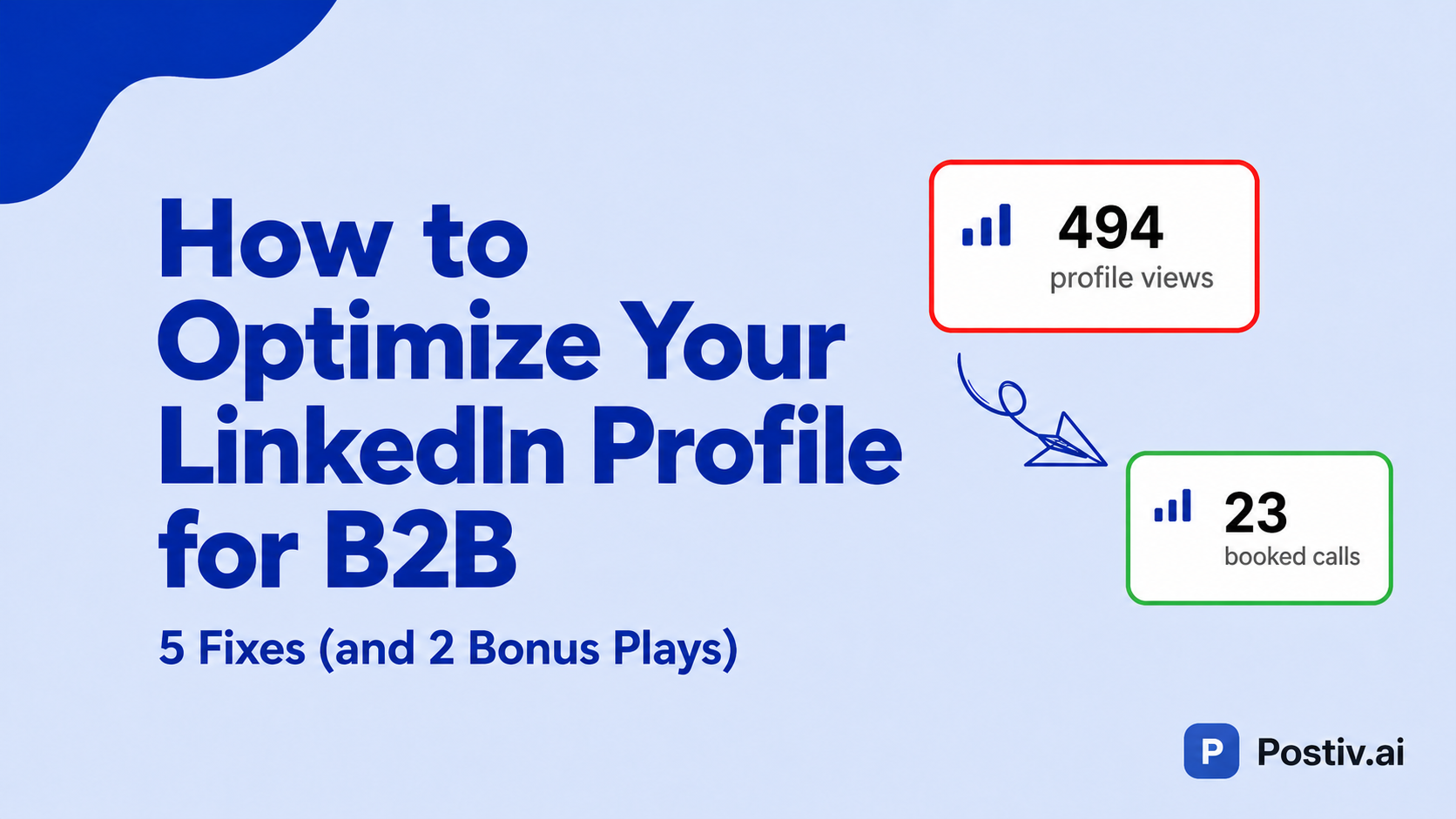
Most LinkedIn profile advice out there is written for job seekers. Which is fine — if you're looking for a job. But if you're running a B2B company, half of that advice is actively costing you leads.
I've spent the last year looking at hundreds of B2B profiles, and it's always the same five things that need to be fixed. Stick around — there are two bonus plays at the end most people completely miss.
The one rule that rules them all: don't confuse your leads
Before we get into specifics, here's the rule every other tip on this list comes back to:
Don't confuse your leads. Make it stupid simple for them to take the next action you want them to take.
That's it. That's the whole game.
There are two ways people convert from your LinkedIn content. Either they take the call to action straight from your post — or, and this is what actually happens about 80% of the time, they go to your profile first. They want to check if you're legit before doing business with you.
Your profile is where the deal gets won or lost. Here's how the profile funnel actually flows:
- Someone sees your post in the feed.
- Your headline makes them curious enough to click your profile.
- Your banner pushes them one step deeper.
- Your About section sells them on the why.
- Your Featured section is where the conversion happens.
- If they keep scrolling, your Experience keeps the option open.
Every part of your profile is a chance to move someone one step further. Treat it that way.
Tip 1: Fix your headline
Your headline is the single most leveraged piece of text on your whole profile, because it shows up everywhere. The feed. Your DMs. Every comment you leave. Every connection request. Every search result.
If your headline says "Founder at [Company Nobody's Heard Of]," you're paying for the most expensive billboard LinkedIn can give you and wasting the impression.
The classic formula that always works:
I help [who you help] [outcome] without/with [the method that makes you different].
A few real examples:
- "I help B2B founders turn LinkedIn into a pipeline engine without spending two hours a day writing posts."
- "I help German DTC brands turn TikTok Shop into their unfair advantage."
- "I help coaches stop losing clients before the first call."
If you want more patterns to model, our breakdown of LinkedIn headline examples covers ten formulas with copy-paste templates for founders, consultants, and job seekers.
It's not the most creative formula in the world, but it answers the three questions every visitor is asking in the first second:
- Who is this for?
- What do they get?
- Why this person?
Start here. Get crystal clear first. Once you've grown a bit and have a feel for your audience, you can layer in more personality. But "clear" beats "clever" every time when someone is one click away from leaving.
If you want a head start, our free LinkedIn headline generator reads your real profile and produces three ranked headline options — one professional, one creative, one bold — each scored and explained. Use it as a draft, then sharpen with the formula above.
Tip 2: Turn your banner into a CTA
Your banner is the first real call-to-action on your profile. Most B2B founders waste it on a stock laptop photo, a portrait of themselves, or — worst of all — the default LinkedIn blue.
Two jobs your banner needs to do:
1. Add the social proof your headline can't fit. Star ratings. Client logos. Specific results like "Helped 200+ B2B companies book more demos." Featured-in logos. "20+ years experience." Anything that adds credibility you couldn't squeeze into 220 characters.
2. Push people deeper into the funnel. Add copy like "Grab my free lead magnet below" with a literal arrow pointing toward the Featured section. The banner's job is to stop the scroll and send them one step further down.
Profiles that nail this look like:
- Watch my free masterclass with an arrow → and the masterclass right there in the Featured section.
- Join my community below ↓ with the join link directly underneath.
There are no choices to make. Just one obvious next step.
One more visual asset worth adding: a LinkedIn QR code on your business card, badge, or slide deck so the people you meet offline land on this optimized profile in one scan instead of typing your name into search.
Tip 3: Rewrite your About section
This is where most B2B profiles lose the lead.
Do not do a résumé dump. "Founded Company X in 2019, previously worked at Y, passionate about Z." Nobody cares when they're trying to decide whether to buy from you. That's job-seeker copy.
Lead with the prospect's problem instead. The exact thing keeping them up at night. Then explain how you solve it. Then drop real numbers and real client wins. Then end with one clear call to action.
A structure that works on almost every B2B profile:
- Hook — the painful problem your ICP is actively having.
- Solution — how you specifically solve it (and why your way is different).
- Proof — real numbers, real client outcomes, named brands if you can.
- CTA — one clear next step. Yes, links don't auto-link in About — people will copy-paste, that's fine.
For coaches and consultants, this framework converts especially well:
"I used to struggle with [X]. Now I help others do [Y]."
It shows you've been through the same transformation you're now selling. That's powerful trust in two sentences.
Tip 4: Make your Featured section the conversion engine
The Featured section is the single highest-converting spot on your profile. This is where the deal actually closes.
My rule: two CTAs max. Preferably one.
The more options you give a visitor, the more decisions they have to make, and the more likely they are to make none. The best B2B profiles I see give visitors exactly one obvious next step:
- Watch a free masterclass.
- Download a free lead magnet.
- Book a call.
- Join the community.
- Try the product.
Pick the one action you most want a profile visitor to take and make it the most obvious thing on the page. Everything else — the headline, the banner, the about section — is just funneling them toward this one click.
Tip 5: Don't let your Experience section leak
Almost everyone misses this. Your Experience section is the last stop before someone bounces — make it work for you.
When you edit a role, you can add media to it. That media can be a link.
So instead of someone scrolling down, opening your company page, hunting for your website, and getting distracted along the way, you give them a one-click link directly to whatever matters: your site, your book-a-call link, your free trial.
Every piece of friction you remove is a percentage of leads you keep. This one takes 30 seconds.
While you are in there, add any course certificates you have earned. They render as credentials directly on the profile, which is the main reason people weigh the LinkedIn Learning subscription price against free library access, because library-issued certificates cannot carry your name.
Bonus play 1: Make "Follow" the primary button
Used to be called Creator Mode. It still exists — it's just buried in your settings now. Go to your profile visibility settings, find Followers, and switch "Follow" to the primary action.
Why this matters: a connection request is a much bigger barrier than a follow. People who would happily follow you to keep seeing your content will not send you a connection request. So if "Connect" is your primary button, you're losing followers every single day for no reason.
Lower the barrier. Let people follow. (Once your profile converts visitors into followers, the next leverage point is consistent posting — most B2B founders solve that with an AI LinkedIn ghostwriter instead of paying $2,000+/month for a human one.)
Bonus play 2: Audit your profile through a stranger's eyes
Open your profile in an incognito window and read it like you've never met yourself.
- Does your headline tell a stranger who you help and how?
- Does your banner give them something to do?
- Does your About section open with their problem or your résumé?
- Is there one obvious next step in the Featured section?
- Is there a working link in your latest Experience entry?
If the answer to any of these is no, you've just found the leak.
None of this needs a paid plan. A viewer list only helps once the profile those viewers land on actually converts, which is why we argue in is LinkedIn Premium worth it that fixing these five sections beats upgrading for most B2B profiles.
The whole thing in one sentence
Don't confuse your lead. Make the next step obvious. Every element of your profile is a conversion step, not a résumé line.
Get this right and your profile starts doing the selling for you while you sleep — because plenty of people will never engage with your content publicly, but they will lurk on your profile. Make sure that when they do, they leave with an action, not a question.
If you'd rather not audit it manually, try our free LinkedIn profile optimizer — paste in your profile URL and it returns section-by-section scores and specific tips on what to fix. Same framework, applied to your profile.