
LinkedIn is a non-negotiable platform for B2B growth, but manually building connections, sending personalized messages, and consistently posting valuable content can consume your entire week. This is where strategic automation becomes a game-changer, not just a time-saver. It allows founders, sales teams, and marketers to scale their outreach, generate qualified leads, and build authority without getting bogged down in repetitive tasks.
The challenge isn't whether to automate; it's choosing the right tool. The market is saturated with options, each promising incredible results. Some are powerful all-in-one platforms for complex sales cadences, while others specialize in safer, more focused tasks like content creation. Selecting the wrong one can lead to wasted budget, poor results, or even a restricted LinkedIn account. To gain a deeper understanding of the core concept, explore this guide on understanding LinkedIn automation before diving into specific tools.
This guide compares 17 best LinkedIn automation tools available in 2026, covering pricing, features, and account-policy considerations. If you're specifically looking for an alternative to Taplio, we have a dedicated guide comparing the best Taplio alternatives with pricing and feature breakdowns. Outgrowing Supergrow? Check our best Supergrow alternatives comparison with honest pricing and feature tables. Coming from Kleo after the Chrome extension shutdown? Our Kleo alternatives guide covers 10 replacements with honest pricing. Otherwise, read on for the full landscape of LinkedIn automation tools to help you make an informed decision based on your specific needs, whether you're a solopreneur building a personal brand or an agency managing multiple client accounts.
Inside, you'll find a detailed breakdown of each platform, including:
- Ideal Use Cases: Who is this tool built for? (e.g., Sales teams, recruiters, founders, agencies).
- Key Features & Limitations: An honest look at what each tool does well and where it falls short.
- Safety & Compliance: How the tool works to protect your LinkedIn account after LinkedIn's 2025 crackdown.
- Pricing Tiers: A clear summary of costs to match your budget (including free options).
- CRM Integrations: Which tools connect to HubSpot, Salesforce, Pipedrive, and other sales stacks.
Our goal is to equip you with the insights needed to select a tool that aligns perfectly with your strategy, helping you turn LinkedIn from a manual chore into a predictable growth engine. Let's get started.
How LinkedIn Automation Tools Actually Work in 2026
Before evaluating individual tools, it helps to understand the technical architecture behind them. Not all automation is built the same, and the method a tool uses determines both its capabilities and your account safety.
Browser-based extensions (Chrome extensions like Dux-Soup, Octopus CRM) run inside your active LinkedIn browser session. They inject code to automate actions like profile visits, connection requests, and messages. These are the cheapest option but also the most detectable, since LinkedIn can identify extension code running in your tab. After LinkedIn's April 2025 crackdown on Chrome extension overlays, this category carries the highest risk.
Cloud-based platforms (Expandi, HeyReach, La Growth Machine, SalesRobot) operate from remote servers with dedicated IPs. They simulate human browsing patterns, randomize delays, and manage daily limits automatically. Because they run outside your browser, they are harder for LinkedIn to detect and allow 24/7 operation without keeping your computer on.
API-based tools (Postiv AI, Buffer, Hootsuite) use LinkedIn's official Marketing and Compliance APIs through OAuth authentication. These are fully sanctioned by LinkedIn and carry zero account risk. The trade-off is that official APIs only support content publishing, scheduling, and analytics. They cannot automate connection requests, messages, or profile actions.
The practical takeaway: use API-based tools for content (zero risk) and cloud-based tools for outreach (low risk). Avoid stacking multiple browser extensions on the same account, which is the pattern that triggers the most restrictions. If you are building a LinkedIn presence for the first time, our guide on best practices for posting on LinkedIn covers the content side of this equation.
1. Postiv AI
Best For: Creating and scheduling authority-building content without technical risk.
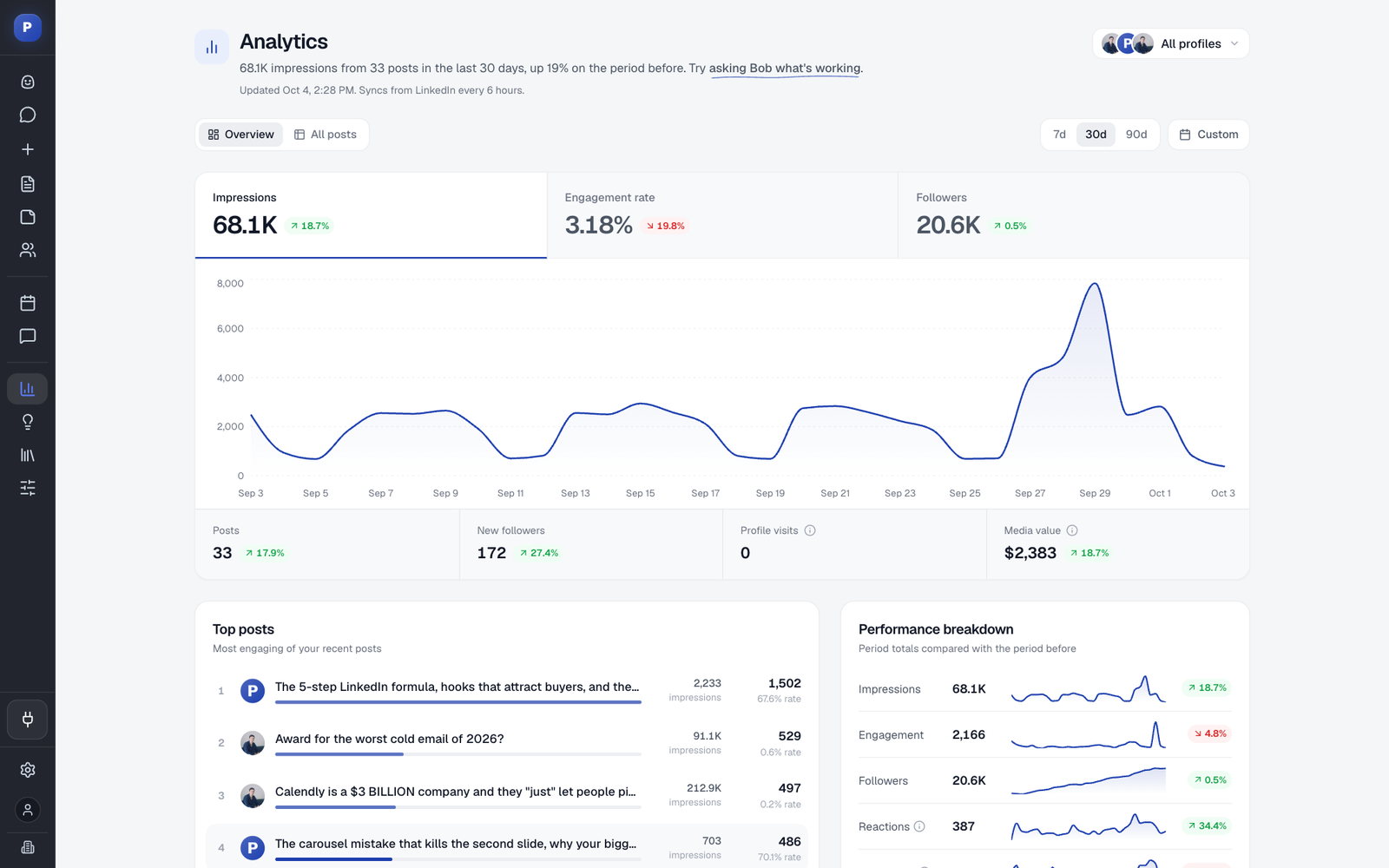
Postiv AI stands out as a premier choice in our list of the best LinkedIn automation tools, not for automating engagement, but for mastering the most critical part of LinkedIn success: consistent, high-quality content creation. It’s an end-to-end platform designed for B2B professionals, founders, and agencies who need to build authority efficiently. The platform’s core strength lies in its sophisticated, brand-trained AI that learns your unique voice, tone, and expertise.
If Claude is already part of your workflow, follow this step-by-step guide to connect Claude to LinkedIn with MCP and use Postiv's LinkedIn MCP server for content research, creation, scheduling, and analytics from the Claude interface.
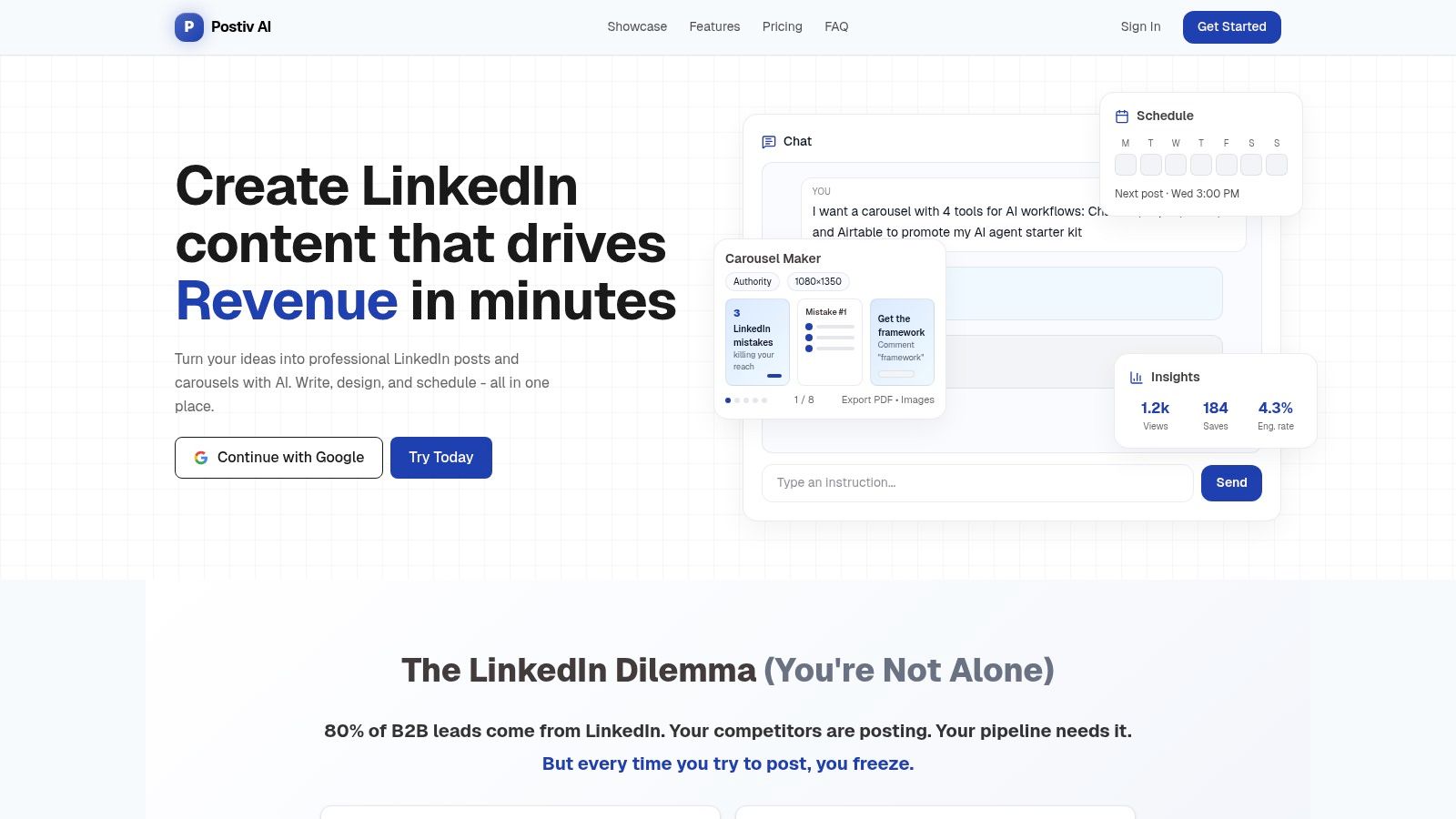
Unlike generic AI writers, Postiv AI lets you build a knowledge library by uploading PDFs, video content, and web links. The AI then uses this curated information to generate native-quality posts and, most impressively, professional carousels. This solves a major pain point for non-designers, pairing its AI writer with an intuitive Carousel Maker that includes templates and on-brand typography controls. For a full breakdown of how this kind of brand-trained AI compares to ChatGPT, Jasper, and the other big writing tools, see our AI content creation tools review.
Key Features & Use Cases
- Brand-Trained AI & Knowledge Library: The platform’s ability to ingest your proprietary content and learn your voice is a game-changer. A marketing team can upload recent case studies and webinars, then direct the AI to draft a series of posts highlighting key results, all perfectly aligned with their brand messaging.
- Carousel-First Workflow: Postiv AI streamlines the creation of visually compelling carousels, a format that drives high engagement on LinkedIn. Users can go from a simple idea to a polished, multi-slide PDF or image set in minutes.
- LinkedIn-Compliant Scheduling: Safety is a primary differentiator. Postiv AI uses modern OAuth and compliant scheduling methods, eliminating the risk of account suspension that comes with tools that automate likes, comments, or connections. This makes it a secure choice for agencies managing high-value client accounts.
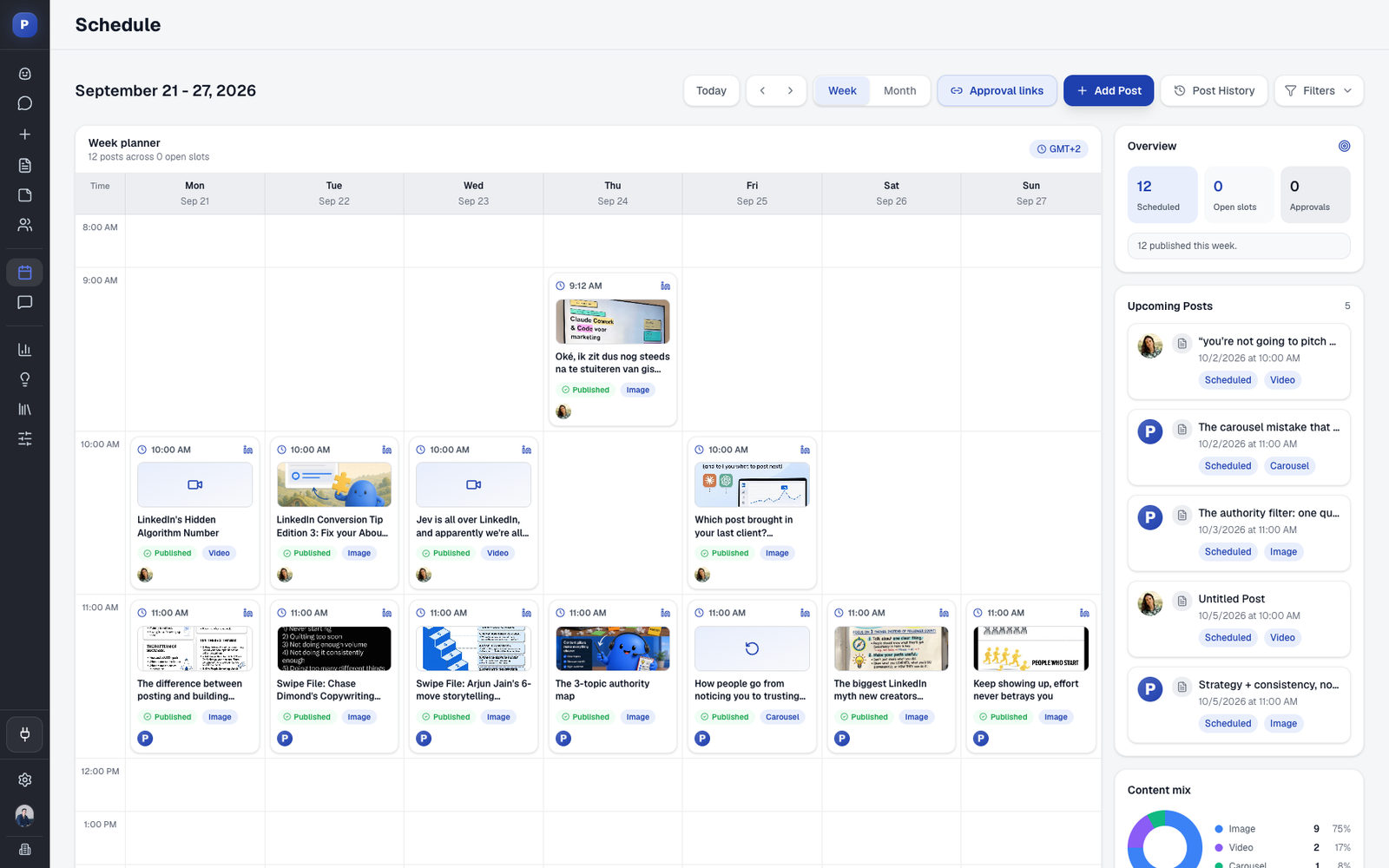
- Agency & Team Capabilities: With multi-profile management, role-based access, and client approval workflows, it is built for collaboration. An agency can draft content for multiple clients, send it for review, and schedule approved posts from a single dashboard. For the account-safety side of running several client profiles, see how to manage multiple LinkedIn accounts.
Pricing and Final Thoughts
Postiv AI's pricing starts with Creator Pro from $49.50/month billed annually, with a 7-day free trial. The Team plan is $229/month ($159/month billed annually) with unlimited members and LinkedIn profiles, and agencies get a separate workspace per client on an Agency plan set up around their client roster.
While it doesn't automate direct engagement like some tools, it automates the most time-consuming part of a successful LinkedIn strategy. By focusing on compliant, high-impact content generation, Postiv AI helps users build genuine authority and save over 10 hours per week.
Pros:
- End-to-end content workflow in one platform
- Sophisticated AI trained on your specific brand knowledge
- Powerful, easy-to-use carousel maker for non-designers
- High emphasis on security and LinkedIn compliance
Cons:
- Does not automate engagement (likes, comments, DMs)
- Pricing may be a significant investment for solo users
Learn more at Postiv.ai.
2. PhantomBuster
PhantomBuster is a powerful, cloud-based automation and data extraction platform that goes far beyond simple LinkedIn outreach. It’s best suited for tech-savvy marketers and sales teams who need a versatile toolkit for multi-platform automation. Instead of a dedicated LinkedIn extension, PhantomBuster offers a massive library of individual automations, called 'Phantoms,' for various tasks like scraping profiles, auto-connecting, or extracting group members.

Its real strength lies in creating multi-step 'Workflows' by chaining these Phantoms together. For example, you can build a sequence that scrapes members of a relevant LinkedIn group, enriches their profiles with professional emails using an integrated data provider, and then sends the clean data directly to your CRM. This makes it one of the best LinkedIn automation tools for complex data enrichment and multi-channel prospecting strategies.
Core Features & Standout Qualities
What makes PhantomBuster unique is its API-first approach and extensive library of over 100 pre-built automations for platforms beyond LinkedIn, including Sales Navigator, Twitter, and Google Maps.
- Best For: Teams needing flexible, multi-platform data extraction and enrichment, not just LinkedIn outreach.
- Unique Feature: The drag-and-drop Workflow builder allows you to create custom, multi-step automation sequences without writing any code.
- Integrations: Offers native integrations with HubSpot, Salesforce, and Zapier, enabling seamless data flow into your existing tech stack.
Pricing, Pros & Cons
PhantomBuster’s pricing is usage-based, calculated on execution time, Phantom slots, and credits for services like email discovery. A 14-day free trial is available.
| Pros | Cons |
|---|---|
| Extremely versatile with a huge library of automations | Learning curve can be steep for beginners |
| Powerful for data scraping and enrichment | Usage-based pricing (execution time) can be complex to manage |
| Excellent for building complex, multi-step workflows | Can be overkill and costly if only basic outreach is needed |
This tool is a powerhouse for anyone looking to integrate LinkedIn automation into a broader B2B lead generation strategy. You can learn more about how powerful tools like this fit into a successful LinkedIn B2B lead generation plan.
Website: https://phantombuster.com
3. LeadShark
Best For: Creators, founders, and marketing teams that share free resources on LinkedIn and want to turn engagement into leads.
A LinkedIn giveaway means offering a useful free resource, such as a template, checklist, or guide, and inviting people to comment to receive it. This can help your post reach more people and spark engagement, while giving you a way to capture interested leads through an email signup or follow-up conversation.
LeadShark helps you follow up when someone comments on your LinkedIn giveaway post. You can send resources through automated DMs or comment replies, track link clicks, and collect email addresses through gated pages.

If you regularly share guides or templates, its focused workflow saves you from copying the same link into individual messages. Newsletter integrations with Kit and beehiiv help you continue the conversation beyond LinkedIn. Feature access varies by plan.
Core Features & Standout Qualities
- Giveaway delivery: Send the resource people requested through DMs or replies, without manually handling every comment.
- Lead capture and follow-up: Use link tracking, email-gated pages, and follow-up features to move interested readers into your lead-generation workflow.
- Newsletter integrations: Connect with Kit or beehiiv to keep in touch with people who sign up for your email list.
Pricing & Considerations
LeadShark offers paid plans and a 7-day free trial with no credit card required. Check its current plans and pricing for automation limits and access to gated pages and follow-ups.
4. Expandi
Expandi is a powerful, cloud-based LinkedIn automation tool that prioritizes account safety and mimics human behavior to avoid detection. It’s best suited for sales teams and agencies who need a reliable, set-it-and-forget-it solution for outreach that operates 24/7 from the cloud. Expandi sets itself apart by providing a dedicated IP address for each user, randomizing delays between actions, and implementing smart limits to keep your account secure.
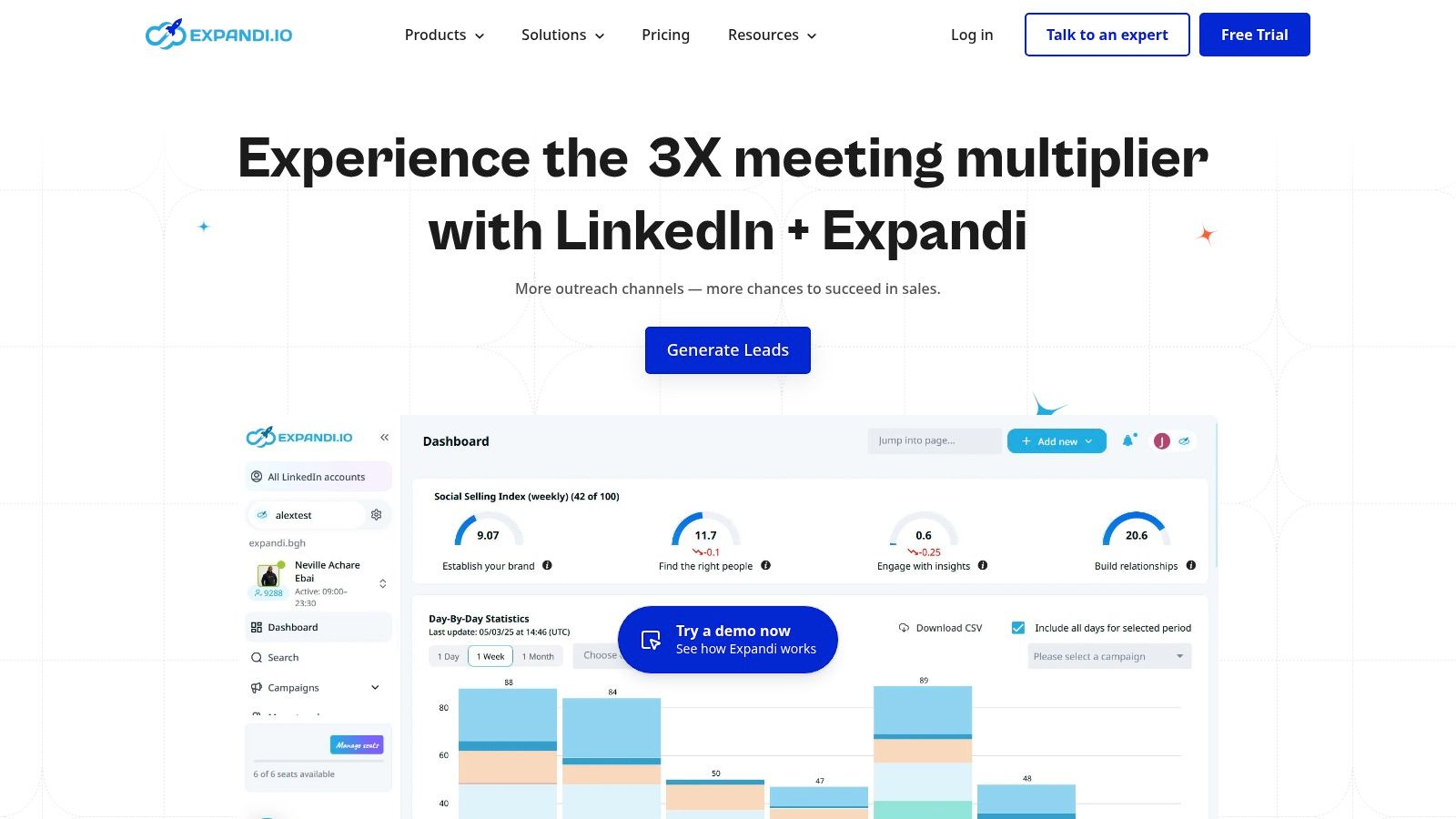
The platform focuses on building sophisticated, multichannel sequences that combine LinkedIn actions like profile visits, follows, and connection requests with email follow-ups. This approach allows users to create more comprehensive and effective outreach campaigns. Its focus on security makes it one of the best LinkedIn automation tools for users who are risk-averse but still want to scale their prospecting efforts significantly.
Core Features & Standout Qualities
What makes Expandi unique is its unwavering commitment to account safety, using features typically found only in high-end enterprise solutions. It's built for serious, long-term lead generation.
- Best For: Sales teams and agencies prioritizing safe, scalable, and automated multichannel outreach.
- Unique Feature: The dedicated, country-specific IP address and smart account warm-up feature help your automation activity appear natural and human-like to LinkedIn's algorithms.
- Integrations: Offers native integrations with CRMs and email tools, plus webhooks and a connection with Zapier for custom workflows.
Pricing, Pros & Cons
Expandi offers straightforward, per-user pricing with access to all features, including a 7-day free trial to test its capabilities.
| Pros | Cons |
|---|---|
| Top-tier emphasis on account safety and deliverability | Pricier than many entry-level browser extensions |
| Powerful multichannel (LinkedIn + Email) sequences | Can be overkill if you only need one-off data scraping |
| Cloud-based operation runs 24/7 without your PC on | The interface can take some time to master fully |
This tool is an excellent choice for teams that want to automate outreach confidently. By maintaining natural activity levels, you can effectively improve your Social Selling Index score while scaling your pipeline.
Website: https://expandi.io
5. Dripify
Dripify is a dedicated LinkedIn automation tool designed for sales teams and agencies that prioritize creating and managing sophisticated drip campaigns. It excels with its visual, drag-and-drop campaign builder, which allows users to map out complex sequences involving connection requests, messages, InMails, and even profile interactions. This approach makes it easy to visualize the entire prospect journey from a single dashboard.
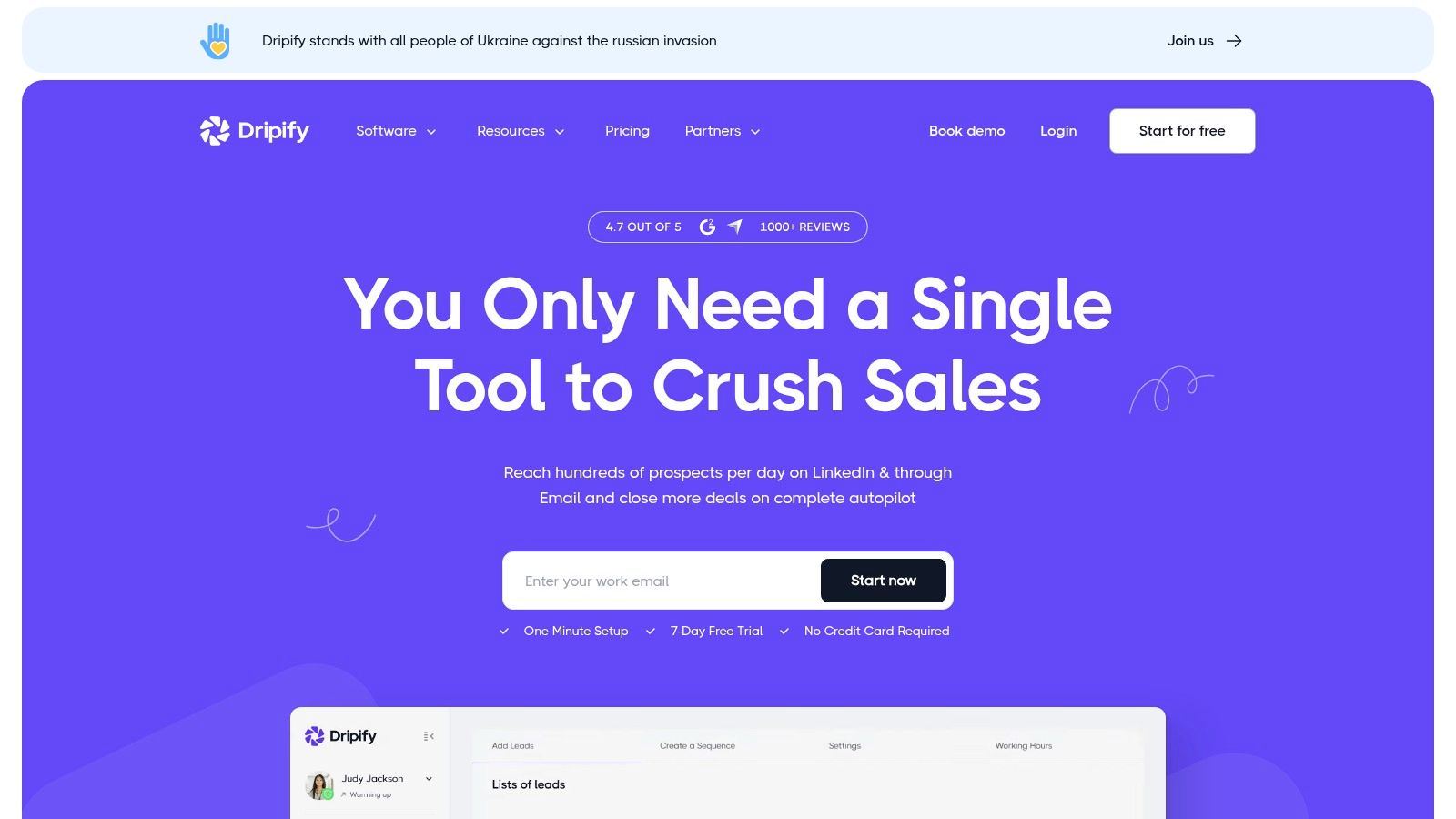
The platform is built with team collaboration in mind, offering features like a team inbox and detailed analytics to monitor campaign performance across multiple accounts. For safety, Dripify includes built-in controls and activity limits that mimic human behavior, which is a crucial consideration when choosing the best LinkedIn automation tools. Its focus is squarely on creating effective, multi-step outreach sequences directly on LinkedIn.
Core Features & Standout Qualities
What sets Dripify apart is its intuitive, visual workflow builder combined with robust team management and safety features, making it an excellent choice for structured outbound sales efforts.
- Best For: Sales teams and agencies needing a visual way to build, manage, and analyze LinkedIn drip campaigns.
- Unique Feature: The visual campaign builder allows you to design outreach sequences with various actions and time delays in a flowchart-style interface.
- Integrations: Supports over 1,000 apps through Zapier and webhooks, allowing you to connect it to your CRM and other sales tools.
Pricing, Pros & Cons
Dripify offers several tiered plans based on features and user seats, with a 7-day free trial available on all plans to test its full capabilities.
| Pros | Cons |
|---|---|
| Highly intuitive visual campaign builder | Primarily focused on LinkedIn; lacks multi-platform capabilities |
| Strong team management and analytics features | Some advanced features are only available on higher-tier plans |
| Built-in safety measures to protect your LinkedIn account | The user interface can feel slightly dated compared to newer tools |
For teams that want a straightforward yet powerful tool to design and execute LinkedIn outreach sequences, Dripify provides an effective and collaborative solution.
Website: https://dripify.com
6. Dux-Soup
Dux-Soup is one of the market's longest-standing LinkedIn automation tools, known for its reliability and flexible deployment options. It operates primarily as a Chrome extension, allowing it to mimic human behavior by running directly in your browser. This approach is favored by solopreneurs and small sales teams looking for a straightforward way to automate profile visits, connection requests, and message sequences.
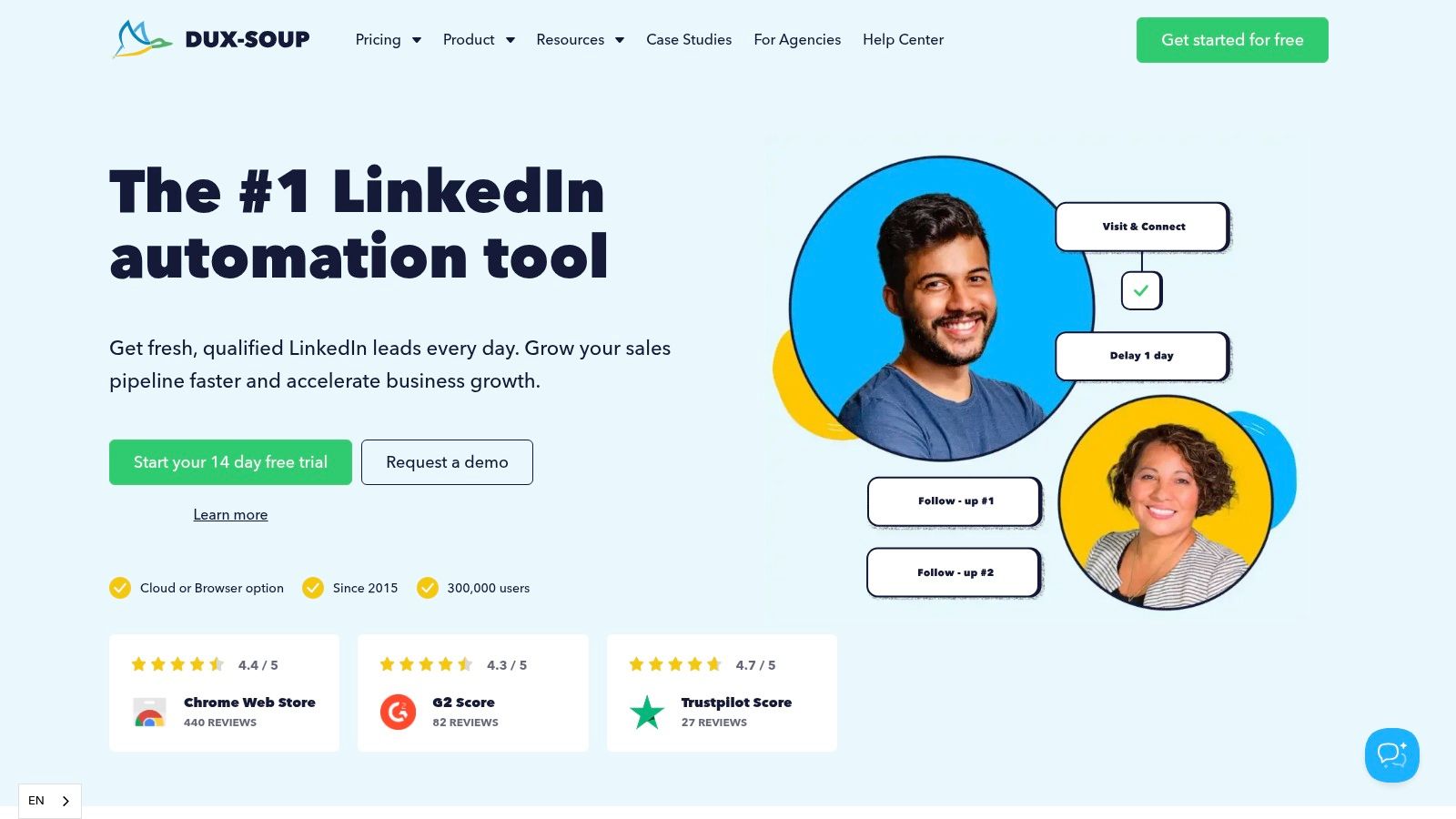
Its core strength lies in its simplicity and directness. You can build multi-step drip campaigns that include actions like endorsements, follows, and sending InMails directly from the extension. For users seeking a hands-off approach or managing multiple accounts, Dux-Soup also offers a "Cloud Dux" plan, which runs your campaigns from a dedicated IP address, reducing the need to keep your computer on and potentially lowering detection risk.
Core Features & Standout Qualities
What makes Dux-Soup a consistent choice is its balance between powerful features and ease of use, appealing to both beginners and advanced users. It provides robust native CRM integrations that many competitors lack.
- Best For: Individuals and sales teams who want a flexible tool that can run locally via a browser extension or in the cloud.
- Unique Feature: The ability to choose between a browser-based extension (Pro/Turbo plans) for direct control and a cloud-based version (Cloud Dux) for 24/7 operation and team management.
- Integrations: Offers direct, native integrations with HubSpot and Pipedrive, plus broader connectivity through Zapier and Make.
Pricing, Pros & Cons
Dux-Soup offers tiered pricing for individuals, teams, and agencies, with options for its browser-based and cloud plans. A free plan with limited profile visiting capabilities is available.
| Pros | Cons |
|---|---|
| Flexible deployment (browser extension or cloud) | Extension-based plans carry a higher detection risk than cloud-only tools |
| Mature and reliable feature set with good CRM connectivity | Cloud plan is significantly more expensive than the extension plans |
| Easy to set up and manage campaigns | The user interface feels slightly dated compared to newer platforms |
For those prioritizing straightforward campaign management and solid CRM connectivity, Dux-Soup remains one of the best LinkedIn automation tools available.
Website: https://www.dux-soup.com
7. Meet Alfred
Meet Alfred is a comprehensive, multichannel outreach platform designed for sales teams and individuals who want to combine LinkedIn automation with email and X/Twitter campaigns. It positions itself as an all-in-one solution by integrating a campaign manager with a built-in CRM and a Smart Inbox, allowing users to manage conversations across channels from a single dashboard. This approach is ideal for orchestrating sophisticated, multi-touchpoint sequences.
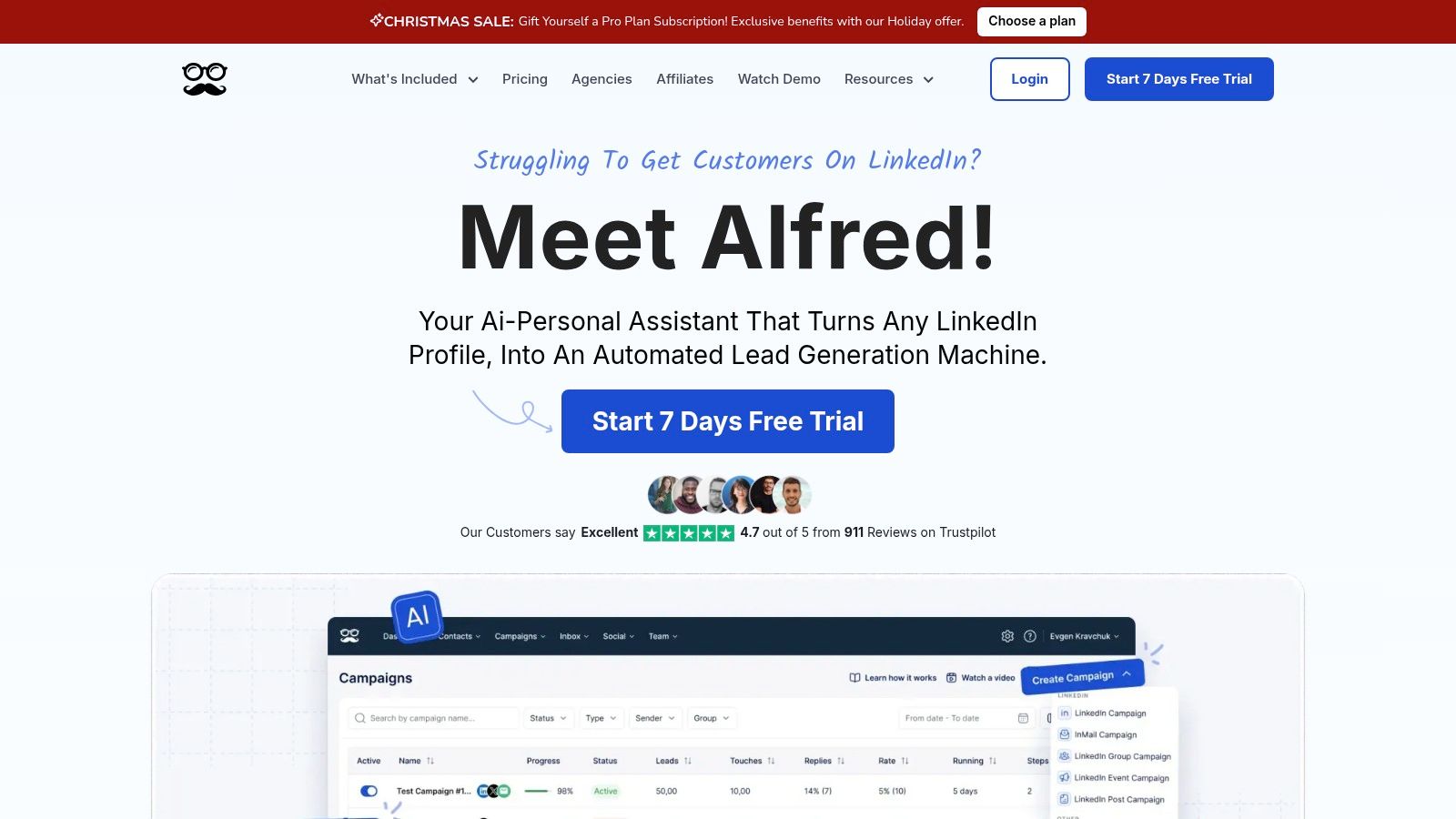
The platform enables you to build sequences that automatically switch between sending a LinkedIn connection request, following up with an InMail, and then sending an email if no response is received. Its strength lies in this channel breadth and its team-oriented features, making it one of the best LinkedIn automation tools for collaborative sales workflows where managing a high volume of prospect interactions is key.
Core Features & Standout Qualities
What makes Meet Alfred stand out is its unified interface for managing LinkedIn, email, and X/Twitter outreach, complete with native CRM functionalities.
- Best For: Sales teams and solo entrepreneurs who need a multichannel sequence builder and a centralized inbox.
- Unique Feature: The built-in CRM and Smart Inbox provide a cohesive system for managing leads and conversations without needing to juggle multiple tools.
- Integrations: Offers robust integration options through Zapier and webhooks, along with native CSV campaign import/export.
Pricing, Pros & Cons
Meet Alfred offers tiered pricing starting with a "Personal" plan and scaling up to a "Business" plan with more features and user seats. A 14-day free trial is available to test its capabilities.
| Pros | Cons |
|---|---|
| Broad channel coverage in a single interface | The breadth of features can present a learning curve for new users |
| Strong team features and inbox management for collaboration | Some advanced features are gated behind higher-priced plans |
| Built-in CRM simplifies lead management | Can be more complex than needed for simple, single-channel outreach |
This tool is a solid choice for users who want to move beyond basic LinkedIn automation and build a more holistic B2B outreach machine.
Website: https://meetalfred.com
8. Waalaxy
Waalaxy is a popular LinkedIn automation platform recognized for its user-friendly interface and highly accessible pricing, including a freemium plan. It is particularly well-suited for individuals, small businesses, and sales professionals starting with automation. The tool simplifies creating automated sequences for connection requests and follow-up messages, focusing on a straightforward, streamlined user experience.
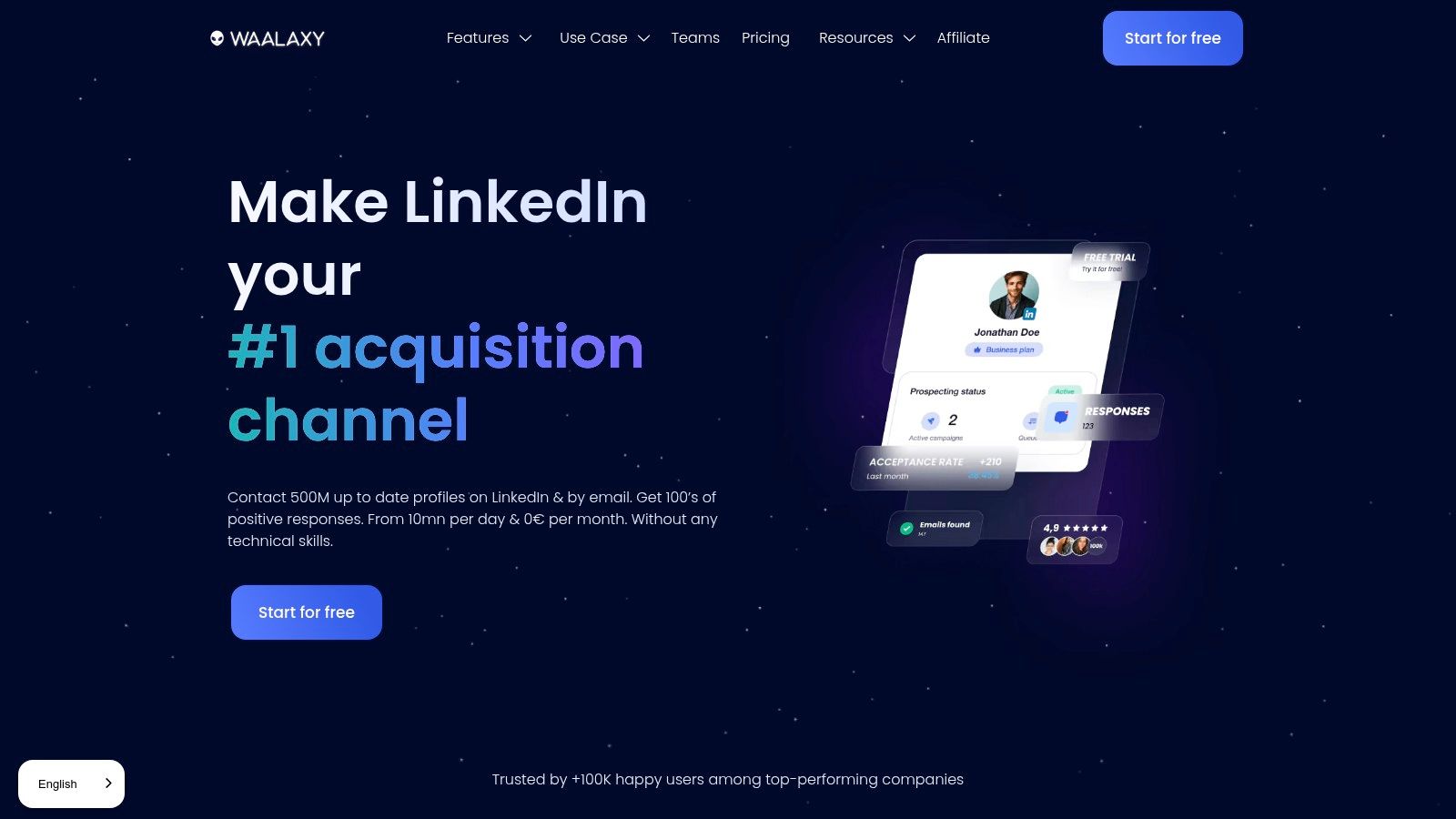
Its core functionality revolves around building simple to moderately complex outreach campaigns directly from LinkedIn searches. Waalaxy's standout feature is its combination of ease of use and affordability, making it one of the best LinkedIn automation tools for users who need an effective solution without a steep learning curve or significant upfront investment. It also offers multichannel capabilities on higher-tier plans, allowing users to incorporate email into their outreach sequences.
Core Features & Standout Qualities
What sets Waalaxy apart is its generous free tier and budget-friendly paid plans, which open the door to automation for a broader audience. It manages daily activity to mimic human behavior, prioritizing account safety.
- Best For: Solopreneurs, freelancers, and sales teams seeking a cost-effective and easy-to-use tool for LinkedIn prospecting.
- Unique Feature: The free-forever plan provides a solid entry point with core automation features, which is rare in the market.
- Integrations: Offers a "Prospect Inbox" add-on to manage conversations and syncs with CRMs like HubSpot and Pipedrive through direct integrations or webhooks.
Pricing, Pros & Cons
Waalaxy offers a freemium model alongside several paid tiers, with pricing displayed in euros. The paid plans unlock higher usage limits, multichannel sequences, and team features.
| Pros | Cons |
|---|---|
| Freemium starter tier and very competitive monthly pricing | Pricing listed in euros which may affect USD charges |
| Simple, intuitive interface perfect for beginners | Some advanced features require higher tiers or add-ons |
| Multichannel capability (LinkedIn + Email) on Business plan | Less customizable than more complex platforms like PhantomBuster |
For those looking to get started with automation, Waalaxy provides a powerful, low-risk entry point. You can learn more about how to strategically grow your LinkedIn presence with tools like this.
Website: https://www.waalaxy.com
9. Octopus CRM
Octopus CRM is a straightforward and highly accessible LinkedIn automation tool designed for individuals, solopreneurs, and small teams looking for an entry-level solution. It operates as a browser-based tool, making it incredibly simple to set up and start automating basic tasks like sending connection requests, endorsing skills, and viewing profiles to attract attention. It's built as an all-in-one mini-CRM, allowing you to manage your prospecting funnel directly within the tool.
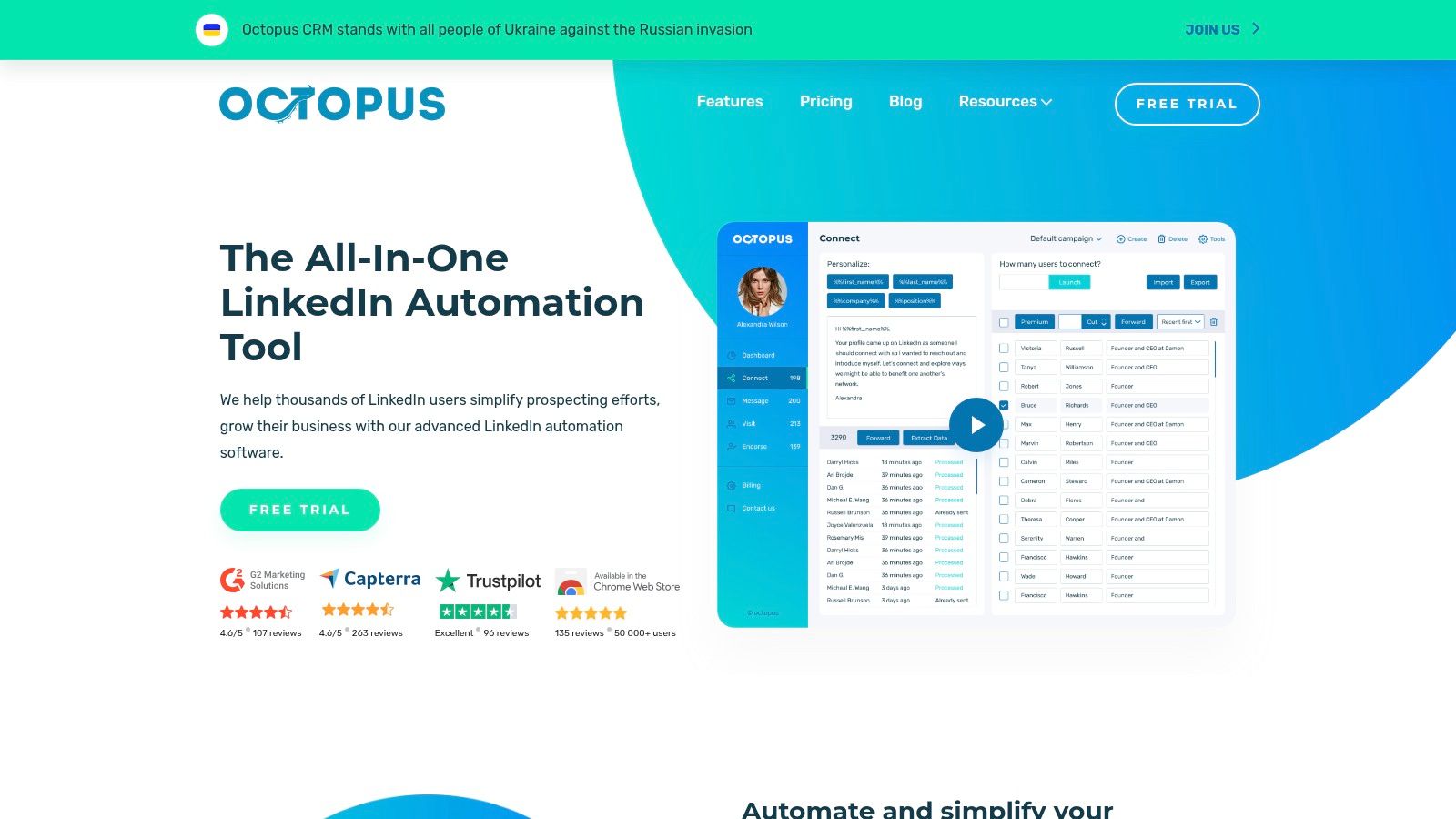
Its primary appeal lies in its simplicity and low cost, providing a gentle introduction to LinkedIn automation without the complexity of more advanced cloud-based platforms. You can create simple campaigns, import profiles via CSV, and monitor your progress through its clean dashboard. This makes it one of the best LinkedIn automation tools for users who want to test automation strategies on a tight budget or only require fundamental outreach capabilities.
Core Features & Standout Qualities
What makes Octopus CRM a popular choice for beginners is its focus on core automation features combined with basic CRM functionalities, all packaged in a user-friendly interface.
- Best For: Individuals and small businesses seeking a low-cost, easy-to-use tool for basic LinkedIn outreach and lead management.
- Unique Feature: The built-in activity control and safety limits provide alerts to help users stay within LinkedIn’s recommended usage guidelines, reducing the risk of account restrictions.
- Integrations: Connects with Zapier and HubSpot, allowing you to transfer lead data from your LinkedIn campaigns into your wider marketing and sales ecosystems.
Pricing, Pros & Cons
Octopus CRM offers a very competitive pricing structure, starting with a 7-day free trial and affordable monthly plans that make it accessible to nearly everyone.
| Pros | Cons |
|---|---|
| Very low starting price and extremely simple setup | Browser extension architecture carries a higher detection risk than cloud tools |
| Built-in safety features to help manage daily activity limits | Analytics and reporting are lighter compared to premium platforms |
| Serves as a personal CRM for managing LinkedIn prospects | Lacks the advanced workflow capabilities of more robust solutions |
This tool is an excellent starting point for anyone new to automation or for those who need a no-frills, effective solution for consistent LinkedIn prospecting.
Website: https://octopuscrm.io
10. Zopto
Zopto is a cloud-hosted LinkedIn automation platform engineered specifically for sales teams and agencies that require robust account management and dedicated support. It stands out by focusing on a high-touch service model, providing users with a dedicated customer success manager to assist with campaign setup, strategy, and optimization. This makes it ideal for organizations that want the power of automation without the steep learning curve.
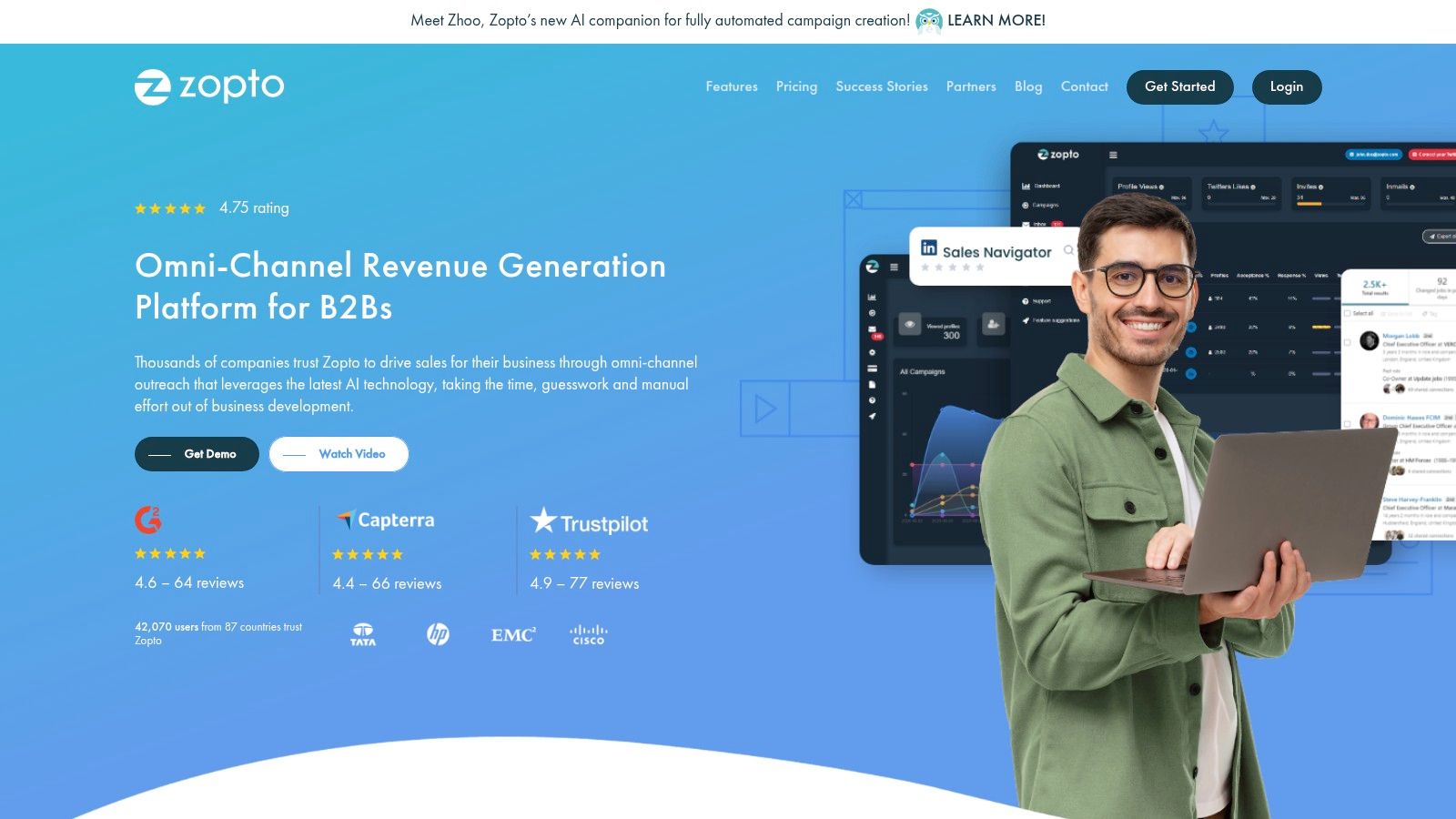
The platform supports LinkedIn, Sales Navigator, and Recruiter, enabling teams to run sophisticated multi-step campaigns. Features like A/B testing for messaging and smart post engagement help users refine their outreach for maximum impact. For agencies, Zopto offers a full white-label solution, allowing them to provide branded LinkedIn automation services to their clients while managing all accounts from a central dashboard.
Core Features & Standout Qualities
What makes Zopto one of the best LinkedIn automation tools is its emphasis on support and features tailored for multi-user environments. It’s less of a self-service tool and more of a managed solution.
- Best For: Agencies and sales teams needing a scalable, supported solution for managing multiple LinkedIn accounts.
- Unique Feature: Dedicated customer success support and hands-on onboarding are included, significantly reducing setup time and ensuring best practices are followed.
- Integrations: Offers robust webhook and Zapier integrations, alongside native connections with platforms like HubSpot to streamline lead management.
Pricing, Pros & Cons
Zopto's pricing reflects its agency and team focus, starting at a higher price point than many tools aimed at individuals. Plans are tiered based on the number of accounts and features required.
| Pros | Cons |
|---|---|
| Hands-on onboarding and customer success support | Higher pricing floor than most SMB tools |
| Purpose-built for multi-account and agency scenarios | May be overkill for individual users or small teams |
| White-label options are perfect for marketing agencies | Less focused on single-user, self-service functionality |
Zopto is a premium choice for teams that value expert guidance and a platform built to scale lead generation efforts across multiple accounts safely and effectively.
Website: https://zopto.com
11. Skylead
Skylead is a cloud-based, multichannel sales engagement platform designed for users who want to build sophisticated, logic-based outreach campaigns. It goes beyond simple sequential messaging by allowing you to create 'Smart Sequences' that combine LinkedIn actions, InMails, and emails into a single automated workflow. This makes it ideal for sales teams and agencies that require highly tailored communication paths based on a prospect's behavior.
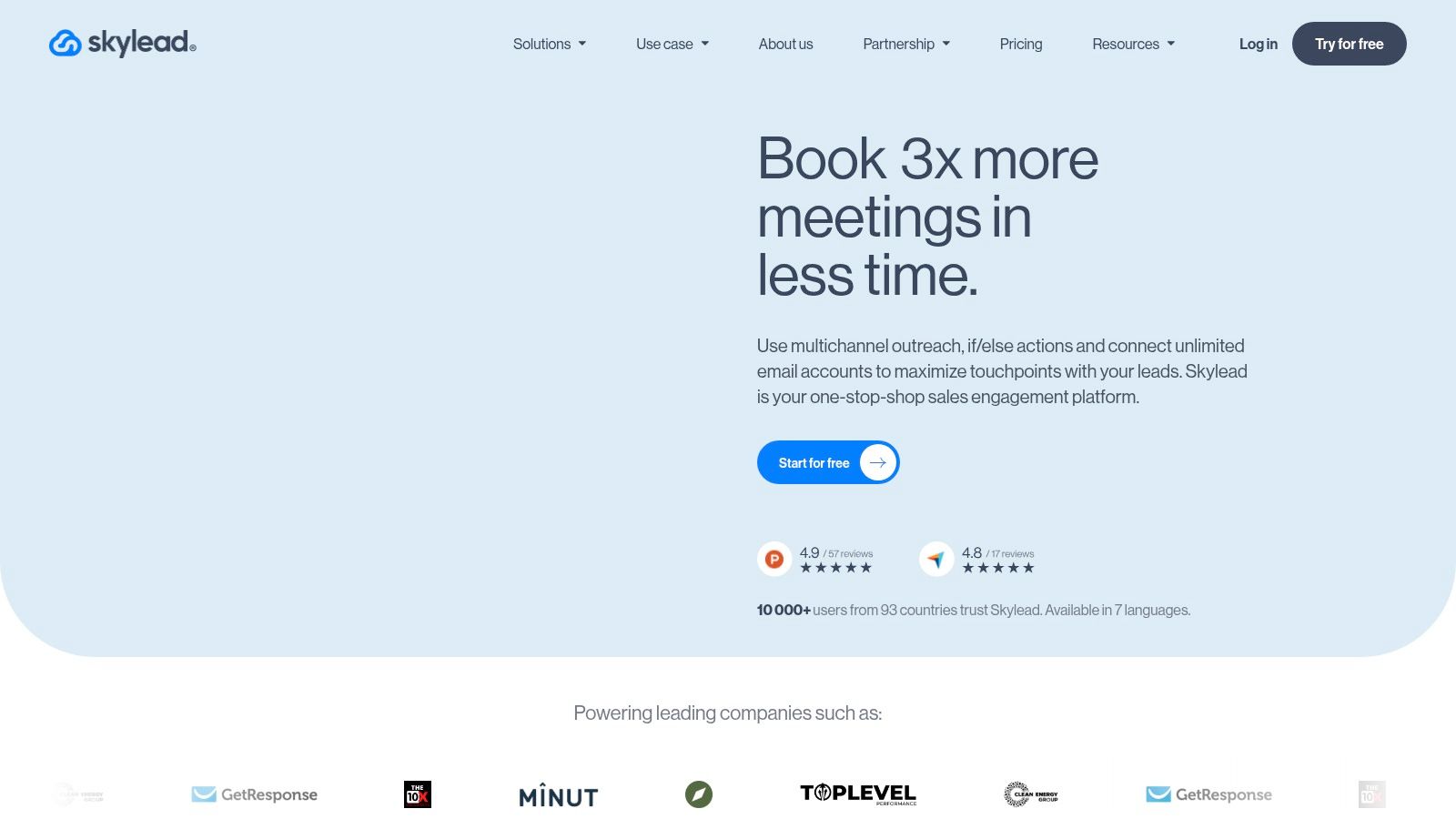
Its core strength lies in its conditional logic, which can alter the outreach path if a prospect accepts a connection request, replies to an email, or takes another specific action. Skylead also stands out by including a built-in email finder and verifier, plus the ability to personalize outreach with custom images and GIFs. This combination of multichannel capabilities and advanced personalization makes it one of the best LinkedIn automation tools for running complex, high-conversion campaigns.
Core Features & Standout Qualities
What truly sets Skylead apart is its 'if/then' conditional logic within its sequence builder, giving users granular control over the customer journey. This moves beyond basic automation into intelligent, responsive outreach.
- Best For: Sales teams and agencies needing to execute complex, multichannel outreach campaigns with conditional logic.
- Unique Feature: The 'Smart Sequences' feature allows you to build workflows with if/then conditions, A/B test messages, and create different paths based on prospect engagement.
- Integrations: Offers API and webhook capabilities for connecting to various CRMs and third-party applications, ensuring it fits into your existing sales tech stack.
Pricing, Pros & Cons
Skylead operates on a simple, single-plan pricing model, offering all features for a flat monthly fee per seat. A 7-day free trial is available to test the platform.
| Pros | Cons |
|---|---|
| Powerful conditional logic for creating highly tailored sequences | Single-plan pricing may be expensive for users with basic needs |
| Strong personalization with custom images and GIFs | Can have a higher learning curve compared to entry-level tools |
| Includes a built-in business email finder and verifier | The comprehensive feature set might be overkill for solopreneurs |
For teams that have outgrown basic LinkedIn tools and need a more intelligent, adaptable system for multichannel prospecting, Skylead provides a robust and powerful solution.
Website: https://skylead.io
12. Linked Helper
Linked Helper is one of the original players in the automation space, operating as a downloadable desktop application rather than a cloud-based platform or browser extension. It’s a budget-friendly and feature-rich choice for users who prefer a standalone program that runs locally on their computer. The tool is designed to mimic human behavior by running within its own browser, offering a full suite of automation features from profile visiting and connecting to building multi-step message campaigns.
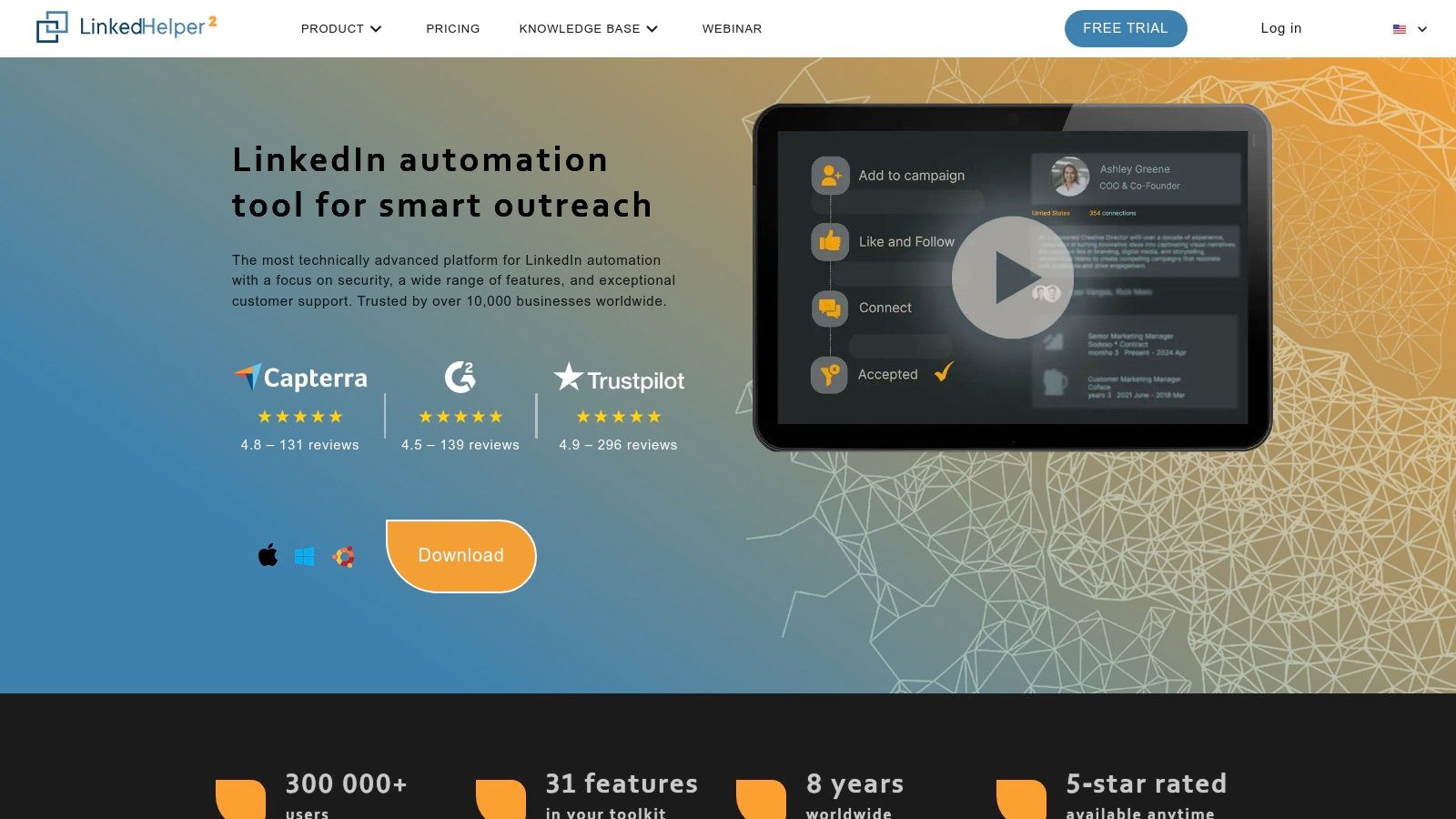
Its core functionality revolves around its campaign builder and a built-in mini-CRM, which allows you to track all interactions and manage your prospect lists directly within the app. You can create sequences that invite profiles to connect, follow up after they accept, endorse skills, and even send InMails. This makes it a solid option for sales professionals and recruiters who need a comprehensive, low-cost solution and don't mind the requirement of having a dedicated machine running the software.
Core Features & Standout Qualities
Linked Helper’s main differentiator is its desktop-based nature, which provides a high degree of control and a robust feature set that works even with a free LinkedIn account.
- Best For: Individuals and small teams looking for a powerful, low-cost automation tool who are comfortable with a desktop application.
- Unique Feature: The built-in CRM provides a powerful, integrated system for managing leads, tagging contacts, and tracking campaign history without needing external software.
- Integrations: Offers webhook integrations, allowing you to send data to CRMs and other apps via services like Zapier or Make.
Pricing, Pros & Cons
Linked Helper’s pricing is extremely competitive, with flexible monthly or annual licenses that are among the most affordable on the market. A 14-day free trial is available to test all features.
| Pros | Cons |
|---|---|
| Very low cost of entry with a robust set of features | Requires a local computer or server to be running for it to operate |
| Works effectively with free LinkedIn, Sales Nav, and Recruiter accounts | Desktop application can have a steeper learning curve than simple extensions |
| Built-in CRM and list management is a powerful, included feature | Risk profile may be higher compared to some cloud-based alternatives |
For those prioritizing affordability and a comprehensive feature set over the convenience of a cloud platform, Linked Helper remains one of the best LinkedIn automation tools available.
Website: https://www.linkedhelper.com
13. La Growth Machine
La Growth Machine is a sophisticated multi-channel automation platform designed for sales teams and agencies that prioritize safety and deep integration. It goes beyond standard LinkedIn tasks by combining LinkedIn, email, and even X (formerly Twitter) actions into unified sequences. Its cloud-based infrastructure, complete with dedicated mobile proxies and smart limits, offers one of the strongest safety postures on the market, minimizing the risk of account restrictions.
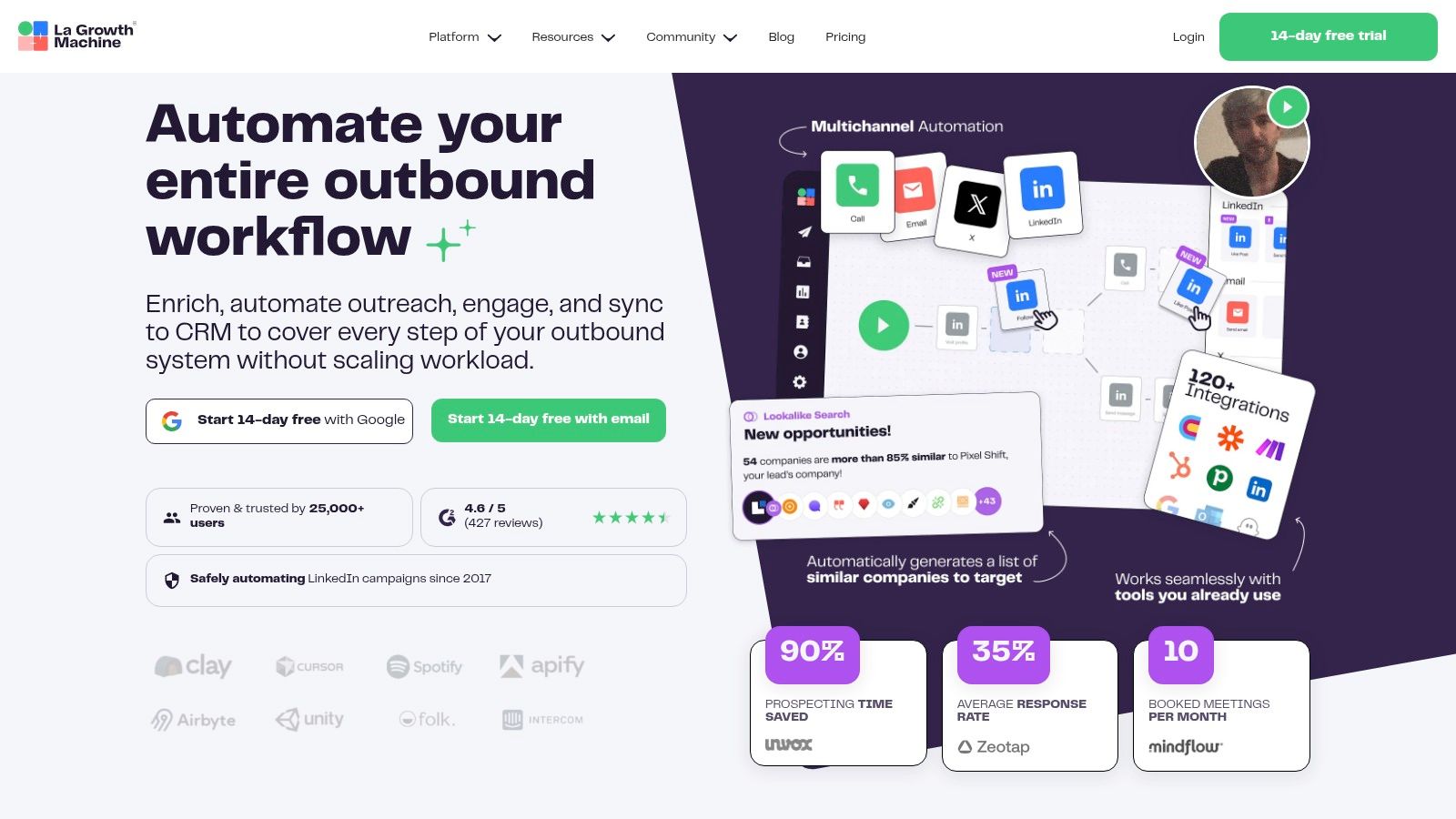
The platform excels at creating complex, branching workflows that can react to prospect behavior. For instance, if a connection request is ignored on LinkedIn, the system can automatically follow up with a personalized email. This ability to import intent data, like post commenters or event attendees, and enrich profiles directly within the platform makes it a comprehensive solution for advanced growth-hacking and sales development strategies.
Core Features & Standout Qualities
What sets La Growth Machine apart is its uncompromising focus on security and its robust, native multi-channel capabilities. It’s built for teams that need a reliable and scalable outreach engine without the typical safety concerns of browser extensions.
- Best For: Growth teams and agencies needing a safe, powerful multi-channel (LinkedIn + Email + X) solution with deep CRM integration.
- Unique Feature: Cloud-based operation with dedicated 5G/mobile proxies and an account "warming" feature to mimic human behavior and enhance account safety.
- Integrations: Offers deep, two-way synchronization with major CRMs like HubSpot and Salesforce, plus Zapier for connecting to thousands of other apps.
Pricing, Pros & Cons
La Growth Machine’s pricing is tiered based on feature access and the number of active users, with enrichment credits included in higher plans. A 14-day free trial is available to test the platform.
| Pros | Cons |
|---|---|
| Strong safety posture (cloud, mobile proxies, smart limits) | More complex and feature-rich than what a basic user might need |
| Rich multi-channel capabilities and built-in enrichment | Pricing is listed in euros and can be more expensive than basic tools |
| Deep, bi-directional CRM integrations for seamless data flow | The interface may have a steeper learning curve for beginners |
This is one of the best LinkedIn automation tools for teams that need a powerful, safe, and all-in-one prospecting machine that integrates LinkedIn into a broader outreach strategy.
Website: https://lagrowthmachine.com
14. HeyReach
Best For: Agencies and sales teams running outreach across multiple LinkedIn sender accounts simultaneously.
HeyReach is a cloud-based LinkedIn outreach platform built specifically for multi-sender campaigns. Where most tools limit you to one LinkedIn account per subscription, HeyReach lets agencies and sales teams rotate outreach across multiple sender profiles within a single campaign. This distributes activity across accounts, reduces individual account risk, and dramatically increases daily outreach capacity without hitting LinkedIn's per-account limits.
The platform integrates with Sales Navigator for lead sourcing and includes unified inbox management so teams can track replies across all sender accounts in one place. HeyReach also offers an API for custom integrations and supports webhook-based CRM syncing. Its agency dashboard makes it straightforward to manage client campaigns separately while keeping billing centralized.
Core Features & Standout Qualities
What sets HeyReach apart is its multi-sender architecture, which is purpose-built for agencies and larger sales teams that need volume without proportionally increasing risk.
- Best For: Agencies managing outreach for multiple clients and sales teams that want to scale beyond single-account limits.
- Unique Feature: Multi-sender rotation distributes campaign activity across several LinkedIn accounts, keeping each account within safe daily limits while multiplying total outreach capacity.
- Integrations: Native HubSpot and Salesforce integrations, plus API access and webhooks for connecting to any CRM or custom workflow.
Pricing, Pros & Cons
HeyReach pricing starts at $79/month for one sender account, with agency plans scaling based on the number of senders and managed accounts.
| Pros | Cons |
|---|---|
| Multi-sender rotation is ideal for scaling agency outreach safely | Primarily LinkedIn-focused, lacks native email sequencing |
| Unified inbox across multiple accounts simplifies reply management | Per-sender pricing adds up quickly for large teams |
| Strong API and webhook support for custom integrations | Campaign builder is less visual than tools like Dripify or Skylead |
For agencies that need to run high-volume LinkedIn outreach across many client accounts without risking any single profile, HeyReach fills a gap that most tools on this list do not address.
Website: https://www.heyreach.io
15. SalesRobot
Best For: Sales teams that want AI-assisted personalization with strong account safety features.
SalesRobot is a cloud-based LinkedIn and email outreach tool that emphasizes safe automation and AI-powered message personalization. It operates from the cloud using dedicated residential IPs and mimics human browsing patterns to minimize detection risk. What makes SalesRobot increasingly popular in 2026 is its AI message writer, which generates personalized connection notes and follow-ups based on each prospect's LinkedIn profile data.
The platform supports LinkedIn, Sales Navigator, and email outreach in combined sequences. SalesRobot includes a built-in mini-CRM for managing prospects, smart campaign throttling that adjusts daily activity based on account health signals, and automated follow-up chains that pause when a prospect replies. For teams that find tools like Expandi too complex but need more sophistication than Octopus CRM, SalesRobot hits a productive middle ground.
Core Features & Standout Qualities
SalesRobot's main differentiator is combining strong safety measures with AI-driven personalization, making it accessible for teams without dedicated copywriters for outreach.
- Best For: Mid-market sales teams that want safe cloud-based outreach with AI-generated personalization at scale.
- Unique Feature: The AI message assistant pulls context from each prospect's profile, recent activity, and mutual connections to write personalized notes automatically.
- Integrations: Connects with HubSpot, Salesforce, and other CRMs through Zapier and direct integrations.
Pricing, Pros & Cons
SalesRobot offers tiered pricing starting at around $99/month per account, with higher plans unlocking AI features and email integration.
| Pros | Cons |
|---|---|
| AI-generated personalization saves significant copywriting time | AI message quality varies and still requires human review |
| Cloud-based with residential IPs for strong account safety | Higher price point than basic browser extension tools |
| Clean, intuitive interface with shorter learning curve than competitors | Email integration only available on higher-tier plans |
SalesRobot is a solid choice for sales teams that want to automate outreach safely while maintaining genuinely personalized messaging at scale.
Website: https://www.salesrobot.co
16. Taplio
Best For: Solo creators and personal brand builders who want AI-assisted LinkedIn content creation and engagement tracking.
Taplio is a LinkedIn content creation and engagement platform designed for individual creators, founders, and thought leaders building a personal brand. Unlike the outreach-focused tools above, Taplio focuses entirely on helping you write better LinkedIn posts, find trending content ideas, and track your LinkedIn growth metrics. Its AI writer can generate post drafts from prompts or by analyzing viral posts in your niche.
The platform includes a content inspiration feed that surfaces high-performing LinkedIn posts relevant to your topics, a post scheduling queue, and basic engagement analytics. Taplio also offers a Chrome extension for saving post ideas while browsing LinkedIn. For solo professionals who want a lightweight tool specifically for LinkedIn content (without the broader team and carousel features of platforms like Postiv AI), Taplio provides a focused and affordable option.
Core Features & Standout Qualities
Taplio's strength is its focus on individual LinkedIn creators who need content inspiration and basic scheduling without the complexity of enterprise platforms.
- Best For: Solo creators, founders, and thought leaders focused on personal brand building through LinkedIn posts.
- Unique Feature: The viral post inspiration feed lets you browse high-performing LinkedIn content filtered by topic, format, and engagement metrics to spark ideas for your own posts.
- Integrations: Connects with LinkedIn for direct publishing and offers a Chrome extension for on-platform content saving.
Pricing, Pros & Cons
Taplio pricing starts at $39/month for the Starter plan (no AI writing), with Growth at $69/month and Pro at $199/month (unlimited AI). Yearly billing brings these to $32, $49 and $149 per month.
| Pros | Cons |
|---|---|
| Strong content inspiration feed with viral post discovery | Carousel generator only from Growth; no outreach or team collaboration |
| Clean, focused interface for individual LinkedIn creators | AI writer produces generic output without brand training |
| Affordable entry point for solo users | Limited analytics compared to dedicated LinkedIn analytics tools |
Taplio is a good starting point for solo creators, but teams and agencies that need carousel design, brand-trained AI, or multi-profile management will outgrow it quickly. For a detailed comparison, see our best Taplio alternatives guide.
Website: taplio.com
17. FirstTouch
Best For: Revenue teams that want LinkedIn activity governed, logged, and attributed back to their CRM.
FirstTouch takes a different approach from every outreach tool on this list. Instead of running standalone campaigns, it acts as a governance layer between your CRM and LinkedIn: workflows are triggered from HubSpot, every connection request and message is logged back to the CRM record, and high-value actions can be routed through human-in-the-loop approvals before anything is sent. The pitch is turning LinkedIn into a measurable GTM channel alongside email and phone, rather than an ungoverned side channel that sales reps run on their own.
The platform includes territory routing, rate safety controls that keep each account within sensible activity limits, and a Chrome extension for manual actions that still get logged and attributed. Notably for 2026, FirstTouch also ships an MCP integration, which lets AI agents (Claude, ChatGPT, Cursor) retrieve LinkedIn context and take governed actions through the same approval and rate-limit rails as human users. It is SOC 2 Type II compliant, which matters for larger organizations with security review processes.
Core Features & Standout Qualities
What sets FirstTouch apart is that it treats LinkedIn as social infrastructure rather than a growth-hacking surface. Everything is designed around attribution, compliance, and team-level control.
- Best For: Sales, marketing, and RevOps teams on HubSpot that need LinkedIn activity tracked, attributed, and governed at the team level.
- Unique Feature: Human-in-the-loop approvals and rate safety controls combined with an MCP integration, so both humans and AI agents act on LinkedIn through the same governed pipeline.
- Integrations: Deep HubSpot integration for workflow triggers and activity logging, a Chrome extension for manual actions, and MCP support for AI agents and custom builders.
Pricing, Pros & Cons
FirstTouch costs $99 per seat/month with 500 credits included per seat, with no tiered pricing or setup fees. A dedicated account manager is included from 5+ seats.
| Pros | Cons |
|---|---|
| Full CRM attribution: every LinkedIn touch logged to the record | HubSpot-centric today; less useful without a CRM at the center |
| Governance features (approvals, rate limits) reduce account risk | Per-seat + credit pricing adds up for larger teams |
| SOC 2 Type II + MCP integration for AI-agent workflows | No content creation or scheduling features — outreach governance only |
For revenue teams that already run outreach and mainly need visibility, attribution, and guardrails around what their reps (and AI agents) do on LinkedIn, FirstTouch fills a gap that classic automation tools ignore.
Website: https://www.firsttouch.com
Which Is the Best LinkedIn Automation Tool?
There is no single "best" tool — it depends entirely on what you need to automate. Here is a quick recommendation by use case:
- For content creation and scheduling: Postiv AI is the safest pick. It uses compliant OAuth methods, so there is zero risk to your LinkedIn account. Ideal if your priority is building thought leadership through consistent, on-brand posts and carousels.
- For outreach and lead generation: Expandi leads for teams that need cloud-based, always-on prospecting with strong safety features like dedicated IPs and smart limits. Dripify is a close runner-up with its intuitive visual campaign builder. SalesRobot is the best option if you want AI-written personalized messages out of the box.
- For budget-conscious users: Waalaxy offers a free-forever plan with solid core automation, while Octopus CRM gives you basic features at one of the lowest price points on the market.
- For agencies managing multiple clients: HeyReach excels at multi-sender rotation across client accounts. Zopto provides dedicated customer success support and white-label dashboards. Postiv AI handles multi-profile content workflows with client approval features.
- For multi-channel sequences (LinkedIn + Email): La Growth Machine and Skylead combine LinkedIn, email, and even X/Twitter into sophisticated conditional workflows.
- For CRM-governed social selling: FirstTouch turns LinkedIn into an attributed CRM channel, with HubSpot-triggered workflows, human-in-the-loop approvals, and full activity logging back to the record.
- For solo creators building a personal brand: Taplio provides content inspiration and basic scheduling at an affordable price. Postiv AI is the better choice if you also need carousels, brand-trained AI, or team features.
The critical question to ask yourself: Do I need to automate content or outreach? Content automation (like scheduling posts) is fully compliant and risk-free. Outreach automation (sending connection requests and DMs) always carries some account risk, regardless of which tool you choose. For a deeper comparison, scroll down to the full feature table.
Best LinkedIn Automation Tool for Agencies Managing Multiple Clients
The best LinkedIn automation tool for an agency depends on the job: content or outreach, and many agencies need both. For content, Postiv AI gives every client a separate workspace with its own voice, knowledge base and brand assets, drafts posts in that client's voice, routes them through client approval, and schedules them to personal profiles and company pages through LinkedIn-compliant OAuth. For outreach, HeyReach rotates campaigns across multiple sender accounts, and Zopto manages several LinkedIn accounts from one dashboard. Keep the two jobs in separate tools, because outreach carries account risk that content scheduling avoids. See Postiv for agencies, or compare the wider field in our guide to the best social media management tools for agencies.
Top 17 LinkedIn Automation Tools Comparison
| Product | Core features | Unique selling points ✨ | Target audience 👥 | Pricing & Value 💰 | Safety / Quality ★ |
|---|---|---|---|---|---|
| Postiv AI 🏆 | Brand‑trained AI writer, Carousel Maker, Precision Editor, scheduling, analytics, knowledge library | ✨ Carousel‑first design; multilingual (15+ EU langs); LinkedIn‑compliant scheduling; on‑brand exports | 👥 B2B pros, agencies, founders, marketers, sales teams | 💰 Creator Pro $49.50/mo billed annually ($99 monthly); Team $159/mo billed annually; 7-day free trial; saves 10+ hrs/wk | ★★★★☆: LinkedIn‑compliant + OAuth |
| PhantomBuster | 100+ prebuilt "Phantoms", drag‑drop workflows, data export & integrations | ✨ Huge automation library; flexible workflows & export | 👥 Growth teams, data/automation specialists | 💰 Usage‑based plans; 14‑day free trial | ★★★★☆ — scalable, broad platform support |
| LeadShark | Giveaway delivery through DMs or replies, link tracking, email capture | Focused comment-to-resource workflow; Kit and beehiiv integrations | Creators, founders, marketing teams sharing lead magnets | Paid plans; 7-day no-card trial; feature limits vary | Automated messages and replies carry account-policy risk |
| Expandi | LinkedIn campaigns, smart limits, dedicated IPs, email sequences | ✨ Anti‑detection (warm‑up, random delays); deliverability focus | 👥 SDR teams, outbound-focused teams | 💰 Single/simple pricing; higher entry cost than basics | ★★★★☆ — strong safety posture |
| Dripify | Visual drip builder, team roles, integrated inbox, analytics | ✨ Easy sequence design; strong team controls | 👥 Sales teams, small agencies | 💰 Competitive tiers; 7‑day free trial | ★★★★☆ — LinkedIn protection controls |
| Dux‑Soup | Campaign builder (visits/messages), CRM sync, extension + cloud | ✨ Flexible deployment (extension or cloud); mature CRM integrations | 👥 Freelancers, agencies, CRM users | 💰 Low to mid pricing; cloud costs more | ★★★☆☆ — extension risk; solid features |
| Meet Alfred | Multichannel (LinkedIn/email/X), built‑in CRM, Smart Inbox | ✨ Channel breadth + inbox management in one UI | 👥 Solo sellers, small teams, agencies | 💰 Tiered pricing; team/white‑label options | ★★★★☆ — broad features, steeper learning curve |
| Waalaxy | Automated invites/messages, reply detection, optional Inbox add‑on | ✨ Freemium entry; budget‑friendly tiers | 👥 Cost‑sensitive teams & solo users | 💰 Freemium + affordable monthly plans (EUR) | ★★★☆☆ — good value; advanced features gated |
| Octopus CRM | Auto‑invite/bulk messaging, personal CRM, CSV import/export | ✨ Very low cost; simple setup for quick testing | 👥 Individuals, budget testers | 💰 Very low starting price | ★★★☆☆ — extension detection risk; basic analytics |
| Zopto | Cloud campaigns, A/B testing, team dashboards, white‑label | ✨ Agency/onboarding focus; dedicated success managers | 👥 Agencies, multi‑account teams | 💰 Higher pricing floor; enterprise options | ★★★★☆ — cloud safety + agency support |
| Skylead | Smart Sequences (conditional), email finder/verification, warm‑up | ✨ Powerful conditional logic & personalization (GIFs/images) | 👥 Teams needing advanced sequences | 💰 Single‑plan (mid/high); strong feature set | ★★★★☆ — feature‑rich, higher complexity |
| Linked Helper | Messaging sequences, scraping, mini‑CRM, desktop app | ✨ Very low cost; flexible licensing durations | 👥 Budget users, individuals using local apps | 💰 Very low entry cost; 14‑day trial | ★★★☆☆ — desktop/extension risk; good coverage |
| La Growth Machine | Multichannel workflows, enrichment & intent data, mobile proxies | ✨ Cloud + mobile proxies for safety; deep CRM sync & enrichment | 👥 Agencies, teams needing integrations & safety | 💰 Priced in EUR; richer plans cost more | ★★★★☆ — strong safety & enrichment features |
| HeyReach | Multi‑sender rotation, unified inbox, Sales Nav integration | ✨ Distribute outreach across multiple LinkedIn accounts per campaign | 👥 Agencies, multi‑sender sales teams | 💰 From $79/mo per sender; agency plans available | ★★★★☆ — cloud‑based, multi‑account safety |
| SalesRobot | AI message writer, residential IPs, smart throttling, mini‑CRM | ✨ AI‑personalized outreach + residential proxy safety | 👥 Mid‑market sales teams, SDRs | 💰 From ~$99/mo per account; tiered AI features | ★★★★☆ — strong safety + AI personalization |
| Taplio | AI post writer, viral post feed, scheduling, Chrome extension | ✨ Content inspiration from high‑performing LinkedIn posts | 👥 Solo creators, founders, personal brands | 💰 From $39/mo; Pro $199/mo | ★★★☆☆: content only, no outreach; carousels from Growth |
| FirstTouch | HubSpot‑triggered workflows, CRM activity logging, approvals, rate controls | ✨ Governance layer with full CRM attribution + MCP for AI agents | 👥 Revenue teams, RevOps, HubSpot users | 💰 $99/seat/mo incl. 500 credits; no tiers | ★★★★☆ — SOC 2 Type II, human‑in‑the‑loop safety |
Does LinkedIn Allow Automation Tools?
The short answer: it depends on what the tool automates. LinkedIn's User Agreement explicitly prohibits software that automates actions like sending connection requests, messages, or endorsements. Violating these terms can result in temporary restrictions or permanent account bans.
However, LinkedIn openly supports tools that integrate through its official Marketing and Compliance APIs. This includes content scheduling platforms, analytics dashboards, and publishing tools like Postiv AI that use OAuth-based authentication. These tools are fully compliant because they work with LinkedIn's infrastructure, not around it.
Here is how the risk spectrum breaks down:
- No risk — Fully compliant: Content scheduling and analytics tools using official APIs (e.g., Postiv AI, Hootsuite, Buffer).
- Low risk: Cloud-based outreach platforms with dedicated IPs, human-like delays, and smart daily limits (e.g., Expandi, La Growth Machine).
- Medium risk: Browser-based extensions that operate directly in your LinkedIn session (e.g., Dux-Soup, Octopus CRM). These are more detectable.
- High risk: Tools that send mass connection requests, auto-endorse, or scrape data without rate limiting.
The safest strategy is to automate content creation and publishing while keeping direct engagement — comments, DMs, and relationship-building — genuinely human.
Is LinkedIn Automation Safe in 2026?
LinkedIn automation is safer in 2026 than it was two years ago, but only because the risky tools got punished. After LinkedIn's April 2025 crackdown on cookie-based authentication and Chrome extension overlays, the landscape split cleanly into three safety tiers.
Zero risk: Tools using LinkedIn's official API via OAuth (Postiv AI, Buffer, Hootsuite). These are explicitly permitted by LinkedIn and cannot trigger account restrictions because they operate through sanctioned endpoints.
Low risk: Cloud-based outreach platforms with dedicated IPs, country-matched proxies, and smart daily limits (Expandi, La Growth Machine, HeyReach). These violate LinkedIn's User Agreement on paper but rarely trigger restrictions if usage stays under platform soft limits.
Medium-to-high risk: Browser extensions that inject code into your LinkedIn session (Dux-Soup extension mode, Octopus CRM) and tools requiring direct login credentials. These are the tools LinkedIn detects most easily, and the ones most affected by the 2025 crackdown.
If your professional reputation depends on your LinkedIn account staying live, pick tier one for content and tier two for outreach. Never tier three for high-volume activity.
How to Use LinkedIn Automation Without Getting Banned
Most account bans come from a small handful of avoidable mistakes. Follow these rules and your risk drops to near zero.
- Stay under 20 connection requests per day. LinkedIn's soft limit has tightened since 2024. Tools that promise "500+ invites per week" are asking you to burn through that ceiling. Respect it.
- Use OAuth, not cookie auth. OAuth tools request specific permissions and operate through LinkedIn's approved channels. Cookie-based tools impersonate your browser session, which is exactly what the April 2025 crackdown targeted.
- Warm up new accounts. Do not fire 100 invites on day one with a fresh tool. Ramp gradually over two weeks. Cloud tools with warm-up features (Expandi, La Growth Machine) handle this automatically.
- Separate content from outreach. Use one tool for content (OAuth, zero risk) and a different tool for outreach (cloud, low risk). Stacking multiple extensions on the same account compounds detection risk.
- Never automate comments or likes on other people's posts. This is the single fastest way to get flagged. Engagement automation is the highest-risk category in LinkedIn's detection model.
If you are still building your content system, our guide on how to automate LinkedIn posts walks through the compliant workflow step by step.
LinkedIn Automation Tools by Use Case
The right tool depends entirely on what you are trying to automate. Here is the clean breakdown.
For content creation and scheduling: Postiv AI (brand-trained AI, carousels, OAuth), Buffer (simple scheduling, free tier), Hootsuite (enterprise-grade scheduling). If you're specifically cross-shopping Taplio against the other content tools in this category, our best Taplio alternatives in 2026 deep-dive compares pricing tiers, carousel workflows, and account safety side by side with Supergrow, AuthoredUp, Kleo, and Postiv AI.
For outreach and lead generation: Expandi (top-tier safety, multichannel), Dripify (visual drip builder), HeyReach (agency multi-account), SalesRobot (AI-personalized messages).
For multichannel sequences (LinkedIn + email + X): La Growth Machine (strongest safety posture), Skylead (conditional logic), Meet Alfred (built-in CRM).
For agencies managing multiple client accounts: HeyReach (multi-sender rotation across client accounts), Zopto (dedicated success managers, white-label), Postiv AI (client approval workflows for content).
For budget-conscious solopreneurs: Waalaxy (free-forever plan), Octopus CRM (lowest paid entry), Linked Helper (desktop app, $8.25/month).
For personal brand building: Taplio (viral post inspiration, lightweight scheduling), Postiv AI (brand-trained AI writer, carousels, full content workflow).
For data scraping and enrichment: PhantomBuster (100+ Phantoms, API-first), La Growth Machine (built-in enrichment credits).
For CRM attribution and governance: FirstTouch (HubSpot-triggered workflows, human-in-the-loop approvals, every LinkedIn touch logged back to the CRM).
The critical split: content automation and outreach automation are different categories of tool, with different safety profiles, built for different goals. Mixing them into a single tool usually means one function is weaker than a dedicated alternative.
Free vs Paid LinkedIn Automation Tools: What You Actually Get
Free plans are real, but narrow. Here is what each free tier actually delivers.
| Tool | Free plan includes | Cap / Limitation |
|---|---|---|
| Waalaxy | Automated invites + basic messaging | 80 invites/month |
| Buffer | Post scheduling across LinkedIn | 3 channels, 10 scheduled posts per channel |
| Linked Helper | Full feature access | 14-day trial, then $8.25/month |
| Dux-Soup | Profile visiting only | Very limited actions |
| Octopus CRM | All features | 7-day trial, then paid |
| Postiv AI | Full platform on trial | 7-day free trial, then Creator Pro from $49.50/month billed annually |
The honest answer: free plans are useful for testing a tool's UX before committing. They are rarely enough for a real content or outreach program. Expect to spend $20-$100/seat/month once you are running any serious strategy.
Where free actually works: if you are a solo creator posting 2-3 times per week, Buffer's free tier + manual engagement covers the basics. For anything heavier — daily posts, carousels, outreach campaigns, multi-account management — you will hit the ceiling in week one.
Choosing Your Growth Engine: A Final Recommendation
Navigating the landscape of the best LinkedIn automation tools can feel like choosing a new engine for your business. Each option offers a different balance of power, efficiency, and risk. We've explored 17 platforms, from multi-channel sequence builders like La Growth Machine and Skylead to agency-focused tools like HeyReach, giveaway delivery tools like LeadShark, CRM-governance layers like FirstTouch, and content platforms like Taplio. The ultimate takeaway is clear: the right tool is not a universal solution, but a strategic choice tailored to your specific growth objectives.
Your decision should be a direct reflection of your business goals. Are you a solopreneur or consultant focused on building a powerful personal brand through thought leadership? Or are you part of a high-velocity sales team aiming to book as many meetings as possible? The tool that excels at one of these tasks is often fundamentally different from the one that excels at the other.
The Spectrum of Automation: Content vs. Outreach
The tools we've reviewed fall broadly into two camps. On one side, you have aggressive outreach and lead generation platforms like Expandi, Zopto, and Waalaxy. These are built for volume-based campaigns, scraping profiles, and executing complex, multi-step sequences to fill your sales pipeline. They are powerful but carry a higher risk profile due to their direct interaction with LinkedIn's connection and messaging limits.
On the other side, you have content-centric platforms designed for building authority and nurturing an audience. This is where tools that focus on content creation and scheduling, rather than direct outreach, come into play. They operate in a safer, more compliant manner by automating the creation process, not the outreach process, which aligns perfectly with LinkedIn's primary purpose as a professional content network.
A Strategic Framework for Your Decision
To make the best choice, evaluate each tool against these critical factors:
- Your Primary Goal: Is your main objective lead generation volume or building long-term brand equity and authority? For the former, an outreach tool is your focus. For the latter, a content-focused solution is the smarter, safer bet.
- Risk Tolerance: How comfortable are you with the possibility of your LinkedIn account being restricted? Cloud-based tools with dedicated proxies (like Expandi or Zopto) offer more safety than simple extensions, but any tool that automates connection requests and DMs carries inherent risk. Content automation tools that work outside of LinkedIn’s direct messaging system are by far the safest.
- Team vs. Individual: Are you a solo operator, or are you managing a team or multiple clients? Platforms like Dripify or Meet Alfred offer team management features, while agency-focused solutions provide client dashboards and approval workflows.
- Technical Complexity: Do you need an all-in-one system that includes email and Twitter, like La Growth Machine, or a simple, dedicated LinkedIn tool like Linked Helper? Your internal workflow and technical resources will guide this choice. As you weigh your options, understanding how to maximize your marketing automation ROI is key to making an informed decision about your growth engine.
Ultimately, the most sustainable strategy combines the best of both worlds: leveraging technology for efficiency while maintaining a core of authentic, human-led interaction. Use automation to handle the repetitive tasks that drain your time, but dedicate your reclaimed hours to what truly matters: creating high-value content, engaging in meaningful conversations, and building genuine relationships. The best LinkedIn automation tools are not a replacement for strategy; they are an amplifier for it.
Frequently Asked Questions
Are There Any Free LinkedIn Automation Tools?
Yes. Waalaxy offers a free-forever plan with core automation for connection requests and basic messaging. Linked Helper has a 14-day free trial and plans starting at $8.25/month, making it one of the cheapest options available. For free content automation, Buffer's free tier covers up to three channels with 10 scheduled posts per channel. Most full-featured tools require paid plans starting around $20-99/month, but these free entry points are a solid way to test automation before committing to a budget.
Can LinkedIn Automation Tools Help with Job Searching?
LinkedIn automation tools can help job seekers by scheduling regular content posts that demonstrate expertise, automating profile visits to attract recruiter attention, and managing connection requests to hiring managers. Content-focused tools like Postiv AI are the safest option since they use compliant APIs and carry zero account risk, which is critical when your professional reputation is on the line. Pairing a content automation tool with a strong LinkedIn content strategy can significantly increase your visibility to recruiters.
What Features Should I Look for in a LinkedIn Automation Tool?
Key features to evaluate include account safety measures (dedicated IPs, smart limits, human-like delays), CRM integrations with your existing sales stack, multichannel support for LinkedIn plus email sequences, team collaboration with role-based access, and analytics dashboards for tracking campaign performance. Content tools should offer brand voice customization and compliant scheduling via official LinkedIn APIs. If you plan to automate LinkedIn posts specifically, prioritize tools with carousel creation and content library features.
What Is the Difference Between Cloud-Based and Browser-Based LinkedIn Automation Tools?
Cloud-based LinkedIn automation tools run on remote servers with dedicated IPs, offering better account safety and 24/7 operation without keeping your computer on. Browser-based extensions run directly in your LinkedIn session, which is cheaper but carries higher detection risk since LinkedIn can detect the extension code. Cloud tools like Expandi and La Growth Machine are generally safer for long-term use, while extensions like Dux-Soup and Octopus CRM offer lower entry costs for users who want to test automation on a smaller scale.
Is LinkedIn Automation Safe in 2026?
LinkedIn automation is safer in 2026 than it was in early 2025, but only if you pick the right tool. After LinkedIn's April 2025 crackdown on cookie-based auth and Chrome extension overlays, tools that use official OAuth APIs (like Postiv AI, Buffer, Hootsuite) carry zero account risk. Cloud-based outreach tools with dedicated IPs and smart limits (Expandi, La Growth Machine) are relatively safe. Browser extensions and tools automating connection requests at volume remain the riskiest category. The safest automation is content scheduling through OAuth.
What Is the Best LinkedIn Automation Tool for Outreach vs Content?
It depends on your goal. For outreach (connection requests, DMs, lead generation) the best tools are Expandi, Dripify, and HeyReach — all cloud-based with strong safety features. For content automation (posts, carousels, scheduling) the safest picks are Postiv AI, Buffer, and Hootsuite because they use LinkedIn's official API. Do not use the same tool for both — outreach tools carry ban risk that content tools avoid entirely.
How Much Do the Best LinkedIn Automation Tools Cost in 2026?
Pricing ranges widely. Free tiers exist on Waalaxy (80 invites/month) and Buffer (3 channels, 10 scheduled posts per channel). Entry-level paid plans start around $8.25/month (Linked Helper) to $15/month (Dux-Soup Pro). Mid-market outreach tools like Expandi, Dripify, and Skylead run $79-$100/seat/month. Content platforms like Postiv AI start at $49.50/month billed annually ($99 billed monthly). Enterprise and agency plans (Zopto, La Growth Machine) can reach $200-$780/month depending on account count and seats.
How Do I Use LinkedIn Automation Without Getting Banned?
To avoid a LinkedIn ban, stick to four rules. First, choose tools that use LinkedIn's official API via OAuth, not cookie-based authentication or browser extensions. Second, keep daily connection requests under 20. Third, use human-like delays between actions rather than burst activity. Fourth, never automate comments, likes, or engagement on third-party posts. Content scheduling via OAuth is the lowest-risk form of automation available.
Can I Integrate LinkedIn Automation Tools with My CRM?
Yes. Tools like Expandi, HeyReach, and Dripify integrate with HubSpot, Salesforce, and Pipedrive either natively or through Zapier and webhooks. Cloud-based outreach tools typically offer the deepest CRM integrations, automatically syncing lead data, connection status, and message history. Content tools like Postiv AI and Buffer connect to CRMs for tracking which posts drive pipeline activity. For teams building a broader LinkedIn marketing strategy for B2B, CRM integration is non-negotiable.
What Reply Rate Should I Expect from LinkedIn Automation?
Realistic reply rates for cold LinkedIn outreach in 2026 range from 5% to 15% for well-targeted campaigns. Personalized connection requests with a clear value proposition hit the higher end. Mass generic messages average under 3%. Content-based strategies (posting consistently, then DMing engaged followers) tend to produce 2-3x higher response rates than cold outreach alone because recipients already recognize your name from their feed.
Does Apollo Work for LinkedIn Automation?
Apollo.io is one of the most popular tools combining LinkedIn automation with a massive B2B contact database. It lets you find verified emails, enrich LinkedIn profiles, and run multi-step outreach sequences from one platform. Apollo's free tier includes 10,000 email credits, making it a strong entry point for teams that want prospecting and outreach in a single tool without paying for separate data providers. It pairs well with dedicated LinkedIn content tools like Postiv AI for a full funnel approach.
What Metrics Should I Track for LinkedIn Automation?
Track five core metrics to measure LinkedIn automation ROI. First, connection acceptance rate (aim for 30% or higher). Second, reply rate on follow-up messages (5-15% is healthy). Third, meetings booked per week from outreach campaigns. Fourth, content engagement rate if using scheduling tools (2-5% is strong on LinkedIn). Fifth, cost per lead compared to other channels like Google Ads or paid social. Most cloud-based tools include built-in dashboards for these metrics.
What Are the Best LinkedIn Automation Tools for Lead Generation?
For lead generation, the best LinkedIn automation tools are Expandi (cloud-based, top safety features, multichannel sequences), HeyReach (built for agencies running multiple sender accounts), and Dripify (visual drip campaign builder with team controls). All three are cloud-based with dedicated IPs and smart daily limits. Pair them with a content tool like Postiv AI to warm up prospects through thought leadership before sending outreach messages. For the full strategy, see our guide on LinkedIn lead generation strategies.
What Is the Best LinkedIn Automation Tool for Agencies?
It depends on whether the agency needs content or outreach. For client content, Postiv AI offers a separate workspace per client with client-specific voice, knowledge base and brand assets, client approval workflows, and scheduling for personal profiles and company pages. For outreach across many accounts, HeyReach (multi-sender rotation) and Zopto (multi-account management) are built for agencies. Use separate tools for content and outreach, since outreach automation carries account risk that content scheduling does not. For a wider comparison, see the best social media management tools for agencies.
Ready to automate your content creation and build authority on LinkedIn the safe and smart way? Postiv AI acts as your brand-trained AI content partner, helping you craft high-quality, authentic posts in minutes, not hours. Discover how Postiv AI can become your content growth engine today.
More Questions
What is the best LinkedIn automation tool in 2026?
The best LinkedIn automation tool depends on your needs. For content creation and scheduling, Postiv AI is the safest choice with LinkedIn-compliant methods. For outreach automation, Expandi and Dripify offer cloud-based solutions with strong safety features. Budget users should consider Waalaxy's free tier.
Are LinkedIn automation tools safe to use?
LinkedIn automation tools vary in safety. Content scheduling tools like Postiv AI use compliant OAuth methods and are completely safe. Outreach automation tools carry more risk - choose cloud-based options with dedicated IPs, smart limits, and human-like delays to minimize account restrictions.
What is the best free LinkedIn automation tool?
Waalaxy offers the best free LinkedIn automation plan with core features for connection requests and messaging. Octopus CRM and Linked Helper also have affordable entry points. For content automation, most tools require paid plans starting around $20-99/month.
How much do LinkedIn automation tools cost?
LinkedIn automation tools range from free (Waalaxy) to $200+/month for enterprise solutions. Content tools like Postiv AI start at ~$99/seat/month. Outreach tools like Expandi and Dripify range from $79-179/month. Budget options like Octopus CRM start under $10/month.
What are the top 3 LinkedIn automation tools professionals use?
The three tools most commonly recommended by sales and marketing teams in 2026 are Expandi (for multichannel outreach with top-tier safety), HeyReach (for agencies running outreach across many LinkedIn accounts), and Postiv AI (for compliant content creation and scheduling). These three cover the main automation use cases — outreach, multi-account outreach, and content — without overlapping risk profiles.