Ready to build your company's home base on LinkedIn? Getting started is straightforward, but a few key decisions right at the beginning will set you up for long-term success. It all begins with your personal profile.
Your First Steps to a Professional LinkedIn Presence
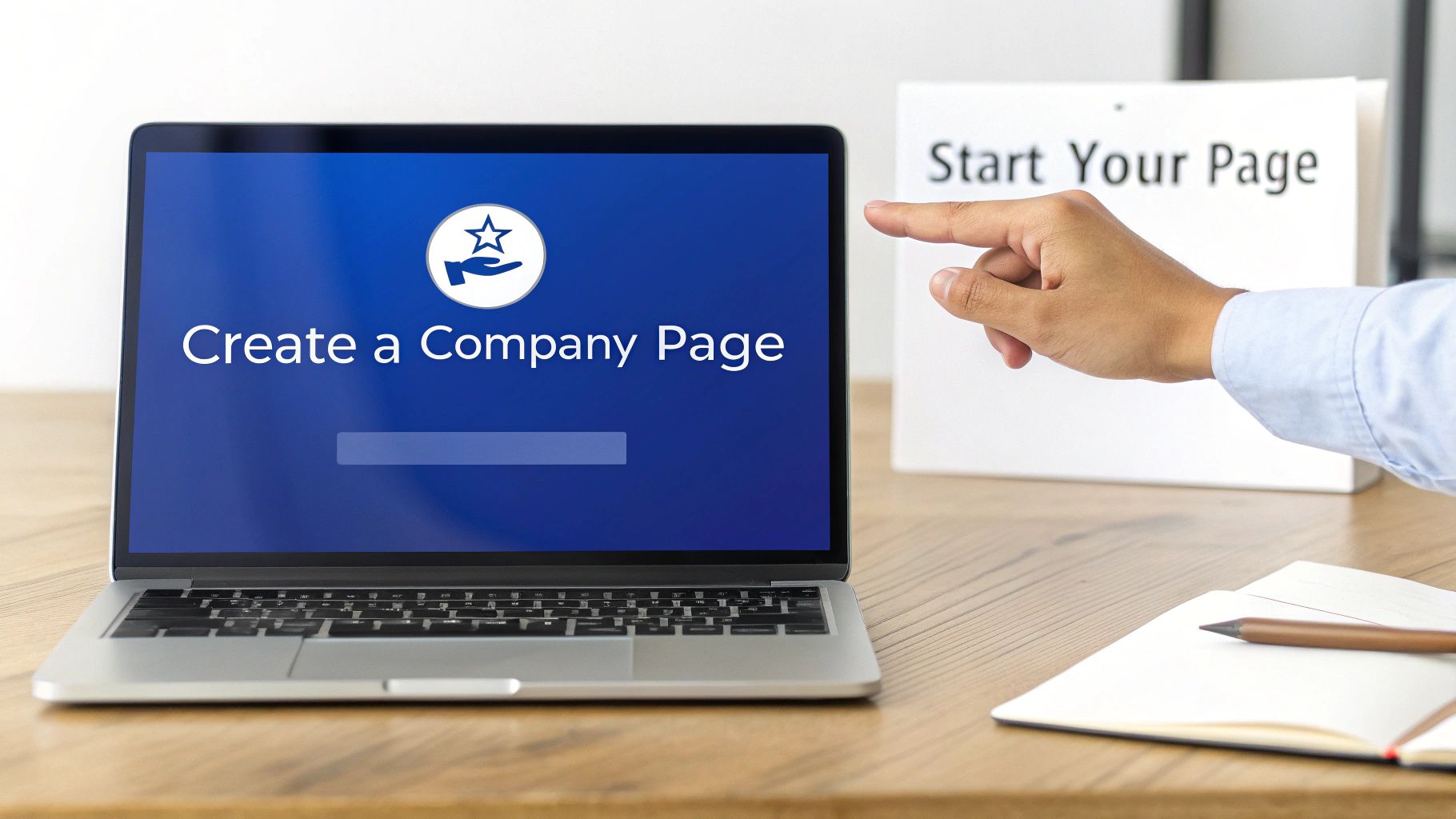
Think of your LinkedIn Business Page as more than just an online placeholder. It’s your digital headquarters on the world's most powerful professional network—a place to attract talent, generate leads, and share your brand's story with the people who matter most.
Before you can build this hub, LinkedIn has a couple of ground rules. You'll need a personal LinkedIn profile that's at least seven days old and has a handful of connections. It’s a simple check to make sure real people are behind business pages, which helps keep the platform authentic.
Once you’re logged into your personal account, just look for the "Work" icon in the top right corner. A menu will drop down, and at the very bottom, you’ll see the option to "Create a Company Page." That's your starting line.
Choosing Your Page Type
The first choice you'll make is what kind of page to create. This isn't just a label; it determines the features and template LinkedIn gives you. The options are:
- Company Page: This is the go-to for most small, medium, and large businesses. If you're selling a product or service, this is almost certainly the one for you.
- Showcase Page: Think of these as dedicated sub-pages that branch off your main Company Page. They're perfect for highlighting a specific product line, a major event, or a distinct brand under your corporate umbrella.
- Educational Institution: This one's pretty self-explanatory—it’s designed specifically for schools, colleges, and universities.
Most people reading this will want to select "Company." It’s the foundational choice for building your professional presence.
To help you decide, here's a quick breakdown of where each page type shines.
Choosing the Right LinkedIn Page Type
A quick comparison to help you select the most appropriate page type for your organization's needs.
| Page Type | Best For | Key Feature |
|---|---|---|
| Company | The vast majority of businesses, from startups to large enterprises. | Acts as the central hub for your brand, employees, and services. |
| Showcase Page | Highlighting a specific product, brand, or ongoing initiative. | Connects back to your main page but has its own followers. |
| Educational Institution | Schools, colleges, and universities. | Includes features for alumni networking and faculty listings. |
This choice sets the stage, so be sure to pick the one that truly reflects your organization's structure and goals.
Nailing Your Core Business Details
After selecting your page type, you'll be prompted to fill out some basic—but critical—information. This includes your official company name, website, industry, company size, and type (e.g., public, non-profit).
Don't rush through this. The details you enter here directly influence how easily people can find you. For instance, selecting the correct industry helps LinkedIn surface your page and content to users who are actively interested in your field. Accuracy is everything.
Getting these fundamentals right is the most critical step because it pays off immediately. With over 1.2 billion members on the platform as of early 2025, the competition for attention is real. Here's a powerful stat to remember: companies with complete pages get 30% more weekly views than those with missing information. If you want to dig deeper into the data, check out the latest LinkedIn statistics on sproutsocial.com. Once your page is live, follow our guide to LinkedIn company page best practices to maximize every section.
Crafting an Identity That Captures Attention
Alright, you've got the basic skeleton of your page set up. Now comes the fun part: giving it a personality. This is where you go from just existing on LinkedIn to building a brand that people actually remember.
Your logo and cover image are the very first things people see. They're your digital handshake, so you need to make them count.
Your logo doubles as your page's profile picture. It shows up everywhere—in search results, next to your posts, and on every comment you make. Make sure it’s a sharp, high-resolution file, ideally a 300 x 300 pixel square. It has to look good even when it’s tiny, so don't use anything blurry. A pixelated logo just screams unprofessional.
The cover image is that big banner at the top of your page. Think of it as your digital billboard. The space is 1128 x 191 pixels, and it's a golden opportunity to tell a story visually. Skip the generic stock photos and use it to show off your team, a star product, or a powerful tagline that captures your mission.
Writing a Tagline That Connects
Right below your company name sits your tagline. You have just 120 characters to make an impact. This is your elevator pitch—it needs to be punchy, clear, and compelling.
Don't just say what you do. Explain who you do it for and the value you bring.
For example, a weak tagline like "Marketing Consulting Services" doesn't grab anyone.
A much stronger version? "We help B2B SaaS startups scale lead generation with proven content strategies." See the difference? The second one is specific, speaks to a niche audience, and immediately shows the benefit. It helps visitors know they're in the right place.
Your LinkedIn tagline is one of the most important pieces of copy on your entire page. It should quickly answer the question, "Am I in the right place?" for your ideal customer, partner, or future employee.
Building an Authoritative About Section
The "About" section is where you get to flesh out your story. This is your chance to expand on your mission, share your history, and pack in the keywords that will help people find you through LinkedIn search.
Think of it as the ultimate company overview. But don't just dump a wall of text. Structure it with short paragraphs and clear headings so people can easily scan it.
A solid "About" section should hit these key points:
- Mission: What’s your company’s core purpose? Why do you exist?
- Vision: What future are you building for your customers?
- Services/Products: Clearly state what you offer and who it’s for.
- Specialties: This is crucial. You can list up to 20 keywords that define your expertise, industry, and focus areas. This is a huge boost for discoverability.
As you write, keep the tone conversational and always focus on the benefits for your audience. If you want to make certain phrases pop, you can use a LinkedIn bold text generator to add some style. A little bit of bold text can help guide the reader's eye to the most important information, turning a simple description into a much more powerful brand statement.
Optimizing Your Page for Discovery and Engagement
Getting your page created is the first big step, but a beautiful page that nobody ever sees is like a billboard in the desert. Now comes the fun part: tuning every little detail to make sure you’re not just visible, but that you’re turning casual visitors into interested followers and, eventually, new business.
A great place to start is with that custom call-to-action (CTA) button sitting right at the top of your page. It's more than just a link—it’s a direct signpost telling your audience exactly what to do next.
LinkedIn gives you a few different options, and the right choice really boils down to your core business goals:
- Visit website: Perfect for funneling traffic to your blog, a high-value landing page, or your main site.
- Contact us: The go-to for consultancies and service-based businesses where a conversation is key.
- Request a demo: A must-have for SaaS platforms or any product that really comes to life in a demonstration.
- Sign up: Excellent for building your email list, promoting a webinar, or getting RSVPs for an event.
Take a moment to think about the single most valuable action a new visitor could take. That’s what your CTA should be.
Detailing What You Do Best
Beyond that primary CTA, your page has specific sections designed to show off your expertise. It's a surprisingly common mistake to leave these blank, but filling them out is a huge opportunity for both visibility and lead generation.
The "Services" section is your chance to list exactly what you offer. Use the same language your ideal clients would use when they’re searching for a solution. Think like them.
Similarly, the "Products" area lets you spotlight individual items, each with its own landing page, complete with descriptions, images, and even testimonials. These aren't just simple listings; they are search-friendly hubs that help the right people discover you.
But here’s the real power move: fill out all 20 skill slots you’re given. This is easily one of the most overlooked features on a LinkedIn Business Page. These skills are essentially keywords that signal to the LinkedIn algorithm what your business specializes in, giving your discoverability a serious boost.
It's worth noting that business pages with at least five skills get up to 17 times more profile views. Given that LinkedIn users are six times more likely to make a purchase after engaging with brand content, getting these details right is critical.
The Finishing Touches That Make a Difference
Let's quickly run through the key elements you'll want to configure to make sure your page is working as hard as you are. Each piece plays a role in how you're perceived and discovered on the platform.
Key Optimization Elements for Your LinkedIn Page
| Feature | What It Does | Optimization Tip |
|---|---|---|
| Custom CTA Button | Directs visitors to a specific action. | Align it with your primary business goal (e.g., "Request a demo" for SaaS, "Contact us" for services). |
| Services Section | Details your professional offerings. | Use keywords your target audience would search for to describe each service. |
| Products Section | Features individual products with dedicated pages. | Add high-quality images or videos and solicit reviews from customers to build trust. |
| Skills/Endorsements | Highlights up to 20 areas of expertise. | Fill all 20 slots with relevant skills to maximize your reach in search results. |
| Location Information | Helps you appear in local search results. | Add your physical address even if you're a global company to capture local interest. |
| Embedded Hashtags | Signals your core topics to the algorithm. | Weave 2-3 core hashtags naturally into your "About" section summary. |
By taking the time to complete every available field, you create a comprehensive and authoritative presence. Add your location to show up in local searches, even if you serve a global market. Don’t be afraid to weave a few relevant hashtags into your page description to reinforce your niche.
These small, strategic tweaks add up. They work together to build a page that doesn’t just sit there—it actively attracts the right people, gives them the info they need, and nudges them toward becoming customers. For an even deeper dive, explore our guide on https://postiv.ai/blog/linkedin-company-page-best-practices.
Crafting a Winning Content and Growth Strategy
Okay, your page is set up and looks fantastic. It’s your digital storefront. But a great-looking store with empty shelves won't attract any customers. This is where your content strategy comes in—it’s how you stock those shelves with valuable goods that turn your page into a buzzing hub for your industry.
The biggest mistake I see companies make is treating LinkedIn like a billboard for self-promotion. While it’s fine to share news about a new service, your main focus should be on giving, not taking. Share insights, solve common problems, and showcase your expertise in a way that genuinely helps your audience. That’s how you build trust and a loyal following.
The Content That Actually Resonates on LinkedIn
To keep people from scrolling right past your posts, you need variety. A smart content mix shows off different sides of your brand and keeps your feed from feeling stale. You'll want to rotate through a few key formats that consistently perform well.
Here are some of the heavy hitters I always recommend:
- Insightful Articles: Got a unique take on an industry trend? Write about it. A deep dive into a complex topic instantly positions you as a thought leader.
- Client Case Studies: Nothing builds trust faster than a real success story. Walk people through a client's challenge, how you solved it, and the concrete results you delivered.
- Behind-the-Scenes Videos: People connect with people. Show your team in action, highlight a company event, or give a quick office tour. It humanizes your brand and forges a real connection.
- Company Culture Posts: Celebrate your team! Anniversaries, milestones, new hires—these posts attract top talent and show you’re a company that values its people.
Video is a format you absolutely can't ignore. The data speaks for itself: even smaller pages get an average of 190 views per video. It's just a fantastic way to grab attention. And don't be discouraged if you're just starting out. Companies with 1,000–5,000 followers actually grew their audience by over 40% year-over-year, according to Socialinsider.io's benchmark report. This proves a sharp content strategy can build momentum fast.
The best LinkedIn content either educates, inspires, or entertains. If your post doesn't tick at least one of those boxes, you might want to rethink hitting "publish." Always lead with value, and the right followers will find you.
Getting Initial Traction and Fueling Long-Term Growth
So, where do those first followers come from? Your most powerful, untapped resource is your own team.
Right away, encourage every employee to connect their personal profile to the new company page and share its content. This isn't just a small task; it's a massive amplifier. Every time an employee shares your post, it gets broadcast to their entire professional network. That's how you create a ripple effect that can bring in waves of new, relevant followers.
From there, consistency is your best friend. Aiming for 2-3 high-quality posts per week is a great starting point. It keeps you on your audience's radar without spamming their feed. A simple content calendar—even just a spreadsheet—can be a lifesaver here, helping you plan ahead so your page never goes dark.
Building a meaningful presence takes time, but with a clear plan and a genuine commitment to helping your audience, your LinkedIn Page will become a powerful engine for your business. For a deeper dive into specific tactics, our guide on how to grow LinkedIn followers is packed with more actionable advice.
Measuring What Matters and Managing Your Page
Getting your LinkedIn Business Page live is just the first step. The real work—and the real results—come from what you do next. Consistently managing your page and actually understanding what’s working (and what’s not) is how you turn it from a simple online profile into a powerful business tool.
First things first, you don't have to go it alone. One of the smartest moves you can make is building a small team to help manage the page. LinkedIn makes this easy by letting you assign different admin roles, so you can give the right people the right level of access without handing over the keys to everyone.
For example, a content creator can have permission to post updates, while a marketing manager retains full control over the page settings. It’s a simple way to keep your page secure and your workflow efficient.
Making Sense of Your LinkedIn Analytics
The analytics dashboard can look a little overwhelming at first glance, but it's pure gold for sharpening your strategy. Don't try to track every single number. Instead, focus on the metrics that actually tell you a story about your audience and how your content is landing.
LinkedIn’s built-in analytics break things down into three main buckets:
- Visitors: This is where you find out who’s checking out your page. You can see their job function, seniority, industry, and more. If you’re trying to reach VPs in the tech industry, this is where you’ll find out if you're hitting the mark or attracting a totally different crowd.
- Followers: Here, you can watch your community grow and see a demographic breakdown of who’s following you. Did you get a huge spike in followers last Tuesday? Go check what you posted—that's a clear signal that you did something right.
- Content: This tab is all about post performance. It shows you the hard numbers for every update: impressions, click-through rates (CTR), and engagement rates. This is how you discover whether your audience prefers quick videos, in-depth carousels, or simple text posts.
Pro Tip: Think of your analytics as direct, unfiltered feedback. If a post about your company's volunteer day gets tons of engagement, your audience wants more of that human, behind-the-scenes content. If a link to your latest service gets almost no clicks, it might be time to rethink your call-to-action.
Turning Data Into Smarter Decisions
Numbers on a screen are useless until you do something with them. The goal is to turn those insights into action.
Let's say your visitor analytics show a surprising number of people from the healthcare industry are landing on your page. That could be a signal of an untapped market you hadn't even considered. The next logical step? Create some content that speaks directly to the challenges and goals of healthcare professionals.
Make it a habit to review your top-performing posts every month. Look for patterns. Do they all ask a compelling question? Do they feature a person's face? Maybe they share a surprising stat. Whatever the common thread is, start weaving that element into your future content.
This is how you shift from just posting things to having a real strategy. You stop guessing and start making informed decisions that move your business forward.
Got Questions About Your LinkedIn Page? Let's Clear Things Up.
Even with the best instructions, you're going to have questions pop up as you get your LinkedIn Business Page off the ground. That’s perfectly normal. I've heard them all, so let's walk through some of the most common ones I get from business owners and marketers. Getting these sorted out now will save you a ton of headaches later.
A lot of the initial confusion usually revolves around how your personal profile and your new business page are connected. It's a core part of how LinkedIn works, so it's a great place to start.
Can I Set Up a Business Page Without a Personal Profile?
Nope, you can't. Think of it this way: LinkedIn needs a real person to be the gatekeeper for any company page. It’s a non-negotiable requirement that you have a personal profile to create and manage a Business Page.
This isn't just a random rule; it's a smart policy to maintain the platform's integrity. By linking a company to a real person, LinkedIn ensures there's accountability and dramatically cuts down on the risk of fake or spammy business pages.
To get the green light, your personal profile needs to meet a few basic checks:
- It must be at least seven days old.
- You should have a decent number of connections (they don't give a hard number, but "newbie" accounts get flagged).
- Crucially, you must list yourself as a current employee of the company in your "Experience" section.
This setup ensures a legitimate representative is always tied to the page.
What Are the Biggest Setup Blunders People Make?
It’s tempting to sprint through the setup just to get it done, but I’ve seen a few common mistakes that can hobble a page right out of the gate. Trust me, avoiding these is just as important as checking all the right boxes.
The most common error? Simply not finishing the job. An incomplete "About" section or a missing "Services" page just looks sloppy and unprofessional. Another classic mistake is uploading a low-res, pixelated logo. It seems like a small detail, but it’s the first thing people see, and a blurry image screams "we don't pay attention to detail."
One of the most overlooked yet easiest wins is customizing your public URL. LinkedIn gives you a generic URL with a string of numbers, which does nothing for your brand. Taking 30 seconds to change it to
linkedin.com/company/your-brand-nameis a huge boost for professionalism and makes you easier to find.
But the absolute biggest mistake is treating it as a "set it and forget it" task. Creating a page and then letting it gather digital dust is arguably worse than not having one at all. An inactive page signals that you're not engaged, which is a major turn-off for potential followers and clients.
How Long Until I Actually See Results?
This is the million-dollar question, and the honest, non-salesy answer is: it really depends. How quickly you see tangible results—like more followers, website clicks, or actual leads—is tied directly to your industry, how good your content is, and how consistently you show up.
You should see an initial bump in followers within the first couple of weeks, especially if you get your employees on board and invite your personal network to follow the page. That early traction is key for building momentum.
But if you're talking about building a truly engaged community that actually feeds your sales pipeline, you need to be thinking in months, not days. We're talking several months of consistent, dedicated effort. The whole game is about providing value over and over again. A good starting point is to post 2-3 times per week with content that genuinely helps your audience.
Keep an eye on your analytics. You'll start to see the numbers for reach and engagement slowly but surely creep up. Patience is the secret weapon here. LinkedIn is a marathon, not a sprint.
Ready to create compelling LinkedIn content without the guesswork? Postiv AI combines a brand-trained AI writer, a carousel designer, and scheduling tools into one seamless workflow, helping you build authority in minutes. Turn your ideas into posts that convert by visiting the Postiv.ai website.